Jax765
-
Joined
-
Last visited
Everything posted by Jax765
-
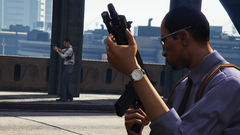
From the album: RDE 4.0
-

From the album: RDE 4.0
-

From the album: RDE 4.0
-
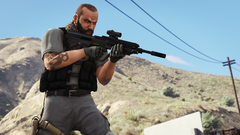
From the album: RDE 4.0
-
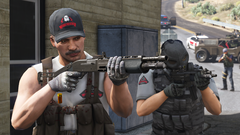
From the album: RDE 4.0
-
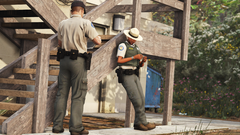
From the album: RDE 4.0
-

From the album: RDE 4.0
-

From the album: RDE 4.0
-

From the album: RDE 4.0
-

From the album: RDE 4.0
-
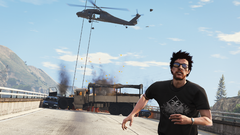
From the album: RDE 4.0
-

From the album: RDE 4.0
-
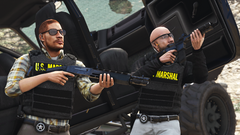
From the album: RDE 4.0
-
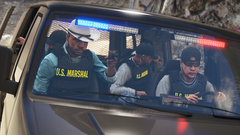
From the album: RDE 4.0
-
From the album: RDE 4.0
-
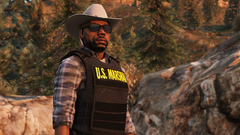
From the album: RDE 4.0
-
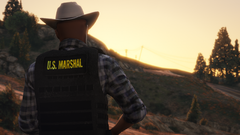
From the album: RDE 4.0
-
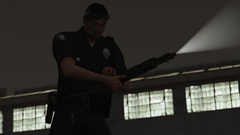
From the album: RDE 4.0
-
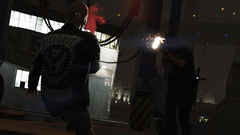
From the album: RDE 4.0
-
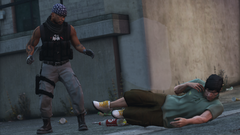
From the album: RDE 4.0
-
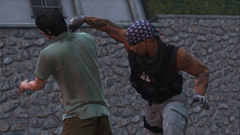
From the album: RDE 4.0
-
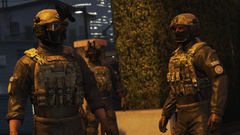
From the album: RDE 4.0
-

From the album: RDE 4.0
-
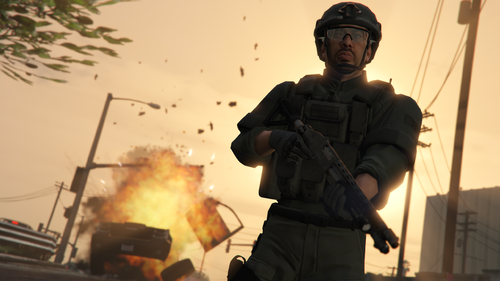 Intended to replace the LSSD SEB ped added by RDE. Originally based off of Yard's LSSD SEB ped. Includes Bad Company's remapped tactical pants model, NotReid's rolled-sleeve BDU & Slick's pistol model that's placed in the holster. Will be included in RDE 4.0.
 -
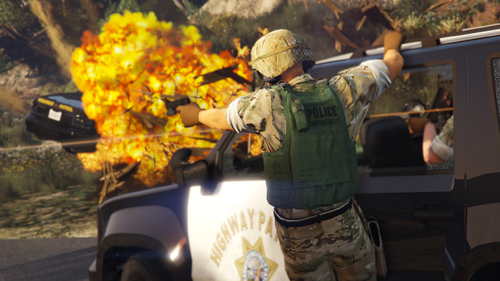 Intended to replace the SAHP SWAT ped added by RDE. Originally based off of Yard's SAHP SWAT ped. Includes Bad Company's remapped tactical pants model, as well as Slick's pistol model that's placed in the holster. Will be included in RDE 4.0.