Skip to content
View in the app

A better way to browse. Learn more.

LCPDFR.com

A full-screen app on your home screen with push notifications, badges and more.

To install this app on iOS and iPadOS
  1. Tap the Share icon in Safari
  2. Scroll the menu and tap Add to Home Screen.
  3. Tap Add in the top-right corner.
To install this app on Android
  1. Tap the 3-dot menu (⋮) in the top-right corner of the browser.
  2. Tap Add to Home screen or Install app.
  3. Confirm by tapping Install.

Jax765

Members
  • Joined

  • Last visited

Everything posted by Jax765

  1. If you have an updated gameconfig, it should be fine. SSR is really the only major thing.
  2. Best to stick to the normal dispatch, SSR is indeed quite unstable for the timebeing.
  3. Are you part of the RDE team? Please, tell us more about how the mod's been scrapped. I assume you must have the inside scoop.
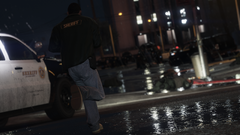
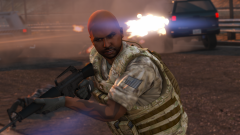
  4. Jax765 posted a gallery image in GTA V Galleries
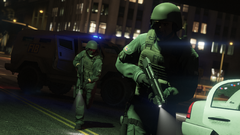
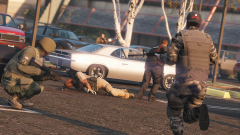
  5. Jax765 posted a gallery image in GTA V Galleries
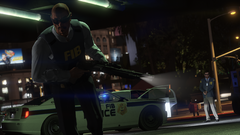
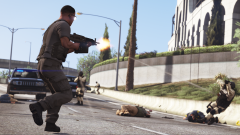
  6. Jax765 posted a gallery image in GTA V Galleries
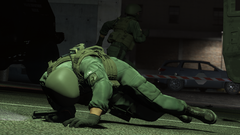
  7. Jax765 posted a gallery image in GTA V Galleries
  8. Jax765 posted a gallery image in GTA V Galleries
  9. Jax765 posted a gallery image in GTA V Galleries
  10. Jax765 posted a gallery image in GTA V Galleries
  11. Jax765 posted a gallery image in GTA V Galleries
  12. Jax765 posted a gallery image in GTA V Galleries
  13. Jax765 posted a gallery image in GTA V Galleries

Account

Navigation

Search

Search

Configure browser push notifications

Chrome (Android)
  1. Tap the lock icon next to the address bar.
  2. Tap Permissions → Notifications.
  3. Adjust your preference.
Chrome (Desktop)
  1. Click the padlock icon in the address bar.
  2. Select Site settings.
  3. Find Notifications and adjust your preference.