OfficerLukas504
Members
-
Joined
-
Last visited
Everything posted by OfficerLukas504
-
-
-
-
-
-
-
-
-
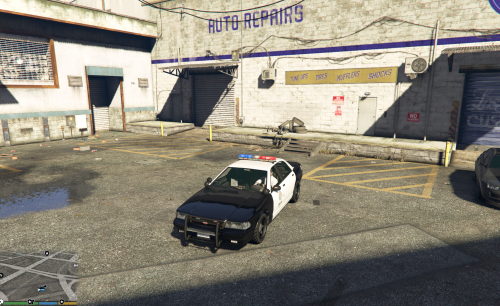
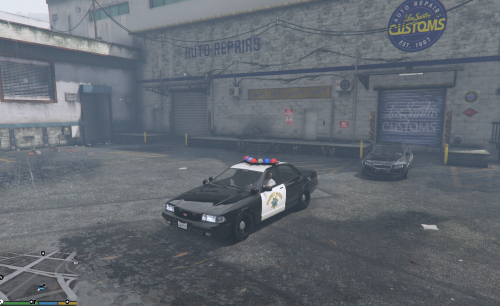
 pls tell me your light setup. :) and nice picture
 -
-
-
-
 AHHHHHHHHHHHRRRRRRRR I've waiting for this soooo long keep up the good work!!!!!
- 44 comments
- 14 reviews
-
-
-
-
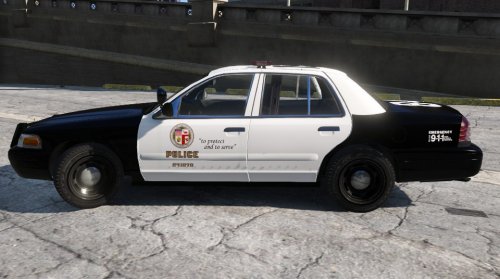 mmh then pls contact the modler dbock1989 he have made this car. Sorry im only a texture maker.
- 19 comments
- 5 reviews
-
I just rename and replaced the crown files. but did you have installed other stanier textures ? You need the 3 stanier files in only one patchday folder. Look if you have other police.ytd, police.yft..... in the other patchday folders, if yes then delete these.
- 19 comments
- 5 reviews
-
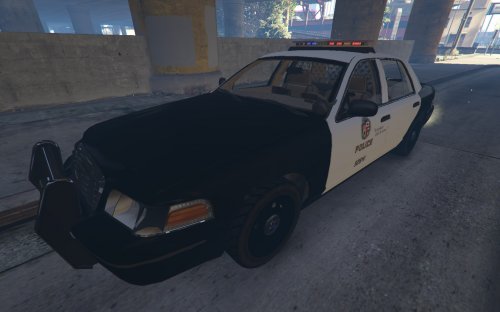
Only the texture was made by me, the CVPI is made by dbock1989!!! to install : 1. install the cvpi : http://www.lcpdfr.com/files/file/8287-added-emergency-vehicles-by-dbock-ft-the-cvpi/ 2.open the crown.ydt (you can also replace the cvpi with the normal stanier you only need to rename the crown files to "police") so if you have replace the cvpi then open police.ytd 3. click on "CVPI template (1) and then click on replace, so now you take my texture. for the sheriff skin you follow the same instructions but rename the crown files to sheriff. enjoy!
- 19 comments
- 5 reviews
-
-

- 4
-
-
-
 Ok thanks for your time :).
 -
Ok thank you , in Improved Spotlight and LED only the visualsettings or the graphics.ytd too?
-
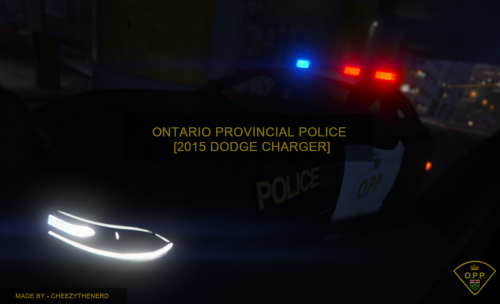 Sick skin . Which lights are you using or which mod? Becouse the lights in these screenshots are so beautiful
- 8 comments
- 2 reviews
-
What lights are you using?
-
 Me too.