



Dave Skin Works
Members
-
Joined
-
Last visited
Everything posted by Dave Skin Works
-
DaveSkinWorks' WIP's album: A bunch of photos of WIP skins made by myself!
-
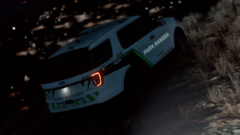
From the album: Dave Skin Works' WIP Skins
Added to a reflective model! -
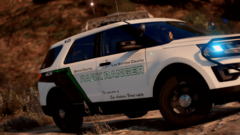
From the album: Dave Skin Works' WIP Skins
-
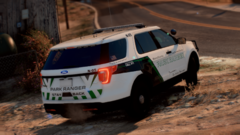
From the album: Dave Skin Works' WIP Skins
-
 I understand that, but it would be great, I think Interaction+ is way better than LSPDFR+, and with 0.4 LSPDFR+ is a bit inutile. But I totally understand if he won’t do it... Yes, I was having crashes with it. But now it’s working fine, and it’s just an idea, every (or at least a lot of them) YouTuber is using c+ and interaction+ so this is the only reason why he could do it.. but I fully understand if he has other things to do 😉
- 1,005 comments
- 68 reviews
-
I really like this mod, thanks for the developement! For the onboard computer I use Computer+, but now I don’t know what to do because I really want the court system! It looks awesome! It would be awesome if you could make support for computer+, and when I write an arrest report in it, it will transfer it to the court. I understand if you don’t want to make it, because your mod has his own computer system, but it would be awesome 🙂 Thanks for this gamechanging mod you made, and good luck for further developement 😉
- 1,005 comments
- 68 reviews
-
 There are some items for the drug reagent test. If possible, add it to the lists.
- 50 comments
- 13 reviews
-
Hello, I love this mod 🙂 Could you add support for Interaction+? It would be great. Thanks for the work!
- 50 comments
- 13 reviews
-
-
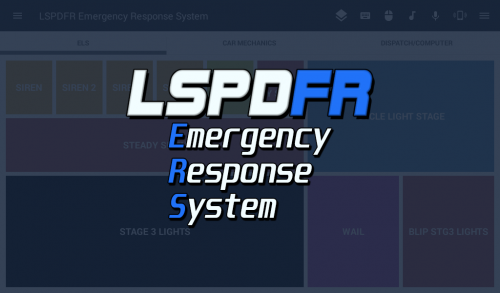 Hello, I love the idea! I would like to see more coming... Will it be updated in the future? But already, great work. Thanks
- 70 comments
- 5 reviews
-
To get the limitless gameconfig working, you need to install two other things, it’s in the description. I had the same issue, and now it’s working.
-
All these contols are In Vehicle: Aim drive-by weapon (Left bumper) Switch camera/Interaction menu (Back button) Horn (Left stick pressed) Use phone (DPad up) Radio wheel (DPad left) Character selector (DPad down) Headlights (DPad Right) Handbrake/Fire drive-by weapon (Right bumper) Pause menu (Start button) Exit vehicle (Y) Next vehicle weapon (X) Duck (A) Focus camera/Cinematic camera (B) Look behind in vehicle (Right stick pressed) Thanks for the work you did for the community!

-
Hello, is it possible to remove all the bindings in vehicle, and just leaving the accelerate, brake, steer and look. If it's possible, will I be able to use the DPad to navigate in menus? It's for LSPDFR, and I want to configure all my buttons with JoyToKey. Thanks in advance!
-
Really can't wait!! Just patrolling


