


LCPD_OFFICER
Members
-
Joined
-
Last visited
Everything posted by LCPD_OFFICER
-
Hey LCPDFR, I don't know if this is the right section... (since its under questions i assume its correct?). So like the title states im wondering if it's possible to change the NOOSE weapons from EFLC?, i essentially want to remove the assualt smg and automatic shotgun from the noose armament and give them back the Carbine so they have the same weapons as in gta iv. Anybody know how to do this? Thanks!
-
Hey LCPDFR, So i know Not many People mod IV anymore but i thought id ask anyway... Was wondeirng if anybody could post the links to these 2 vehicles? Forza horizon traffic ford explorer: http://www.igcd.net/vehicle.php?id=50591 And the 2008 ford explorer form ford offroad racing Thanks!
-
Hi LCPDFR! Im just wondeirng if its possible to edit V's AI to make Firefighters and EMS drive as fast but safer without slamming into things? I know people have done it with the police AI. Also is it possible to either edit the response times for EMS personal or make them able to revive NPC's?, or would this destroy some missions? Im only looking for improvements to the AI, no new things :) Thank you and hope you can help!
-
Yet another great video DM! P.S i was the guy who commented on the dodges xD
-
 Do you have a link for the motorolla or is it private?
 -
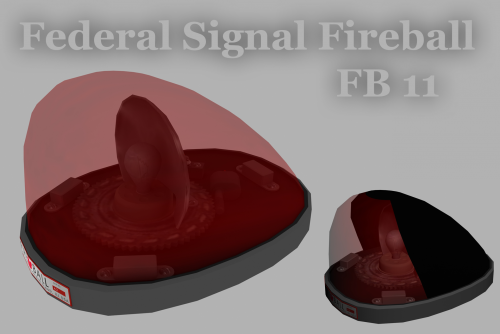 what year model is this one?
 -
Hi! Im just wondering if somebody can explain something for me. I have noticed some models have materials called (mesh), (lightemissive) in (), what is the difference between have these and not having these? Thanks!
-
 Awesome thanks!
 -
Yo lundy! Im just wondering if you are able to either send to me or upload the tailights for your 1998 crown victoria? :) in .obj if possible? :P I want to use them for a IV vehicle, Thanks! (says you can't recieve messages)
-
Love your videos darkmyre, hope someone makes an australian roadtrain mod so you can replace the semi trucks :)
-
Hi Wondering if anybody can help me make a skin? its the Nolan movie batman. EDIT: can someone help with making a CVPI skin too?, the same as the ones below If possible can whoever makes it upload the native gimp file? (so i can edit the numbers and such)? Thanks!
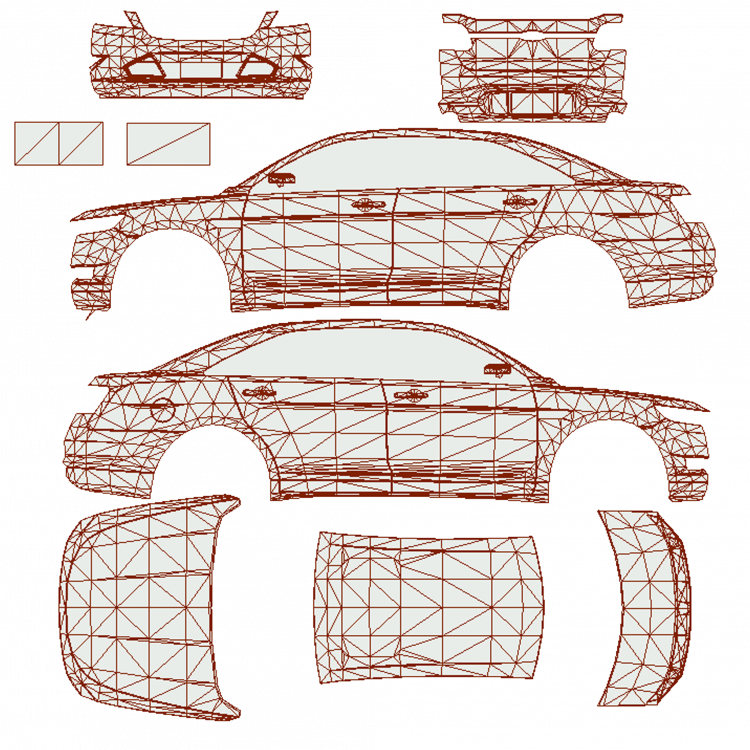
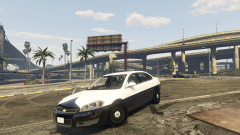 Dont want to be a douche but you should add its the impala 2016 PPV, since the civilian impala does not look like that anymore:P
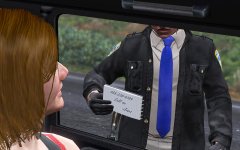 Its not what it looks like, We all know he found that in her car and the numbers to her dealer, she going to jail
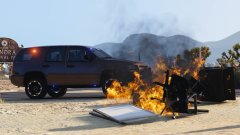 Unexplainable = TrevorJust a specific model. I think its in one of the yft files.You see i think it isn't part of the texture (not calling you a liar) but i have several san andreas converted models which are the "snow" version but none of them have it. Im guessing its a specific mod tire maybe?, one that is disabled in LS customs but hey i could be wrong :PWell if people know it or not I am a big fan of all expeditions, one of my favorite cars. So it feels like i should come to the defence of it. Though it seems like not even unmarked units use those rims xDHi guys! Im just wondering if anybody can make a dev model of the V snow chains or just upload it?, It would be awesome in both IV and V. Thanks!Hi guys! I'm converting a 2003 impala but i've run into a snag. How are the tailights and headlights set up? (which light is which?) Thanks!Better Help than no help ccpf! :) Has it got with carvariations.meta?Hi LCPDFR!, I've seen some files which make non-police police vehicles able to use sirens and lights, like this: http://www.lcpdfr.com/files/file/8196-emergency-services-overhaul/ How do i do this?, and does it work with added vehicles? Thanks!


