
sitrep
Members
-
Joined
-
Last visited
Everything posted by sitrep
-
 Only thing to make this model better would be a removable push bar. Thanks for releasing this!!
- 112 comments
- 36 reviews
-
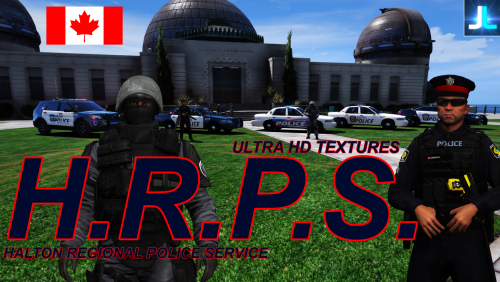 Awesome Pack!! Some OPP units I look forward to seeing: Explorer Some HRPS units that I look forward to seeing: Older colour scheme for the explorer Skins for the BxBugs charger (including the old colour scheme) Older colour scheme for the Taurus That's just my wish list, Thanks for the great work!
- 13 comments
- 5 reviews
-
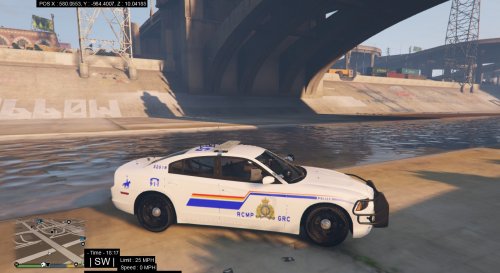 Nice looking skin but the light-bar isn't working properly when I have this skin applied.