JonRodSleepy
Members
-
Joined
-
Last visited
Everything posted by JonRodSleepy
-
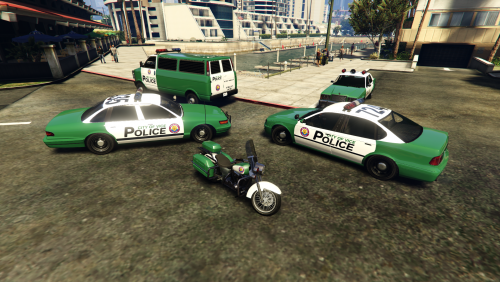
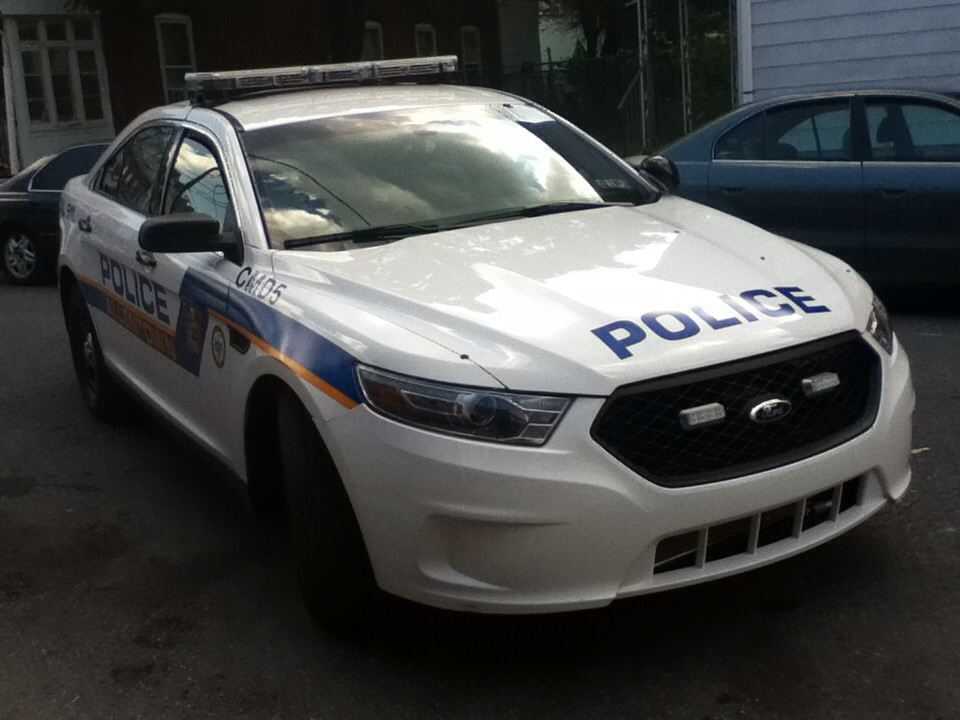
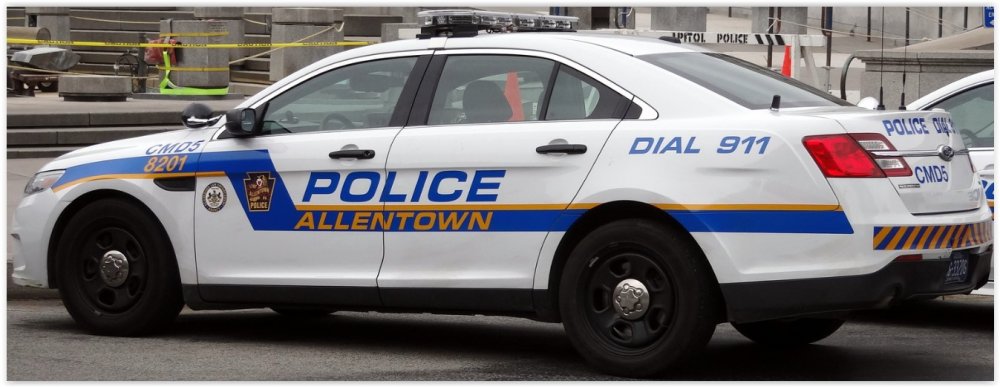
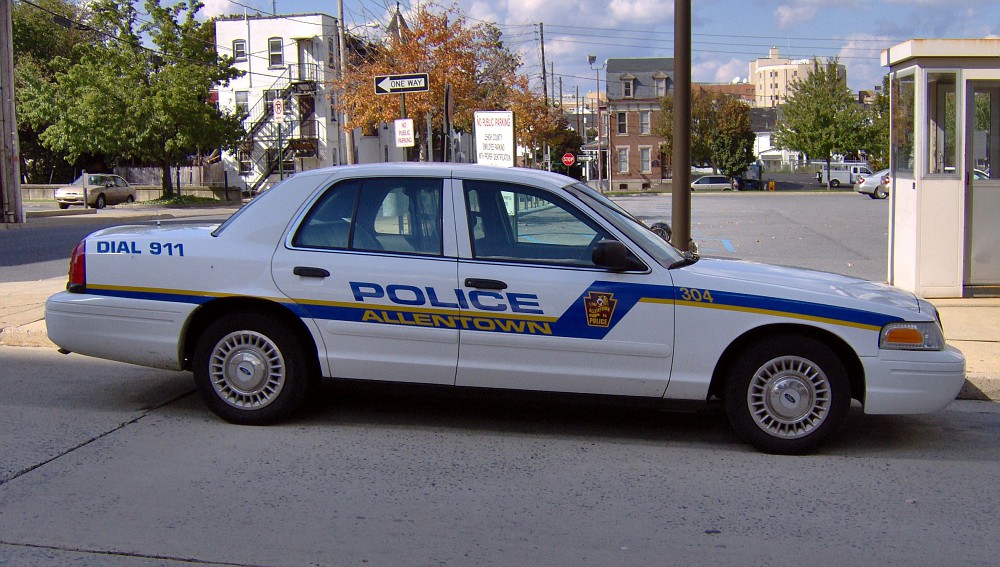
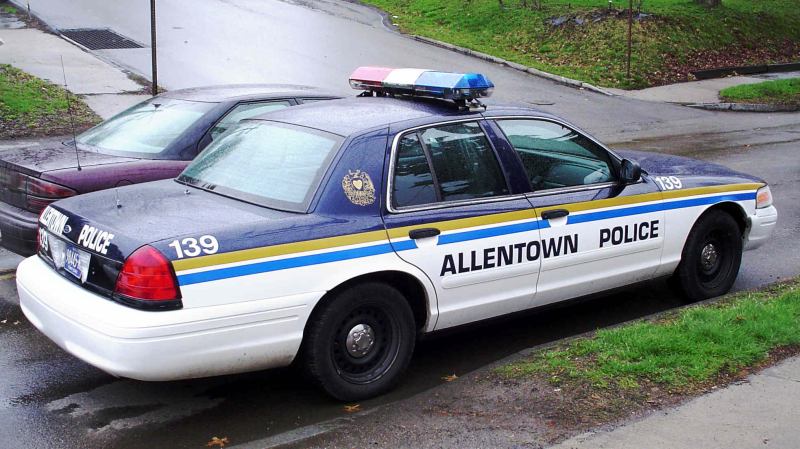
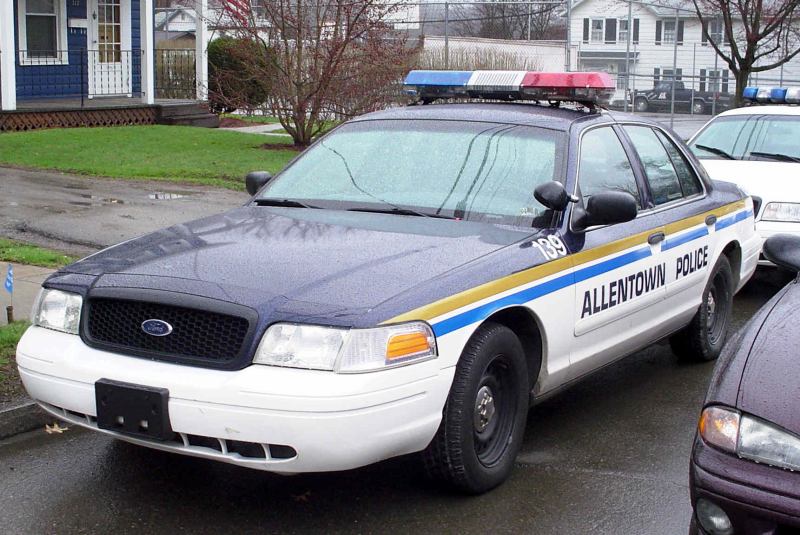
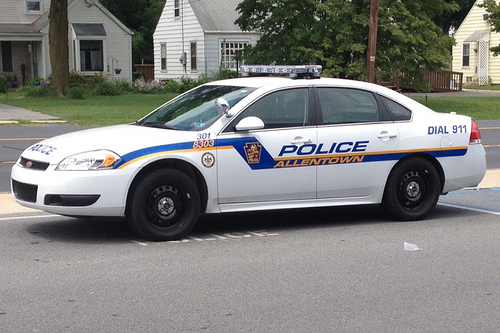
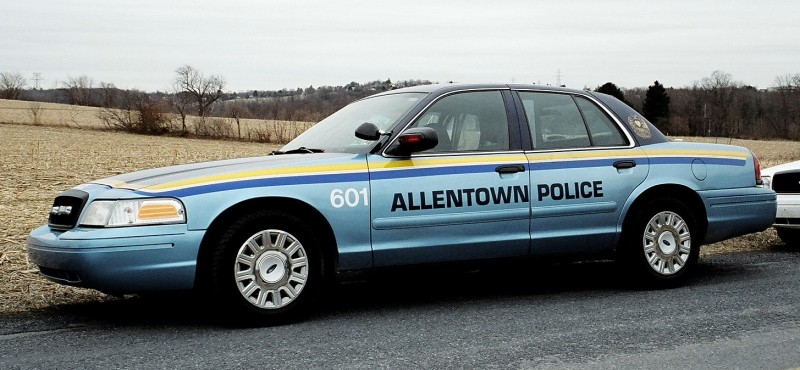
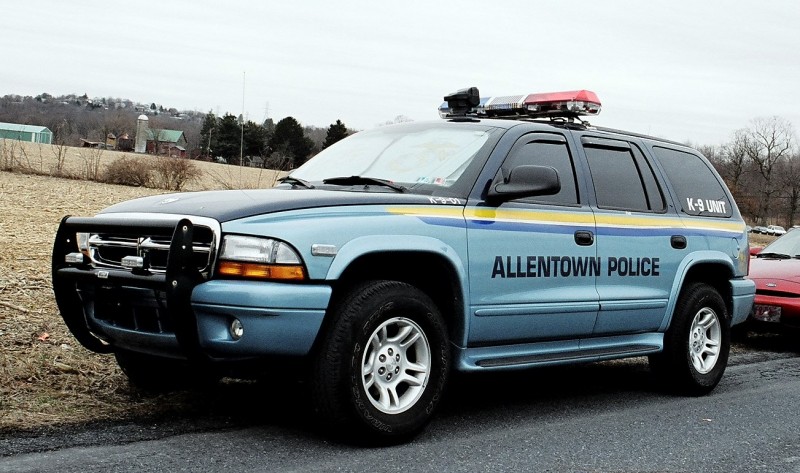
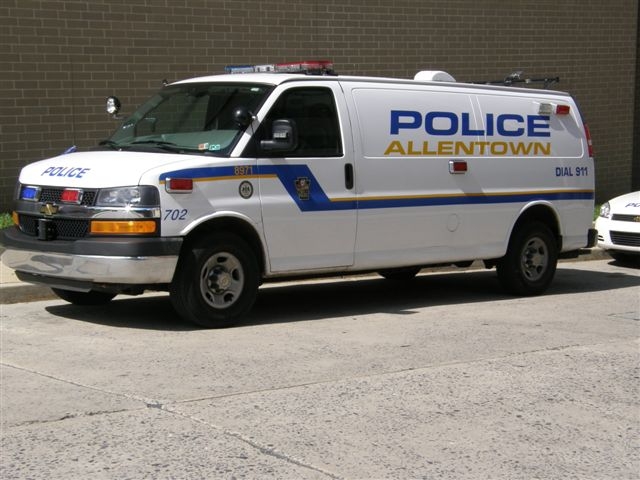
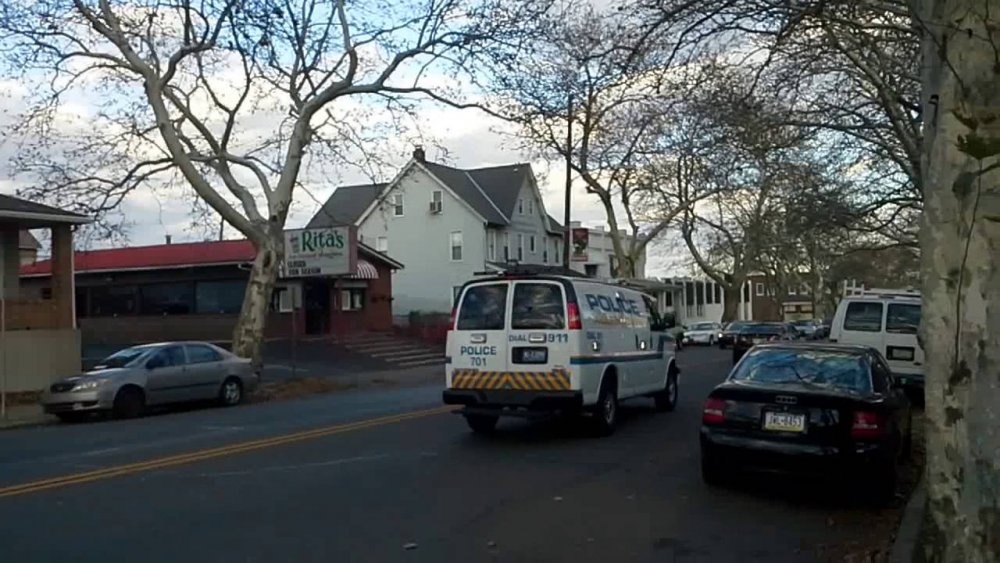
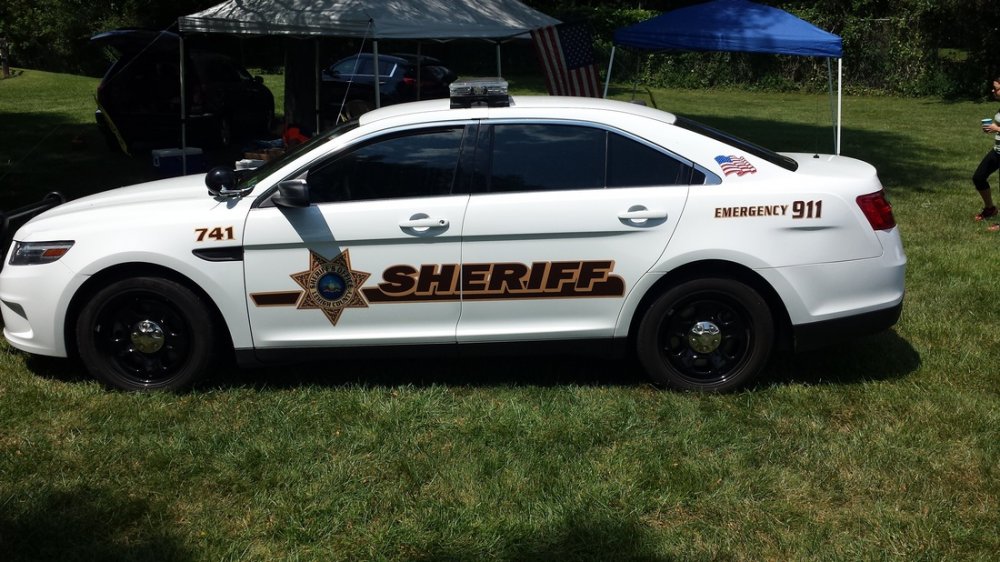
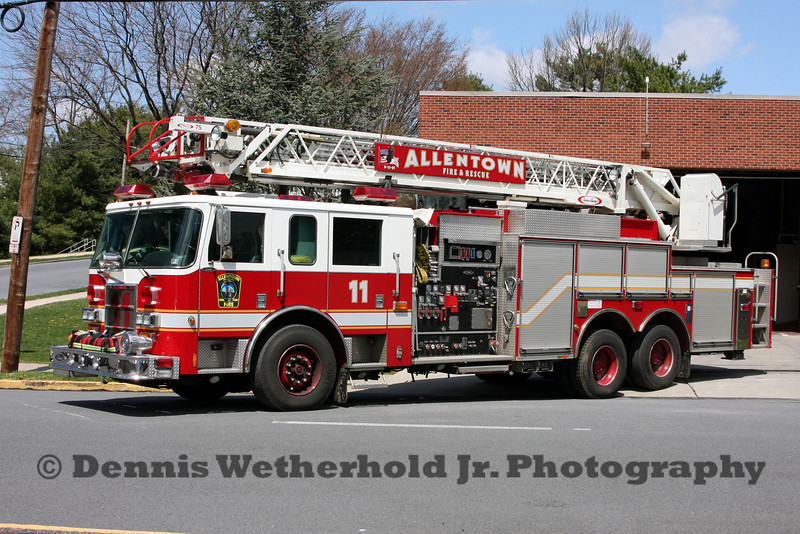
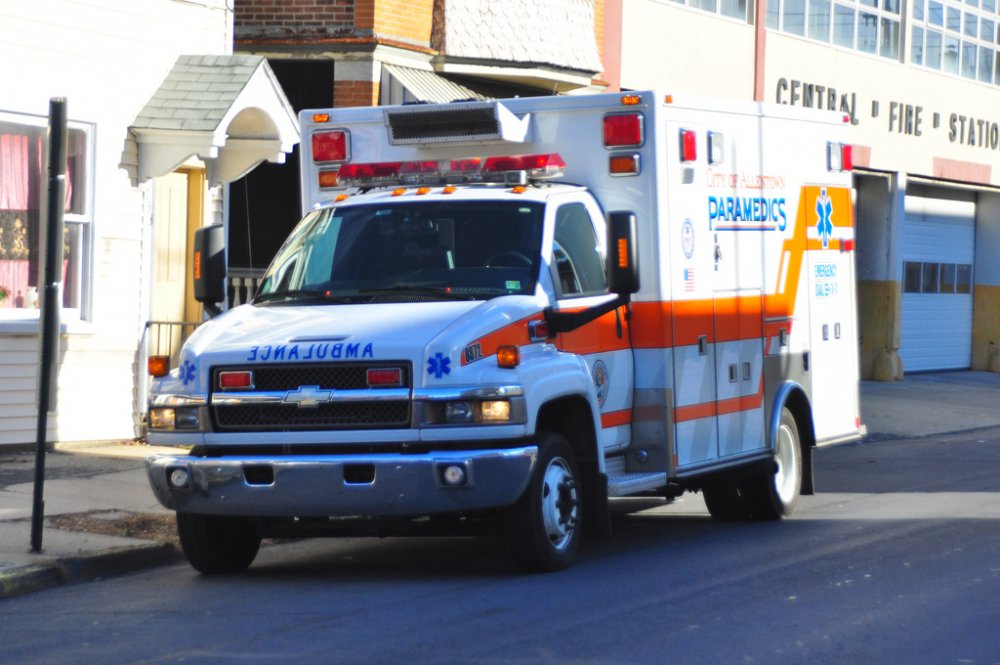
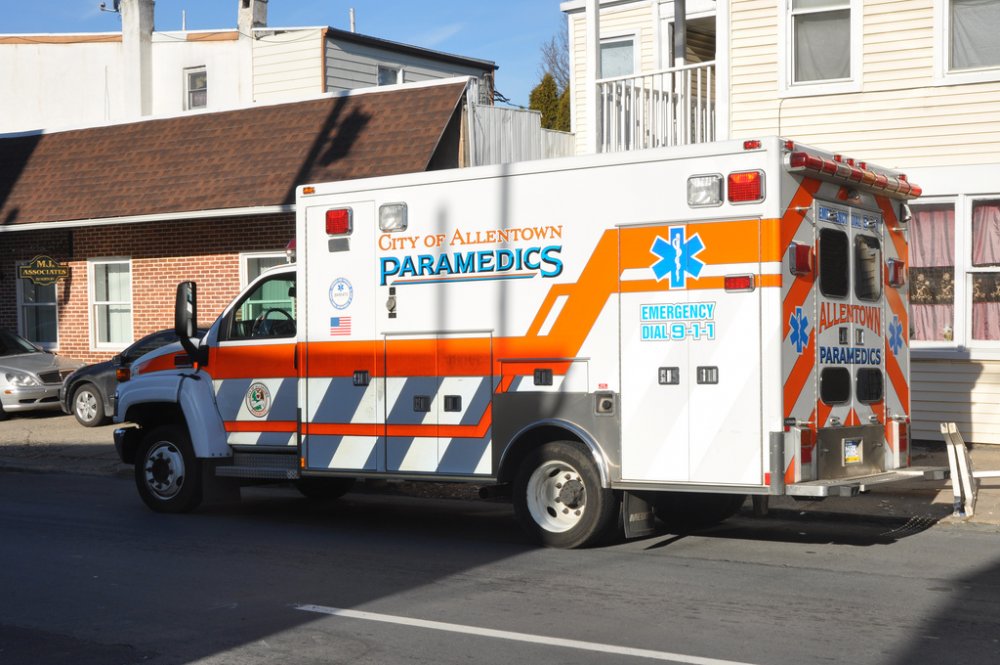
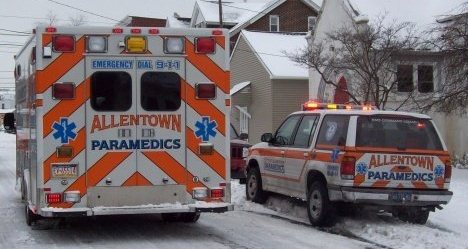
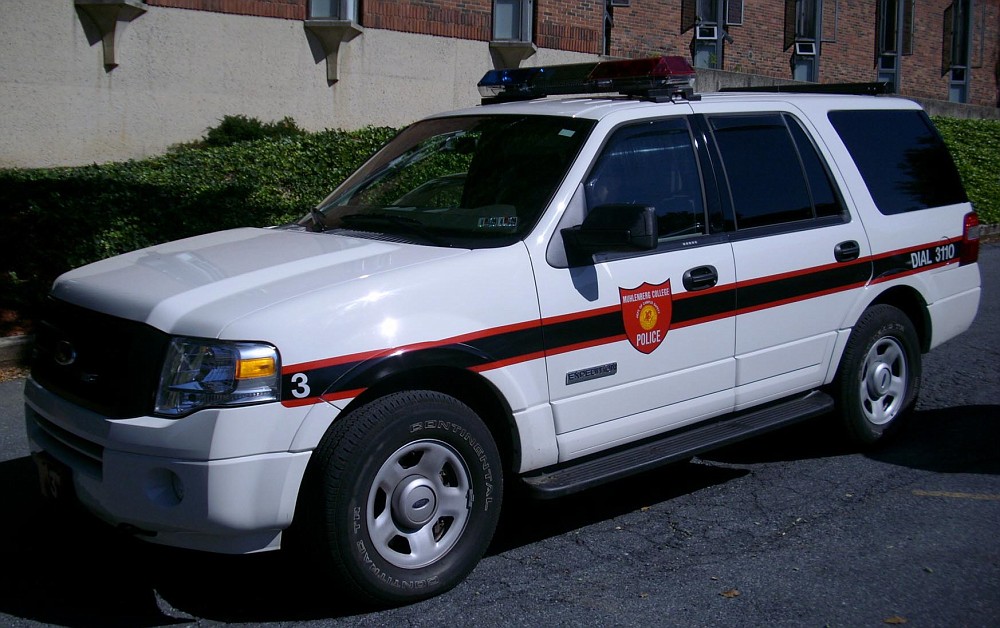
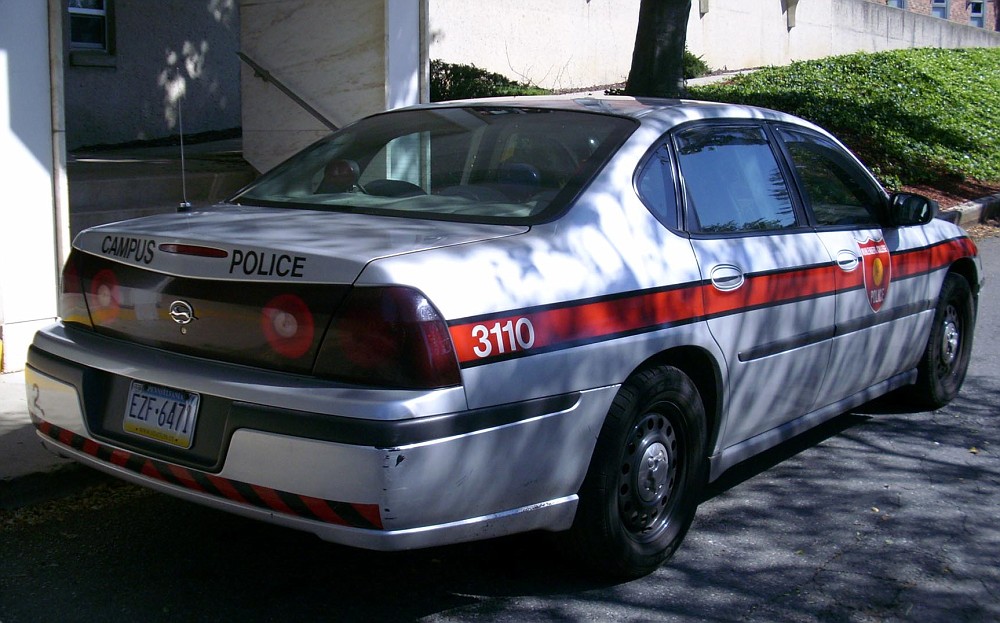
New Livery Old Livery Lehigh County Sheriff (Note they dont patrol or respond to normal 911 like the regular police that I have ever seen, but you see these cars when they are doing court related duties) LEHIGH VALLEY INTERNATIONAL AIRPORT POLICE NEW AND OLD LIVERY MULLENBERG COLLEGE CAMPUS POLICE EMS/FIRE
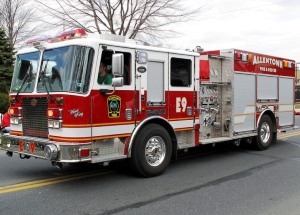
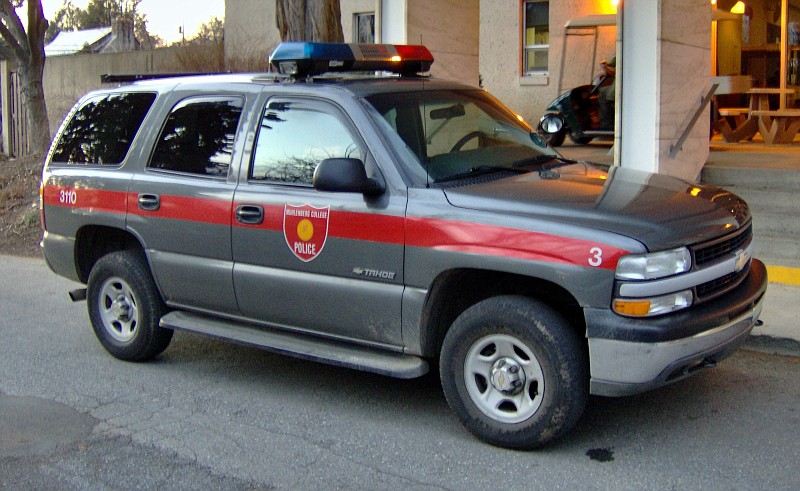
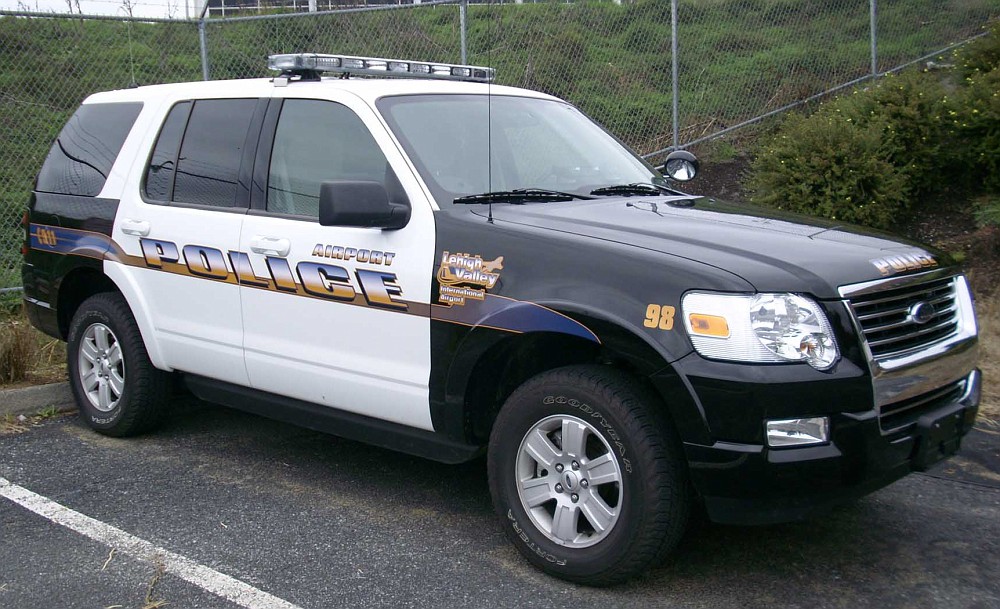
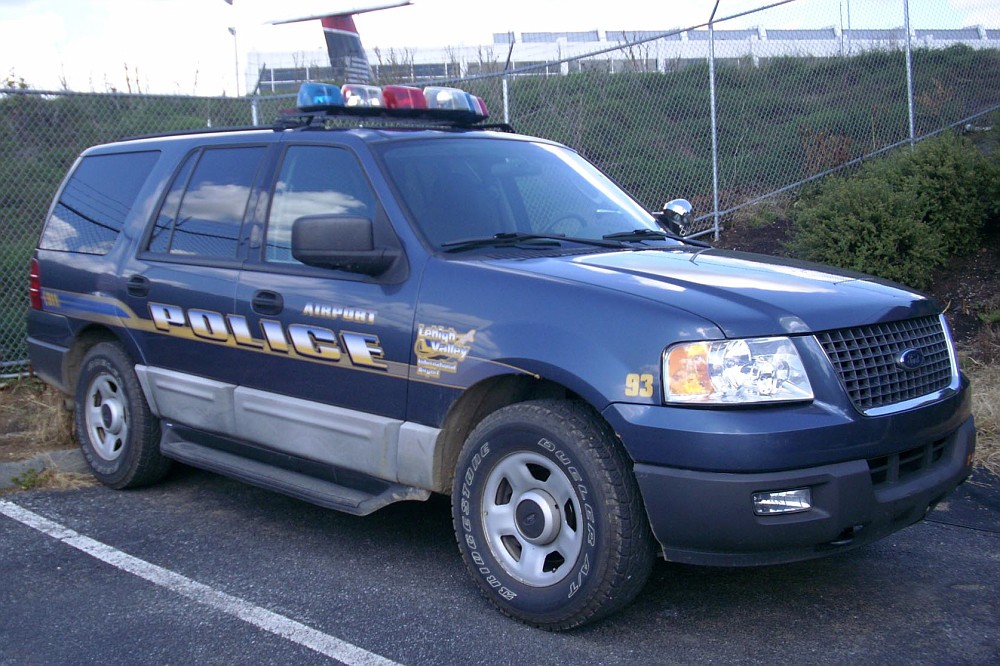
-
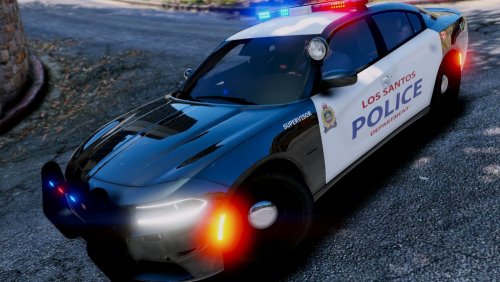 Very nice!! Thank you for pointing me to your textures. This is what I was looking for and works well with the ELS models!! Nice textures and very well put together !! Thank you
- 15 comments
- 9 reviews
-
-

- 1
-
-
Are there any skins out other for the ELS Vanilla Models. The ones I have found are non els and dont fit well.
-
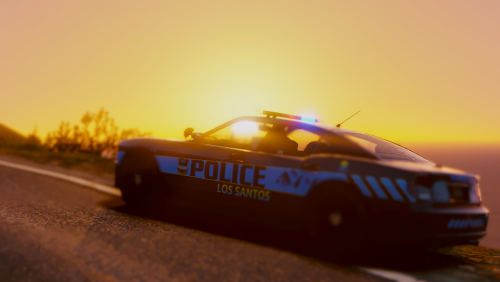 OMG SUCH A TEASE! I was wondering if you would ever add that and here it goes in the comments!!
- 82 comments
- 30 reviews
-
-
- 1
-
-
-
Still using your pack and just realized you added more in the update :) .. thankss !! really nice
- 82 comments
- 30 reviews
-
-
- 2
-
-
Thanks I like it and will continue to use them for a long time *****, will patiently wait and hope for some of the other models in rde, when you have the time of course ..
- 82 comments
- 30 reviews
-
-
- 1
-
-
I was looking for els lore because the other ones were crashing my mid gaming type pc also using with rde. Your pack is what i was looking for Great lights nice textures smooth game play hope to see future lore versions like these soon!
- 82 comments
- 30 reviews
-
-
 says the script editor has an update wont let me use it and brings me here but no update :(
- 270 comments
- 19 reviews
-
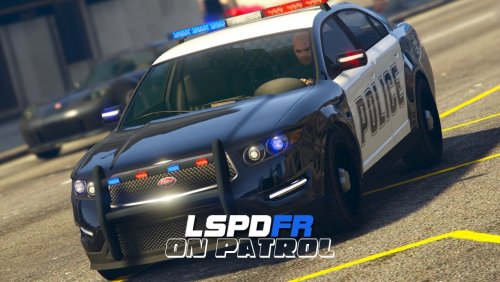 i do like the plugin and the extra cops on the road but for me seems like too many cops like ill see 5 in a row constantly. i hope thats not normal definelty like the variety but not that many seems like 50% of my traffic is police/sheriff. hope it can be improved
- 39 comments
- 4 reviews
-
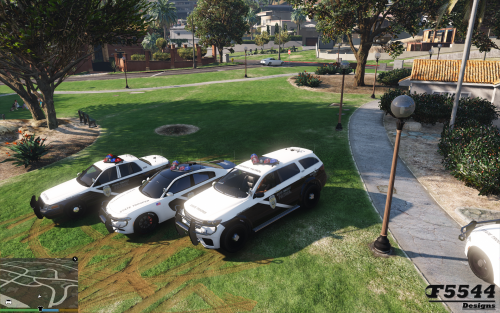 i have had no luck getting them to work, when i try to spawn rage says model not found. love the work tho from what i can see
- 81 comments
- 9 reviews
-
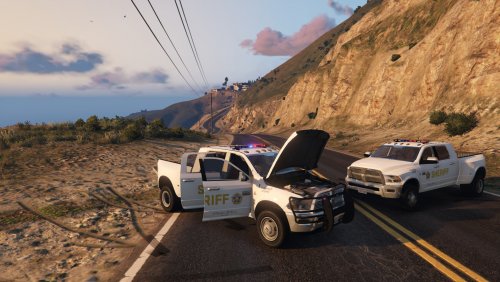 dude i dont either. I dont seem to understand if the files go in xmas2 or patch4ng Ram install location: Just click the import button and import the models and textures for the ram models in patchday4ng. Replace 3500_sign_# for textures. Grand Theft Auto V\mods\update\x64\dlcpacks\mpchristmas2\dlc.rpf\x64\levels\gta5\vehicles\xmas2vehicles.rpf
- 54 comments
- 6 reviews
-
 tried it today from a fresh install , hdd crashed and figured why not try. only had rage and albo installed no other mods or trainers and it crashed. restored the bu filed and game worked fine without the files. hopefully someone will find a mix, was great having them.
- 371 comments
- 38 reviews
-
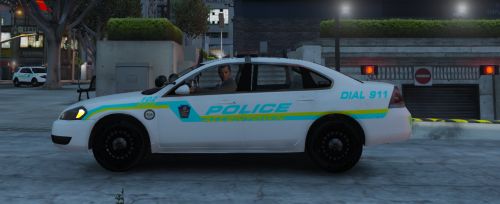 cant help but notice the older allentown cvpis in the background , can you share please :)
- 8 comments
- 1 review
-
-
- 1
-
-
-
Sorry heres the screenshot before infinite loop

-
Hey all I know Multiplayer is not fully supported but I would appreciate any help that can be provided as I have done research for hours with no solutions. I'm using version 1.1 with NO mods or additional scripts at all. GTA 1.7 Legal steam version Every time I load the game I get the message you see below even if I launch it by myself. I have followed the thread How to get support and command errors and quick fixes and checked all dependencies were installed as mentioned. The game launches and loads even spawns me but then the message shows and goes into a endless loading screen right after. I have installed all log files required any assistance would be greatly appreciated. Thank you! Jon LCPDFR.log ScriptHook.log ScriptHookDotNet.log AdvancedHook.log