


ProvidenceLaw
Members
-
Joined
-
Last visited
Everything posted by ProvidenceLaw
-
.thumb.png.74fa240ff4a76b01e34ba086716110ce.png) Something might be wrong with your font files or photoshop not working with them correctly, because that's not what it looks like lol. Try Paint.net
Something might be wrong with your font files or photoshop not working with them correctly, because that's not what it looks like lol. Try Paint.net -
They did use a blue color on older vehicles, but modern ones are black. Agree on the font 100%.
-
Well.. it's a good start. The font is called Revue, however, if you were wondering. This seems like a mix and match of different fonts. Everything else seems to be accurate, so good job.
-
 Hello, thank you all for reporting this bug. We are updating the model as we speak. The problem should be fixed. -RangerZ Staff
- 175 comments
- 25 reviews
-
-

- 1
-
-
Happy to hear - the AmbientScenariosMultiplier can be particularly annoying.
-
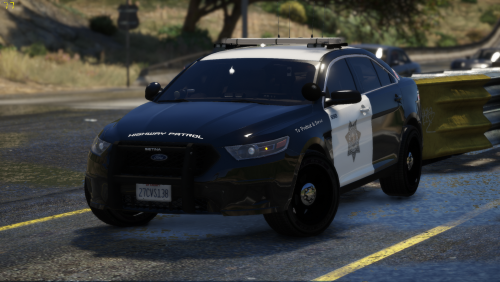 @Benji22Thank you for the praise, although I did not do the textures on this particular pack! I am just the lead texture artist for RangerZ.
- 10 comments
- 2 reviews
-
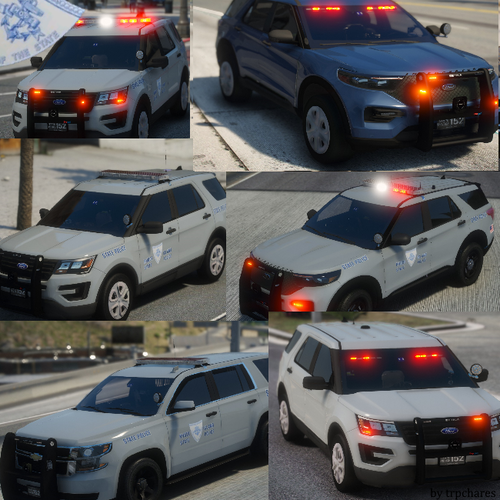 You might be right. I think post-2010 (last model year of the 2006-10 Charger) they might have stopped using it. Good to have some fellow Rhode Islanders who know!!
- 36 comments
- 8 reviews
-
-
- 1
-
-
I don't know. I think the two blues can come on if they want them to for traffic or fog, whatever the case may be.
- 36 comments
- 8 reviews
-
-
From living in RI I can tell you all the vehicles are setup that way. You could download the font and make it that with paint.net but yeah, it's still great anyways!
- 36 comments
- 8 reviews
-
I live in Rhode Island, so not only is it weird to see two great RI-based packs in a row, but it's even weirder to see two good ones! While I haven't tried things out in the game yet (which I will be, and at such point I will leave a review) but, just from the pictures, I have two minor criticisms. Number one, the font used for all the text is wrong. The correct font is Helvetica Bolt Condensed for your reference. Lastly, the real-life RISP, in the rear of the lightbar, has two blue lights. From left to right on the Liberty (not counting the corner light), it would look like this, and a real life picture too. ------ If it is possible to do that, that would be great, but again, just some constructive criticism and an overall great pack nonetheless. I believe this pack is supposed to be 100% realistic to the real-life Rhode Island State Police. RI State Police uses all red lights with the exception of two blue lights in the rear of the vehicle.
- 36 comments
- 8 reviews
-
 About time Rhode Island gets some love. Love this fleet. It's really simple but really good at the same time. Thanks Slendis!
- 63 comments
- 37 reviews
-
-
- 5
-
-
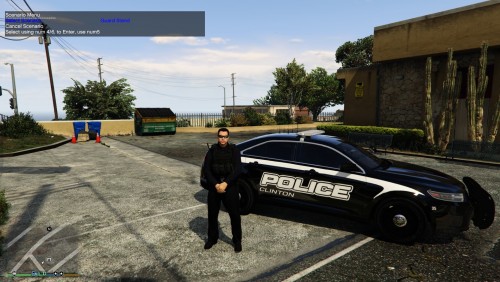 I didn't think of that one. Thanks.
 -
Looks really good. Do you by chance remember the font used in the photo? Thanks in advance.
-
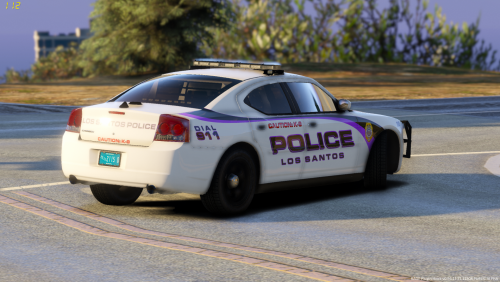 Check your vehicles.meta file and make sure that the DiffuseTint value is set to 0x00FFFFFF. Probably you have your tint value set incorrectly causing the lightbar glass to be blocked by window tint.
- 25 comments
- 4 reviews
-
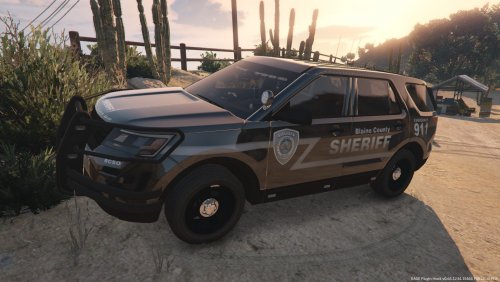 This is really, really nice, good job. It's simple, the font looks nice and fitting, and it looks like something a real sheriff department would use. Nice job again.
- 1 comment
- 1 review
-
-
- 1
-
-
-
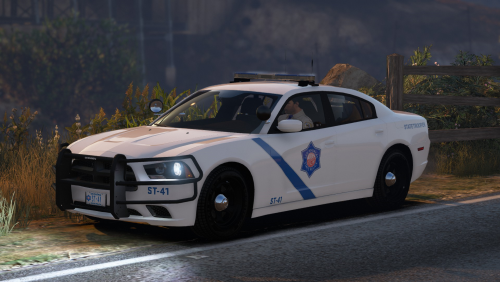 Is it possible of seeing a slicktop expedition with a pushbar? I would love that.
- 19 comments
- 16 reviews
-
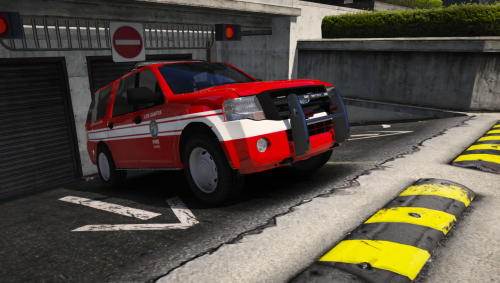 Is it possible you could make a slicktop version of this without the siderunners?
- 30 comments
- 2 reviews
-
I changed out the pack, and it worked. I will also look into this AmbientScenariosMultiplier, thank you very much for your help!
-
Thank you for the information! I will try and see if this helps.
-
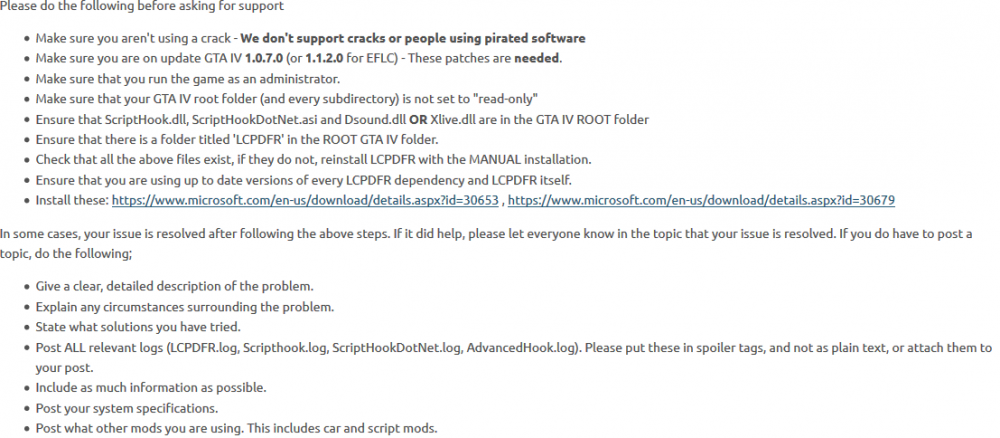
Please follow the proper format for a support request:
-
Hardcore mode is already disabled, but I will test out PreloadAllModels. Here is a copy of my LCPDFR.ini just incase. I have converted it to .txt format since LCPDFR will not let me upload .ini files.LCPDFR.txt LCPDFR.txt Edit: PreloadAllModels did not make a difference.
-
Hello, Recently I have been experiencing issues where my GTAIV crashes when calling for backup. This seems to happen primarily when I'm in pursuit of someone. It doesn't matter what type of backup I call (e.g. NOOSE, Patrolman, Helicopter, etc.) I have tried switching out xlive.dll for dsound.dll which did not fix the issue. I have reinstalled my LCPDFR several times and this did not fix the issue. I have also tried calling for backup using the key combinations or the quick action menu. This doesn't make a difference. Attached is all relevant logs. I am on LCPDFR v1.1, GTAIV v1.0.7.0 System Specifications: AMD Ryzen Threadripper 1900X Overclocked to 4.2 GHz 120mm AIO Liquid Cooler X399 Motherboard 16GB Kingston HyperX Fury XMP @3000 MHz NVIDIA GeForce GTX 1080 8GB GDDR5X Windows 10 Professional 64-bit 2TB Toshiba PCIe NVMe SSD (game installed on this) 2TB Toshiba 7200 RPM HDD Mods: LCPDFR 1.1 Bozza's LCPD Defender Vehicle Pack BF3 Glock 17 Federal Signal SS2000 Siren vdH PoliceHelper vdH Coroner Script vdH Towing Service ELS v8.51 New Cops & State Troopers Profeet ENB, latest version Radar Script ALPR Script Backup Script by FinKone Callouts+ Any help you can provide is greatly appreciated. Thank you!
-
You have posted this in the GTA IV LCPDFR forum. You need to repost in the proper GTA 5 forum.
.thumb.png.74fa240ff4a76b01e34ba086716110ce.png)
