




F A D E D
Members
-
Joined
-
Last visited
Everything posted by F A D E D
-
Are you guys starting to see magical countdowns AGAIN? I don't see a thing on a countdown.
-
For that guy he quoted: Why don't you work your ass off making your own police mod with it's own AI, and no bugs, and workaround Rockstar's dick moves in 2 days? Do you even have any coding experience? If not, you have no idea what you're even rushing them on in the first place it is very generous of G17 Media to provide us with a great mod for free.
-
Make your own callouts!
-
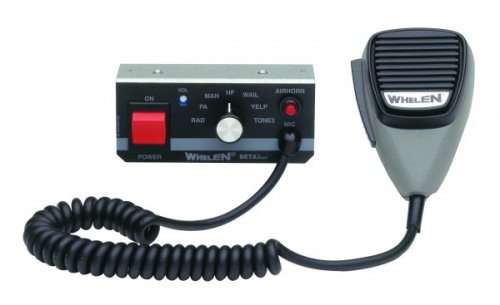 Sounds like my favorite siren from GTA IV! I was trying to recreate it, thanks man!
- 20 comments
- 3 reviews
-
Is it, or soon to be possible to create our own scripts for the mod? I have ideas for my own callouts, and I am thinking of a remade police helper for GTA V.
-
I think the domain should be changed to LSPDFR.com for the main site, and LCPDFR.com can have it's own website, because now it's not about LCPDFR anymore. It's all about LSPDFR. Do you guys think this could happen?
-
If this is an early release I'm going to kill myself of joy.
-
OMG ILL CALL 911 RIGHT NOW. OMG OMG OMG. I CAN'T BE LIKE THIS.
-
People from Rage Hook made a gameplay video of LSPDFR it's just a pursuit, but it can show us a little bit more!
-
You guys should add an option to pull people over for texting while driving/interaction with phone. That would be awesome.
-
Sam, will LSPDFR be out in less than a week? What time should I be expecting the mod.


