


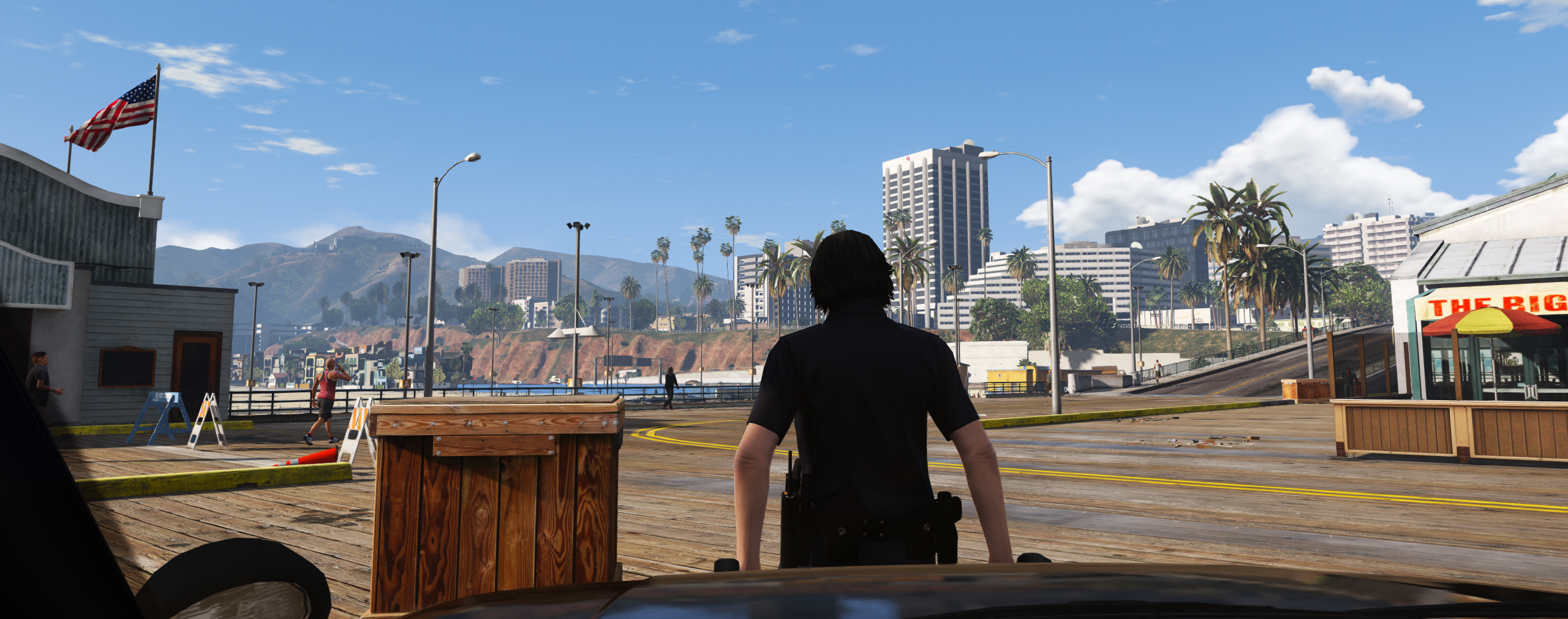

AllenKennedy
Members
-
Joined
-
Last visited
Everything posted by AllenKennedy
-
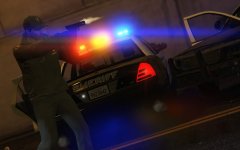 That glock is killing me...
 -
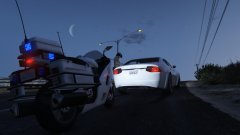
From the album: GTA V Screenshots
Loving this new police bike, SAHP are back in the game. Model Livery -
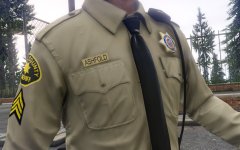 I know right, It's crazy, not Witcher 3 E3 demo crazy, but pretty damn crazy.
 -
 *salivating uncontrollably*
 -
![Watcha loofing at.. Punkf!? [WIP]](//s3-gallery.int-cdn.lcpdfrusercontent.com/monthly_2016_02/small.2016-02-18_00009.jpg.d674c2f404666474059ba01ffccf42c8.jpg) I see long sleeve ranger shirts! and nametags! :D Keep up the hype!
I see long sleeve ranger shirts! and nametags! :D Keep up the hype! -
-
 I R8 8/8 No H8 or B8 M8. Gonna go M4st3rB8. Bloody fantastic model, works like a charm with the .meta edit, I was having issue originally as I use RDE, but managed to fix it by adding the policeb files to their mod files also. Loving using it with custom liveries, looks fantastic. Only issue I can see at the moment is the front wheel turning, it seems to use animations built for a different body style, which looks a bit odd on the model, as the wheel seems to like, touch the sides of the housing, kind of. But that is but a tiny issue in a sea of awesomeness, loving it to bits mate.
- 102 comments
- 28 reviews
-
-

- 1
-
-
-
-
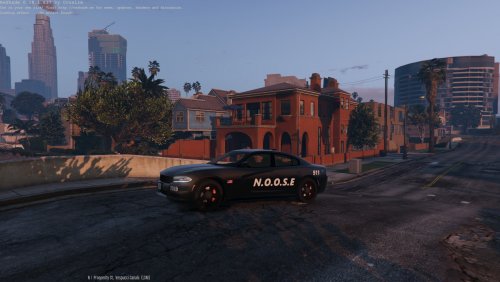 I'd recommend putting in a bit more effort, as it looks like a base two tone with N.O.O.S.E. on the sides, and 2015 on the front and back, rather basic, and not that interesting, also, Dodge Charger, not Doge Charger. If I had any talent for skins and such I would add a unit number to the roof, trunk, or both, as well as maybe on the bumpers, also, some kind of badge on the sides. Also, making the NOOSE text look nicer than simple black on white. For a first try it's not bad, but pretty bland.
- 3 comments
- 1 review
-
-
- 1
-
-
![More variety of customization [WIP]](//s3-gallery.int-cdn.lcpdfrusercontent.com/monthly_2016_02/small.variations.png.3011832322e0827c3dbb9635394cd960.png) It's a bugger, but you gotta use Skin Control first, once you have made some faces on that, save them with it, load one of them, then use the EUP menu, and it will use that face, unless you change gender using the menu. Here is a link: https://www.gta5-mods.com/scripts/skin-control
It's a bugger, but you gotta use Skin Control first, once you have made some faces on that, save them with it, load one of them, then use the EUP menu, and it will use that face, unless you change gender using the menu. Here is a link: https://www.gta5-mods.com/scripts/skin-control -
Nice. Also, loving those service stripes on the long sleeve shirt, oh hey, are you considering a Sergeant I patch for Long sleeve LSPD any time soon? :D
-
I see P. Jones, can we start making our own name tags?
-
Yeah, I wish I knew how to code gud. I keep having my plugin load, then time out, like, immediately.
-
I agree, at the moment it's a fucking hodgepodge of colors. But remember, fellow officers are normally shown as flashing red/blue.
-
 I get the same, although I have noticed it works better without car mods installed. ;_;
 -
 Have you tried lowering some graphics settings or uninstalling some other mods?
- 1,509 comments
- 85 reviews
-
 At the moment you have to use a trainer to assign a new voice. I normally use Simple Native Trainer V
- 2,341 comments
- 236 reviews
-
![LSPD Funeral Procession [REL]](//s3-gallery.int-cdn.lcpdfrusercontent.com/monthly_2016_02/small.2016-02-10_00049.jpg.f8c5b4448c449a6804905431a09de743.jpg) jesus, the cow noises.
jesus, the cow noises. -
I get that all the time, but that's due to dodgy plugins I'm testing. I highly doubt it is an EUP related issue.
- 2,341 comments
- 236 reviews
-
I had a look into that beforehand, I don't really understand how I can make it so the assigned persona get's a wanted flag or not.
-
How do I make it so when I get the ID of someone spawned in by a plugin, it will always be somebody wanted? Also, I hate to be a nuisance, but does anyone know how I can set the heading of spawned vehicles/peds etc.?
-
I played on a lot of serious RP servers, so I can do angry voice real good. Angry Scottish 16yr old at your service XD
-
Thanks. I just have to choose the co-ordinates now. ;_;
-
So I'm making a callout, I want to make like, a property raid callout, so, I'm experimenting with certain locations. I don't know how to set a custom spawn location though, I assume you have to use IG XYZ co-ordinates in some way. but I honestly don't know how.

![Watcha loofing at.. Punkf!? [WIP]](http://s3-gallery.int-cdn.lcpdfrusercontent.com/monthly_2016_02/small.2016-02-18_00009.jpg.d674c2f404666474059ba01ffccf42c8.jpg)


![More variety of customization [WIP]](http://s3-gallery.int-cdn.lcpdfrusercontent.com/monthly_2016_02/small.variations.png.3011832322e0827c3dbb9635394cd960.png)
![LSPD Funeral Procession [REL]](http://s3-gallery.int-cdn.lcpdfrusercontent.com/monthly_2016_02/small.2016-02-10_00049.jpg.f8c5b4448c449a6804905431a09de743.jpg)