Officer478
Members
-
Joined
-
Last visited
Everything posted by Officer478
-
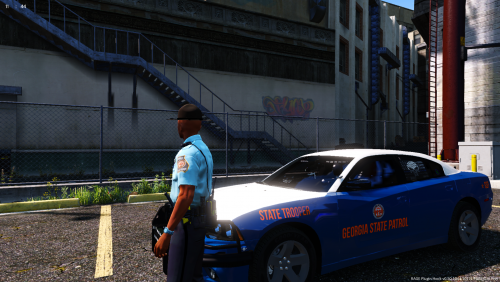
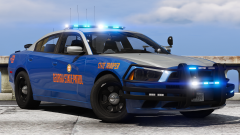
Former LEO in GA here. All the GSP Troopers I ever worked with were out of Post 26 - Thomaston. Their patrol cars had full Whelen Packages installed. All vehicle had Whelen CenCom Sapphires installed. It has basically become a standard for them now. The Mastercom B is very rare since the State of GA makes sure Troopers have the latest Chargers, Explorers, and Tahoes for SCRT/K-9 Troopers. The Chargers out of Post 26 are all 2019 Chargers.
-
 Nice! I want the GSP Charger, it would be nice!
 -
 By chance, where did you get the siren tones? Just wondering, because I edited these same exact siren tones back in Feb: https://www.youtube.com/watch?v=ZwEIhwBpfW0
- 27 comments
- 5 reviews
-
 You are correct. It is a FiveM community called Florida Coast Roleplay. Discord is here: https://discord.gg/2wrnN8c
- 6 comments
- 1 review
-
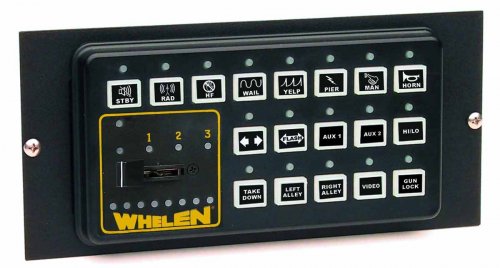
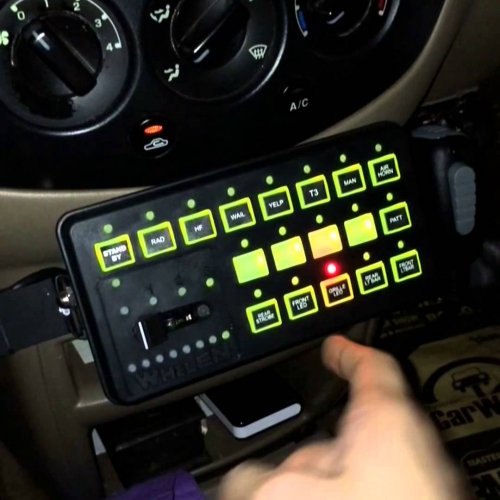
Hello all, I am bringing to you the Whelen CenCom Sapphire Siren used by many agencies across the United States. The Readme.txt did not save, you will need ArchiveFix to install this siren. Video: Based off this video:
- 6 comments
- 1 review
-
-

-

- 6
-
-
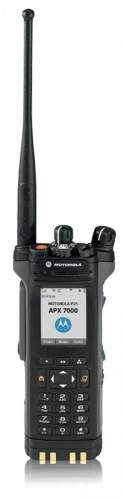 Sounds are from a Motorola APX7000 800MHz radio. The mic_click_on is Motorola's Talk Permit Tone for Digital/Trunked systems. The whisper Notify is if you use Crosstalk using whisper lists, just a standard beep to let you know someone keyed up on the "radio." How to Install: 1. Locate your Teamspeak3 application. 2. Right click on the application and click Properties. 3. Under the "Shortcut" tab, click Open File Location. 4. Go to the "sound" folder. 5. Click on the "Default" folder. 6. Drag and drop "mic_click_on" and/or "whisper_notify" into the "Default" folder. 7. Restart your Teamspeak3 application. How to get the Mic Clicks to work: 1. Open Teamspeak3 application. 2. Click on the "Tools" tab at the top of the page and click on the "Options" in the drop down menu. 3. Click on "Playback" and at the bottom of the menu, you will see "own client plays mic clicks". 4. Check the "own client plays mic clicks" box. 5. Test it by talking if it is on voice activation, or by pressing your push-to-talk key to see if it worked. Sounds:
- 1 comment
- 1 review
-
-
- 1
-
-
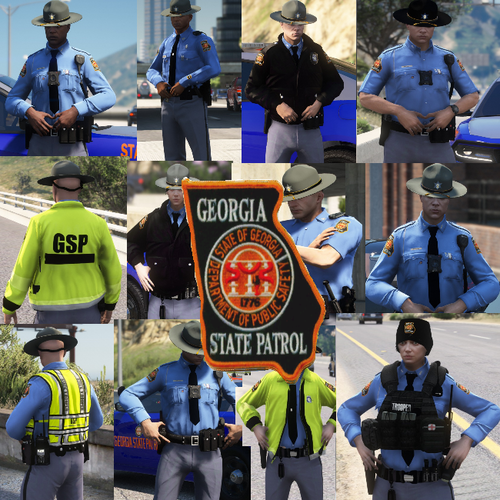 Just a recommendation, the badge actually goes on the left hand side breast pocket, the campaign cover is Dark Grey and Silver tassles, and no tattoos allowed below the elbow. If you could change the tattoo's on the white trooper to no tattoo at all, I would greatly appreciate it!
- 35 comments
- 12 reviews
-
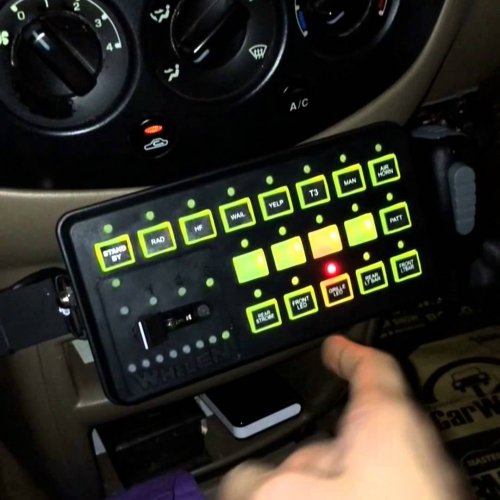 This is the Whelen Sapphire siren used in many police vehicles and Fire apparatus' around the state of GA and across the United States, Here is a video of how the Tones sound:
- 6 comments
- 1 review
-
-
-