


NoleBlooded
Members
-
Joined
-
Last visited
Everything posted by NoleBlooded
-
I found something that will work, disregard thread
-
Right on man! Yeah I am building up this folder slowly and trying to get help all the way through. My idea is to have a folder with atleast LCPDFR and ELS working correctly, so I can just make a copy of that folder to kind of learn off. As far as the question highlighted, sorry for the confusion. What I am trying to ask is lets say you download a NYPD vehicle. It's my understanding that some of these with come with authentic sirens, i.e. fed sig ss2000 for NYPD. I know not all vehicles come with a particular siren, but the ones that do, I'm curious how you would get that in the file as well so that it wouldn't play the standard, GTAIV siren. I have figured out how to import a specific siren using SparkIV but it sets it for all police vehicles, I may be totally wrong about some vehicle models coming with an intended siren already on them. I'm going to check the video link now, thank you! Edit: Wow, that still doesn't make sense does it, lol... Let me watch the video I think I am just wording it way wrong.Alright, well I haven't heard anything since Monday so i decided to go ahead and remove the advancedhookinit file (taser file) and it loads right up with no issues, so I think I am all set for LCPDFR. Thank you to the two of you for the help! but now I would like to get ELS installed. I have it installed in an older GTAIV folder, and I can load cars via SparkIV and spawn them in, but how do I make it to where if the vehicle has a specific siren with it, or something of that nature to work? I would like to start from scratch putting in this current folder you all have been helping with. Thanks.Alright, I did that. The game is still crashing before it starts, I have another diagnostic and screen shot but to me, it looks like it's still not picking up on those same files... Diagnostics_20.4.2015_19_32_7.log
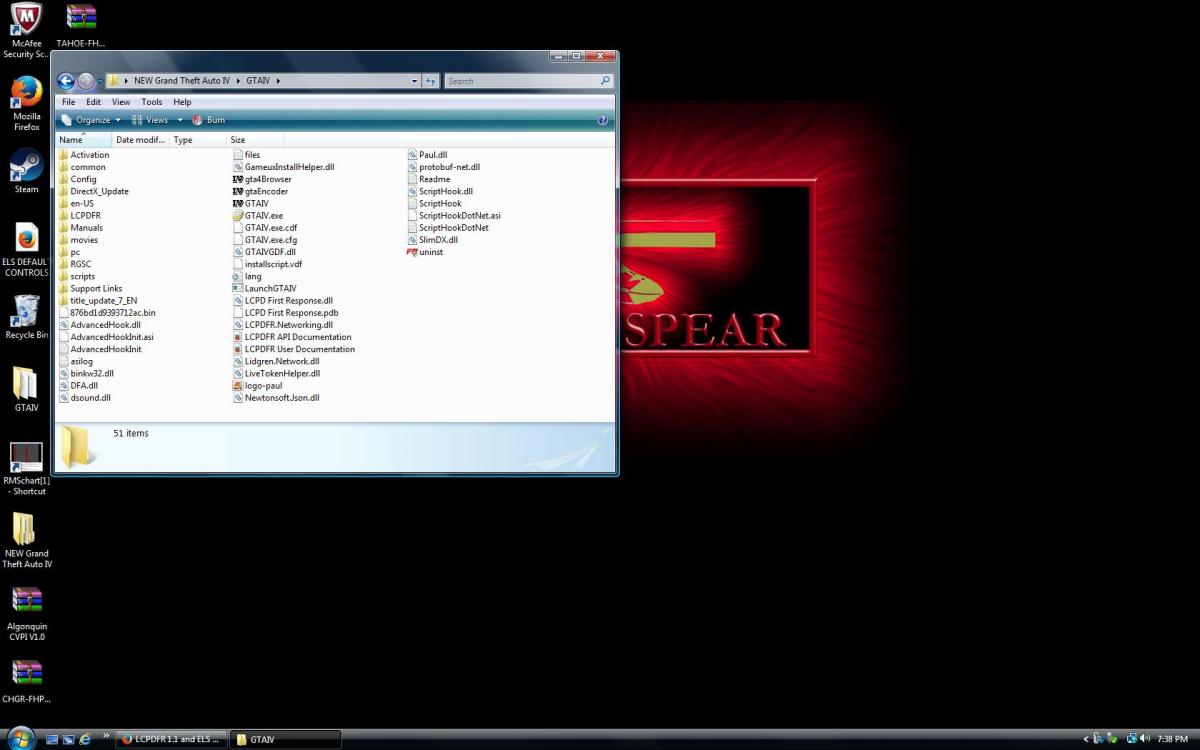 Alright so this time I decided to try the manual install .rar. I selected all files in the zip to drag them to the main game directory but there is already a folder named "PC" in my main directory, should I replace it with the one for LCPDFR or no? I just clicked skip but everything is open still so I can easily replace it if needed.Hmmm. I am just going to start from scratch once again. I am thinking I must be doing something wrong at the point of install. I appreciate you guys' patience, I realize this should not be this difficult. Alright, I took the contents of the folder named "LCPDFR First Response" and pasted them into the main GTAIV folder. The game is crashing before it starts again. But there is still a folder named "LCPDFR" withing the GTAIV folder and it has some files in it, should I pull thost to my main folder as well? Should I try to delete the taser again? New screen shots of how my folders look as well as new diagnostic log. Diagnostics_20.4.2015_14_21_57.log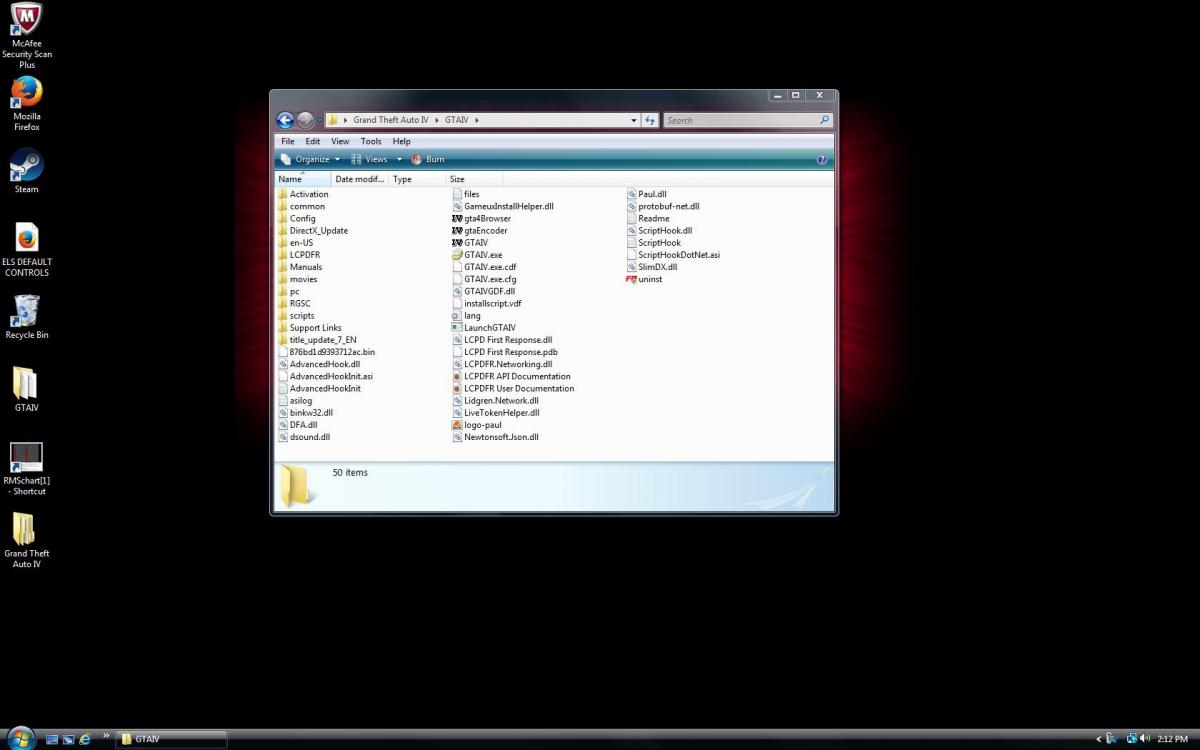
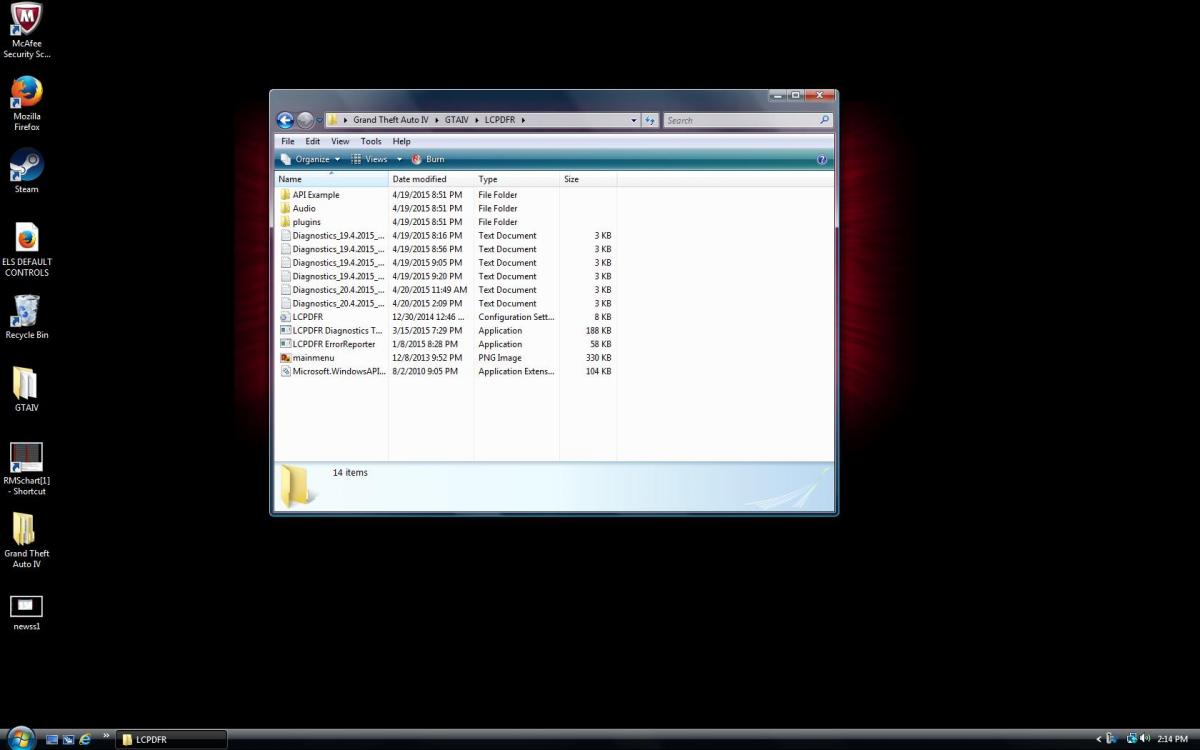 Alright, well I just finished up dinner so I am going to start trying to build up the folder again, but here is the link to my older thread, if you care to look over it. I think the file I deleted was for a taser... Ok, I created a fresh copy of the GTA IV folder. First thing I did was re download the update and installed it to the new folder. Game started right up! Next thing I did was download LCPDFR 1.1 .exe and installed it to the main GTAIV folder. Right click "launch GTAIV" and ran as admin. Game crashed. Downloaded the .rar and dragged the main folder to my main GTAIV folder and replaced all when prompted. Now the game will start up, but I am back to pressing Alt+P and all I get is a blurry screen. Something I did notice is that I have LCPDFR folders within LCPDFR folders, not sure if it should be that way or not, but I took some screen shots so you can see what I mean. I also have a new LCPDFR report for you. As far as I can tell it looks like it's telling me I'm missing the same things. Diagnostics_19.4.2015_21_20_9.log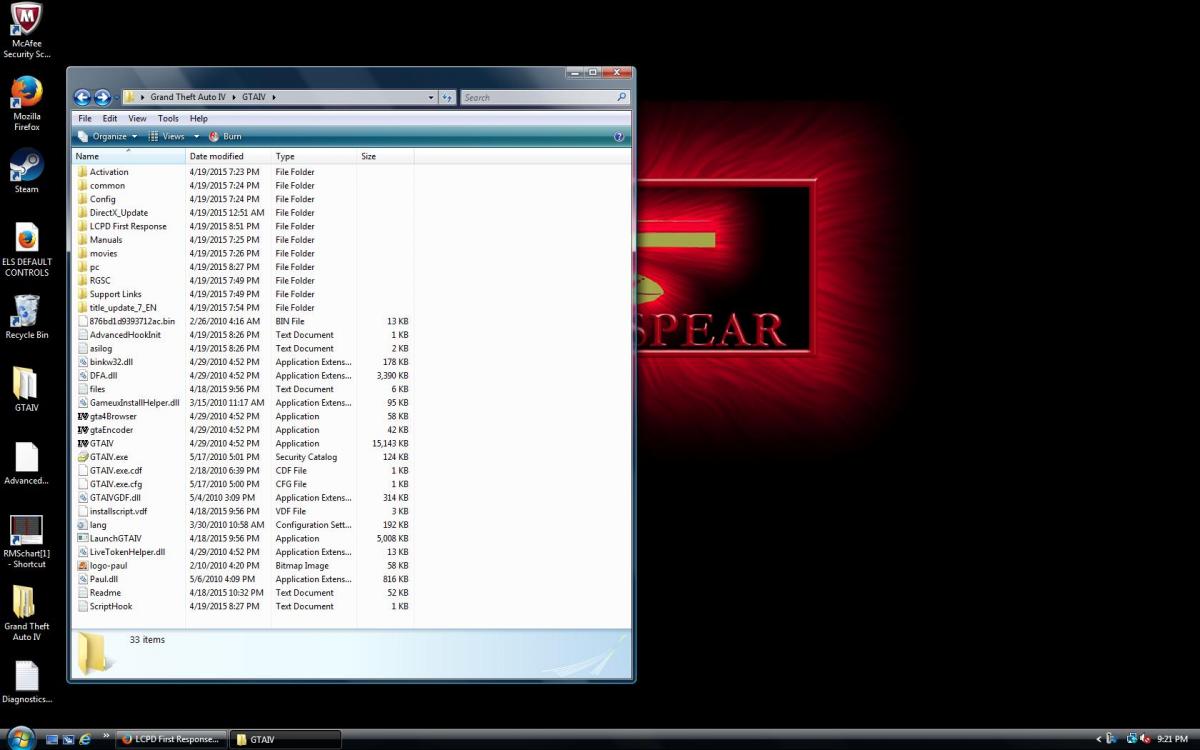
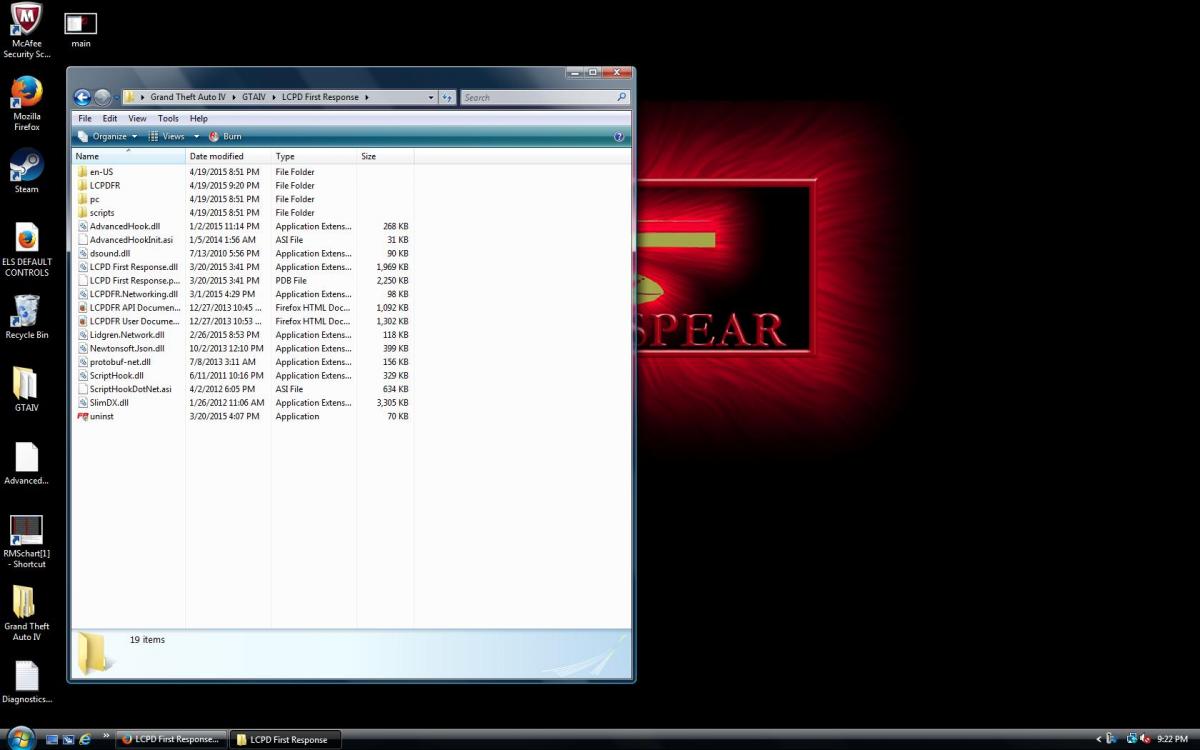
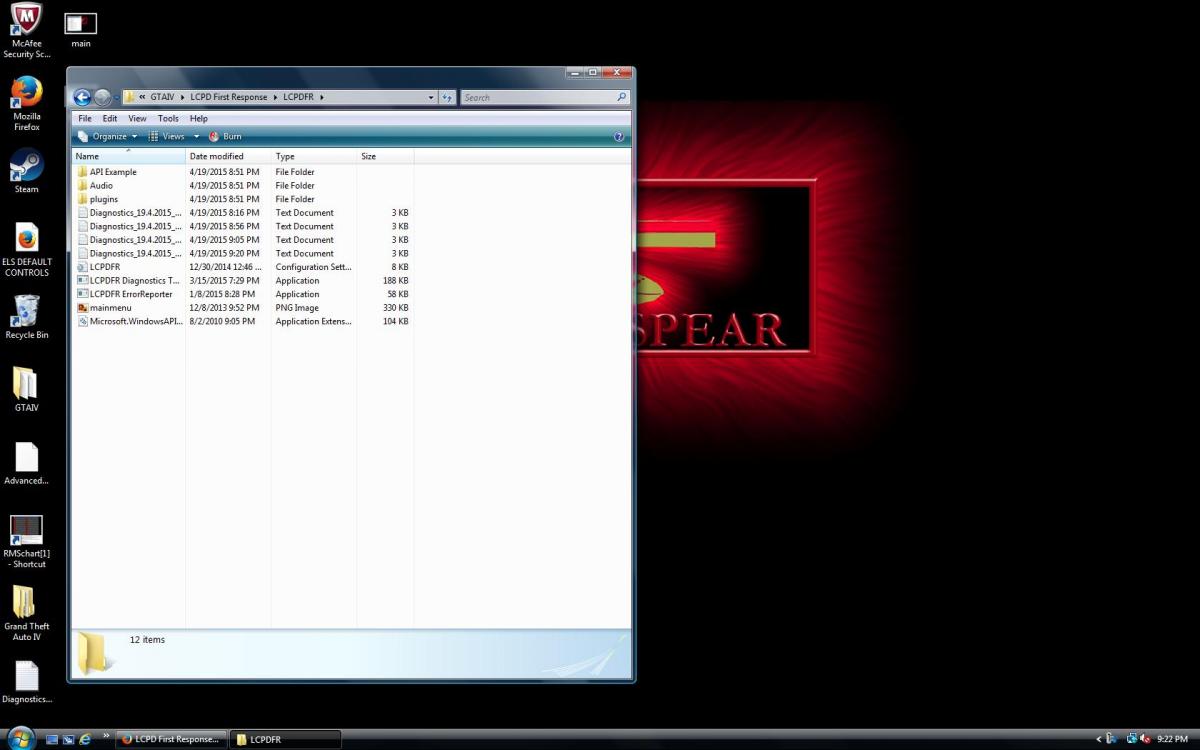 Ok. yeah I kind of looked at the log the best I could before posting and it looked like it was saying they were still missing, here is everything in my folder, there are two pictures. And yes I am running as admin every time. Thanks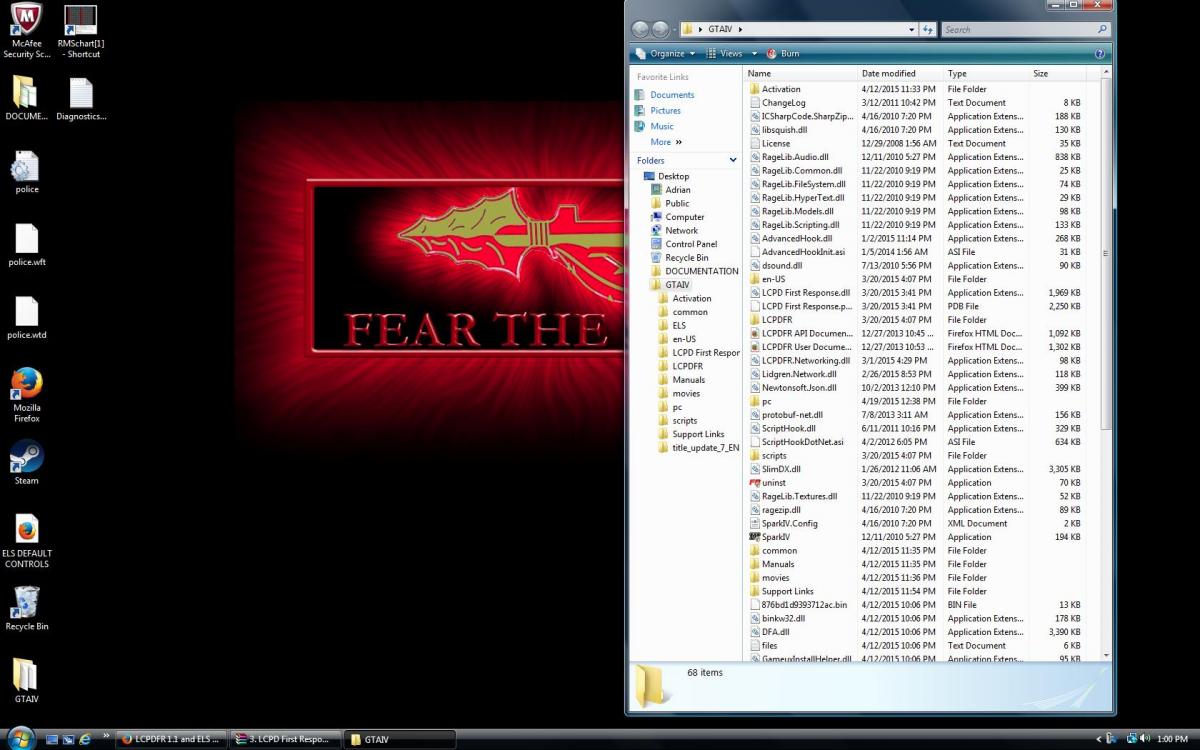
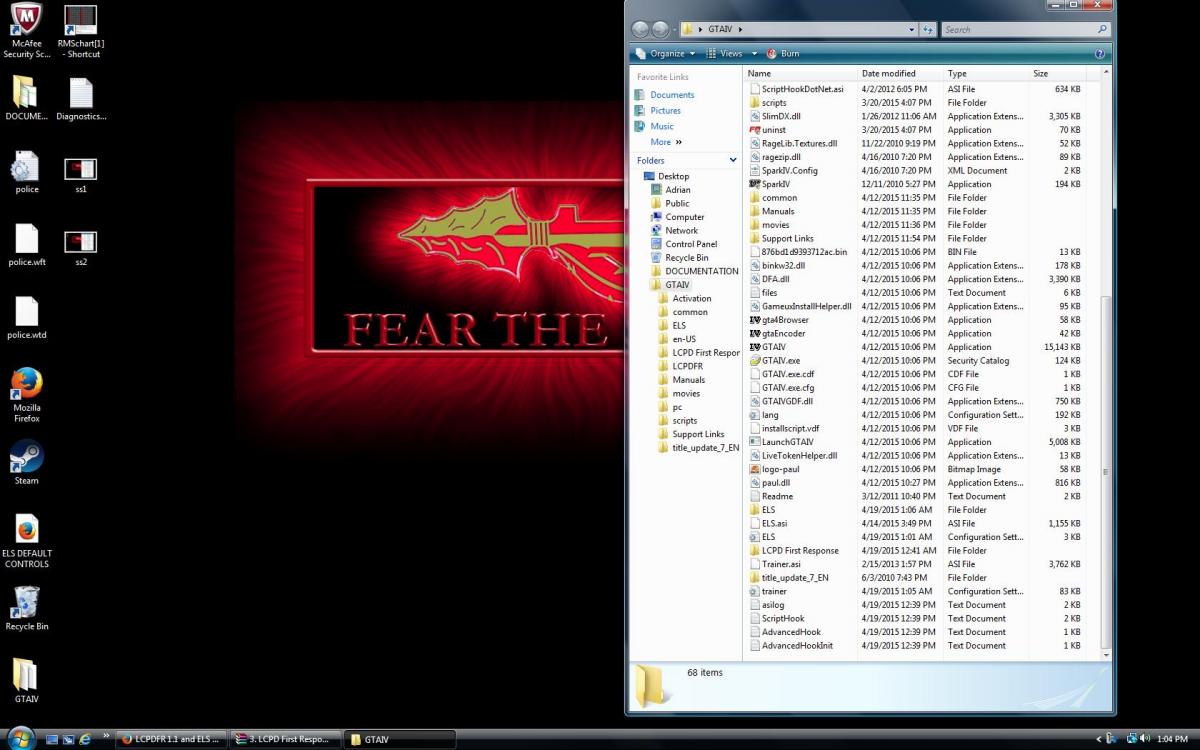 I had everything working correctly, then of course, I messed it all up. Not real sure what happened, but I tried to retrace my steps to get the install back to where it was. The game loads up just fine. But if I press Alt+P the screen blurs, that's all that happens! Also, I am having issues getting downloaded cars to spawn in. I am not sure if it's SparkIV, ELS, or the Trainer. I am using SparkIV within my GTAIV directory, go to vehicles.img, click import, drag and drop .wtd and .wft files, save and rebuild. Up until last night after reinstalling ELS 8.5, the cars FINALLY spawn in but I can't make any lights work, "G" makes the siren come on but no lights. Diagnostics_19.4.2015_12_6_23.logThanks dude, me too! But it actually never ran right from fresh install... That's what has me so confused, but yeah man, thanks for your help I appreciate it.Oh yeah! I ran into that one as well! I ended up getting help with that over on the LCPDFR side of the boards, haha that was a pain in the butt... But to answer your question, i have LCPDFR and ELS installed, but the issue with my game has been happening since I first installed it with NOTHING attached to it. I think my computer is just to weak to run the game, I have tried everything I can think of, I'm just gonna wait to upgrade I guess and maybe start with GTAVThanks, the game actually has not ran correctly since the install, which was done after a full system restore. I made a post over on another forum and the guys there just keep telling me my machine can't run the game. I just find that hard to believe I mean my computer has never given me issues like this. There have been times where I installed a game and it tells me it can't because my machine isn't strong enough, I never got that message with this game, and the tech people at Rockstar said I should be able to run, no problems/.Anyone have any ideas? Just an update, I added 2 GB RAM per the advice of RockStar tech guy, Did not help any from what I can tell. So all stats should be the same except I have double the RAM now.I installed this game after a full system restore. I have had lag issues ever since the install, I am sure it has nothing to do with LCPDFR or ELS because it has been doing this since before ever downloading any mods. To make sure it was not just my computer I installed my old copy of Modern Warfare 2 and ran a couple multiplayer games on the highest settings and it was really smooth. I have done lots of research and noticed lots of people have this same issue, I have tried lots of things over the past two days and NOTHING WORKS! Can someone please help me out! I have done some research and tried many suggestions. lots of different command lines (at different times, replacing old ones) I tried all the graphics settings on as low as possible. I tried copying the win32_30_nv8 folder to the win32_30atidx10 folder display.txt system.txt EDIT: Here is the results from the benchmrk test. This is with no commandline file and on low settings Benchmark150404230752.txt Please let me know what other information you may need, thanks!!So I have ran the game with the mod several times now, everything seems to be working as it should as far as getting the mod to work. So thanks a million for the help! My only issue now is lag, framerate, shutter... Whatever it's called. But this was there from the beginning of the game install with no add ons after a fresh restart, so I feel certain it's a setting or something just have to get that figured out. I guess this thread can be closed, marked as solved... However you see fit, thanks again!Alright! Everything seems to be working!! Thank you I have been at this for days. I am having MAJOR framerate (I guess) issues. I am normally on console and I have always called it lag, but I am going to start working on how to fix that. I would like to keep this thread open for a couple days if possible, just in case I mess something up again. Thanks again!!Alright I did that and the game started right up, as soon as it started I get an error message in the top left of my screen sayind LCPDFR had a problem and to see the log and report back here. This is the first time I have even seen anything related to LCPDFR in game so progress is being made I think!! I think these are the 3 files it saved automaticly during the error: LCPDFR.log ScriptHookDotNet.log ScriptHook.logAlright, I thiink that's what it was set to at first. I went back and removed the items I added, the set it back to the original setting "Turn DEP on for essential windows programs and services only", but the game still will not start. I click play from from the main Steam page and absolutely nothing happens... Screen doesn't change, cursor doesnt blink... nothing. When I click play again, it says it failed because GTA IV is already running. Here is the lates diagnostic, the failure shows in the last bar, I believe it was called File Log diagnostics new.txt Thanks for all the help so far, I know I am a pain in the butt... I really appreciate it.Thank you so much for the help. When I get to the point where I add the files in manually, these are the only options I have to move anything over: When I add the one that says launch GTA IV, it shows up in the box as "SecuROM" but at this point the game never even starts. However, if I go to the main GTA IV directory I can see something called "GTA IV.exe" but it does not show up when I click "add". I tried copy and paste but I got a pop up box stating it had to run with DEP protection on. Am I doing something wrong? I really hope I can get this running. Thanks againThank you. I downloaded the 3 files you suggested (made sure to select x86 on the first download). Now when I try to play the game (through Steam) it force closes and I get a pop up box containing this message: gta4 error.txt I re submitted the diagnostic tool, this is the new results: Diagnostics_1.4.2015_21_59_41 #2.txt Also, I just noticed that in my GTA IV folder, under LCPDFR where the diagnostics tool is located, there are 3 .txt documents that I think are results from previous scans made, should those be in that folder?Alright, I will try those, thank you! Do I need to make sure these end up in a specific location? Or will that even be an option? I am sorry but I'm completely new to this.



Account
Navigation
Search
Configure browser push notifications
Chrome (Android)
- Tap the lock icon next to the address bar.
- Tap Permissions → Notifications.
- Adjust your preference.
Chrome (Desktop)
- Click the padlock icon in the address bar.
- Select Site settings.
- Find Notifications and adjust your preference.
Safari (iOS 16.4+)
- Ensure the site is installed via Add to Home Screen.
- Open Settings App → Notifications.
- Find your app name and adjust your preference.
Safari (macOS)
- Go to Safari → Preferences.
- Click the Websites tab.
- Select Notifications in the sidebar.
- Find this website and adjust your preference.
Edge (Android)
- Tap the lock icon next to the address bar.
- Tap Permissions.
- Find Notifications and adjust your preference.
Edge (Desktop)
- Click the padlock icon in the address bar.
- Click Permissions for this site.
- Find Notifications and adjust your preference.
Firefox (Android)
- Go to Settings → Site permissions.
- Tap Notifications.
- Find this site in the list and adjust your preference.
Firefox (Desktop)
- Open Firefox Settings.
- Search for Notifications.
- Find this site in the list and adjust your preference.