Netman005
Members
-
Joined
-
Last visited
Everything posted by Netman005
-
Added a new video [And the others removed]
-
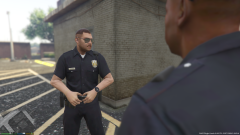 oh my god my beautiful face! What have you done!?
 -
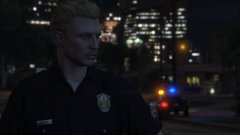 http://www.youtube.com/watch?v=CUubSidGu-I
 -
-
-
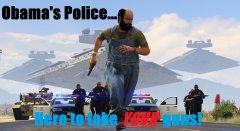 I placed the lightbars on that CVPI for a video i've been working on
 -
-
This is my first go at video making outside of GTA. Please let me know what ya'll think of it.
-
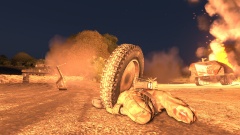
From the album: Arma 3
-
-
-
-
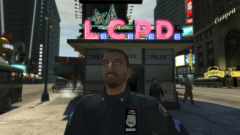 wait wtf!? I didn't sign up for this crap!RemovedNo car mods are ''MP Friendly'' as you say it. As soon you have ANY modded car in your game. you WILL crash others/yourself over time. Last thing. Never ever join a random MP server with car mods, That's just a dick move.There's no need to ruin gta V as well....no one knows the system requirements at this time. So it's impossible to say at this time.
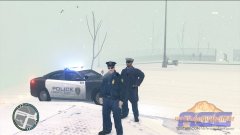 it's foggy, snowing and it's day time. And still they have sunglasses on. That can't be safe.Ey, it looks great.No.
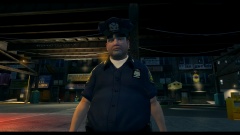 Good god, this is wrong man!http://www.gta4-mods.com/script/indicator-lights-script-v1-f15265So true and you are not the only one who have said that. Sadly those who did are long gone now.War is hell