


holyfleet
Members
-
Joined
-
Last visited
Everything posted by holyfleet
-
I wouldn't be against a full wipe. I know you did it once before, and at this time, i think it would be a good idea. also, i am all for some sort of check in the "Generate persons" so that it will give you someone who isn't locked up already. I have no clue how you have your database set up, but hopefully it wouldn't be too hard to add a check for in custody/incarcerated before providing that "person" to the user. that being said, i think your system is awesome. i don't get to use it very often due to a fairly hectic work schedule, and other life commitments, but i wish i had more time :-D
-
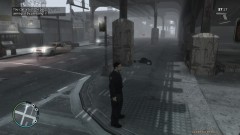
From the album: SCAT(Street Crime Attack Force)
Officer Fleet is unfortunately forced to shoot and kill the suspect -
Officer Fleet attacking the crime of Liberty City
-
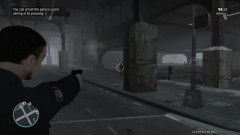
From the album: SCAT(Street Crime Attack Force)
Upon contact, the suspect runs behind a pillar, and pulls out a gun. -
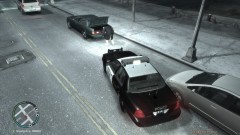
From the album: SCAT(Street Crime Attack Force)
Officer Fleet sees a suspicious person digging through the trunk of a vehicle, and decides to attempt to make contact.
