
BostonProud
Members
-
Joined
-
Last visited
Everything posted by BostonProud
-
Hello everyone, I was just wondering if anyone new the location of the fbi2 files in openiv I've tried the ones in x64e but to no avail. Thanks in advance
-
-
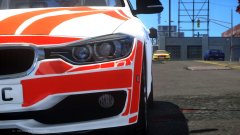 OMG its so beautiful!
 -
-
-
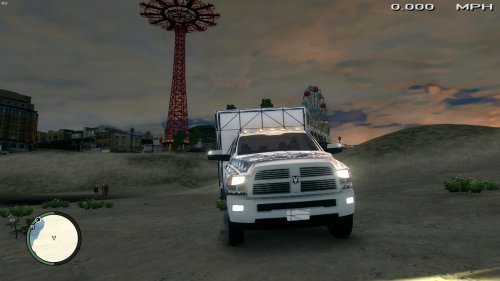 Does anyone know where I can find some ambulance lights unlocked because I really want to use this but don't have any lights to put on it.
- 14 comments
- 6 reviews
-
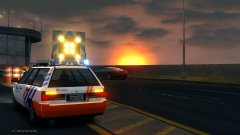 Damn! This ingot looks amazing. But even better it looks like an actual vehicle you would see in Europe
 -
-
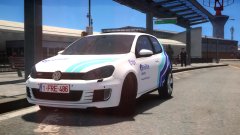 Good job as always!
 -
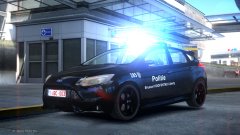 lol so that's why this sexy cars a wip
 -
lol. Damn talk about a sexy car. quick question are the mirror indicators mapped as indicators or are the just mapped as lights?
-
Quick question any possible chance of an unmarked version in the future?
-
Jesus it just keeps getting better and better
-
Yeah sorry about that i noticed after i posted it. Yeah even on a new project it wont texture the lightbar
-
Yeah i know i had them but hadn't put them in since that was just a quick mock up to screenshot and post. i put them in after i figured out how to appropriately scale it done
-
I am using Version 2.2.6 (build 993)
-
Thanks so much that makes it 1000x times easier
-
 Still that's pretty damn near perfection you have to be really trying to find issues and its so clean which is the best part
 -
http://www.lcpdfr.com/files/file/1269-whelen-liberty-lfl-w-additional-modules/ I can get all the additional modules textured but not the lightbar.
-
I hit control and nothing happens it doesn't allow me to scale the object
-
see that's the issue Im having Ive used that method before and its worked but its specifically on EVI's LIberty that im having issues. Ive tried redownloading it, and no matter what I still end up with a untextured lightbar
-
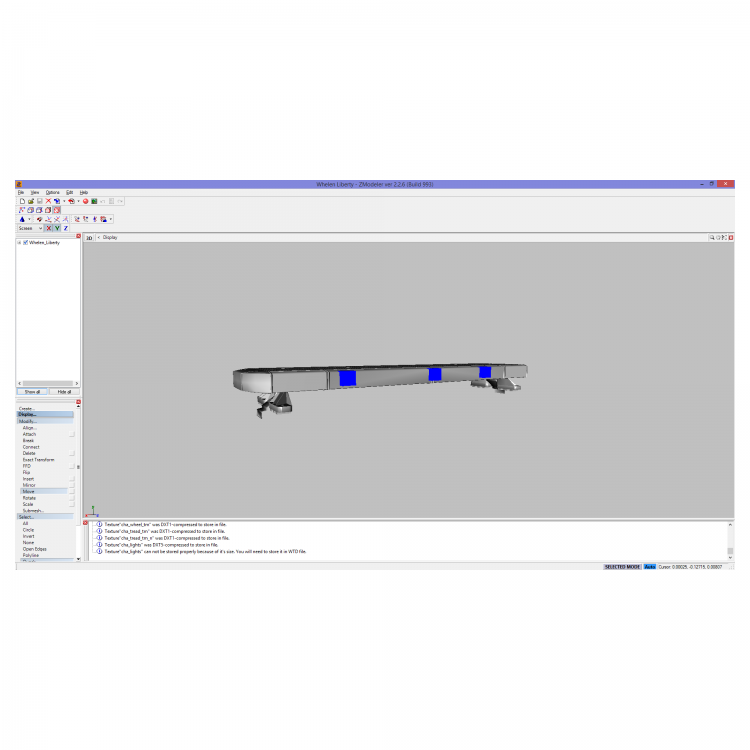
I'm back once again this time with a different issue. I am trying to use EVI's unlocked Whelen Liberty. But whenever I open the .z3d it shows up white. Now I know the whole options>settings>>file>textures then adding in the location of the textures, but that didn't work. So i tried the other method that has worked in the past which is putting all the textures into the texture browser then hitting file>merge and choosing the lightbar and selecting everything. I am out of ideas and I have spent a good week trying to figure it out. So any ideas are helpful Thanks
-
Damn! Great job. Cant wait to see it finished
-
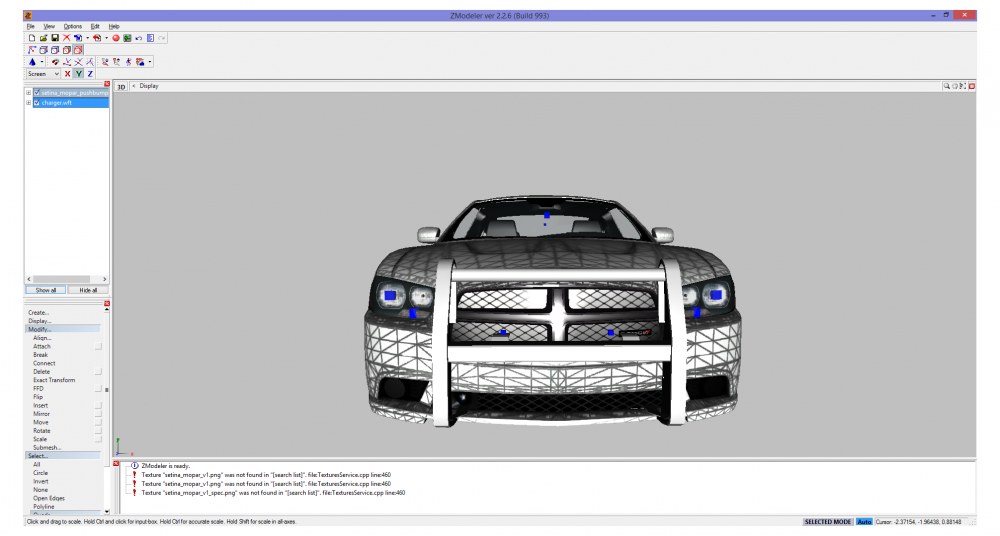
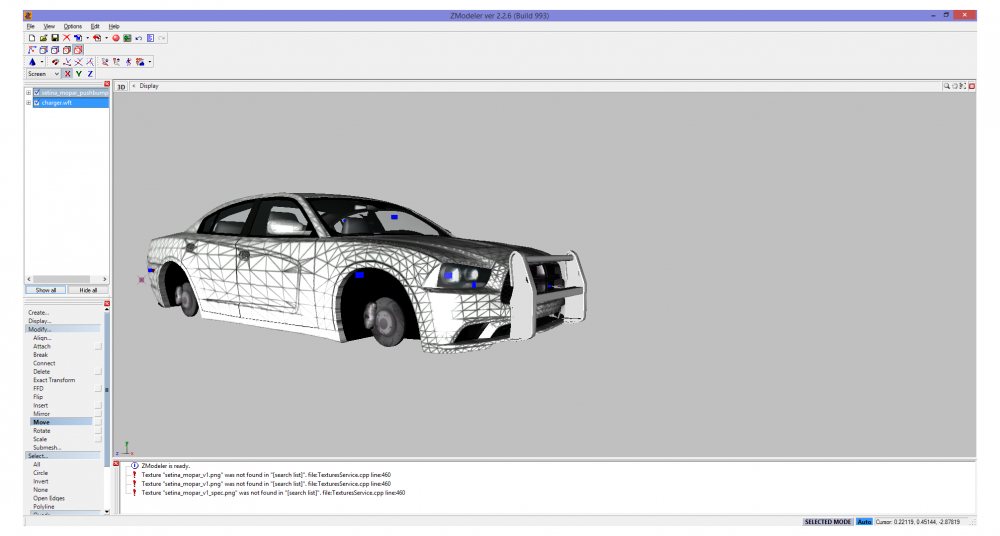
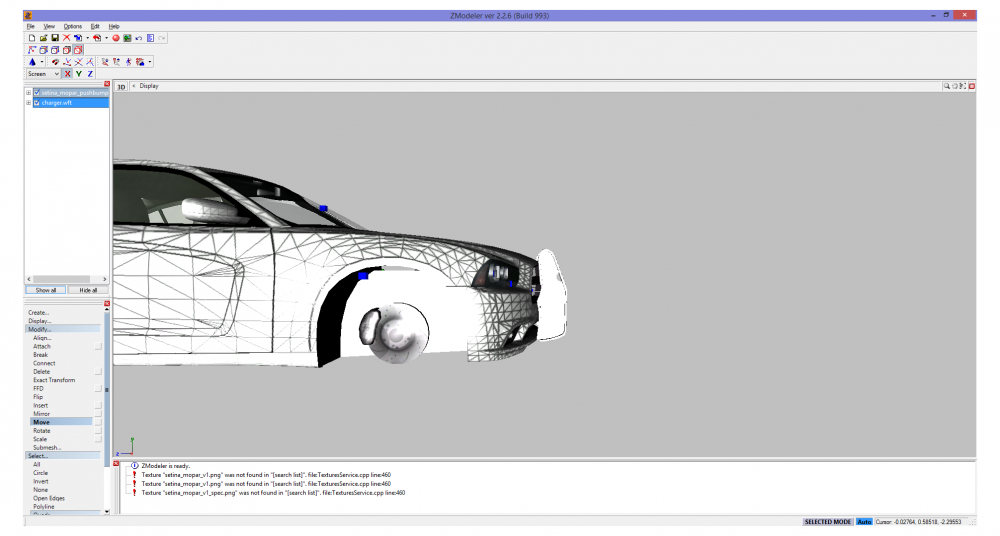
So I am sort of new to vehicle assembling and I'm trying to make a Dodge Charger using Vertex's pushbumper, but I'm having issues scaling it down. So I wanted to get your guys' opinion on how else I need to scale the push bumper to get it to look correct. Thanks For the help. Heres how far I have it scaled at the moment
-
Nvm another person may let me use their skins on my pack thanks though