



Winston Brown
Members
-
Joined
-
Last visited
Everything posted by Winston Brown
-
My rig is the least of my worries.
-
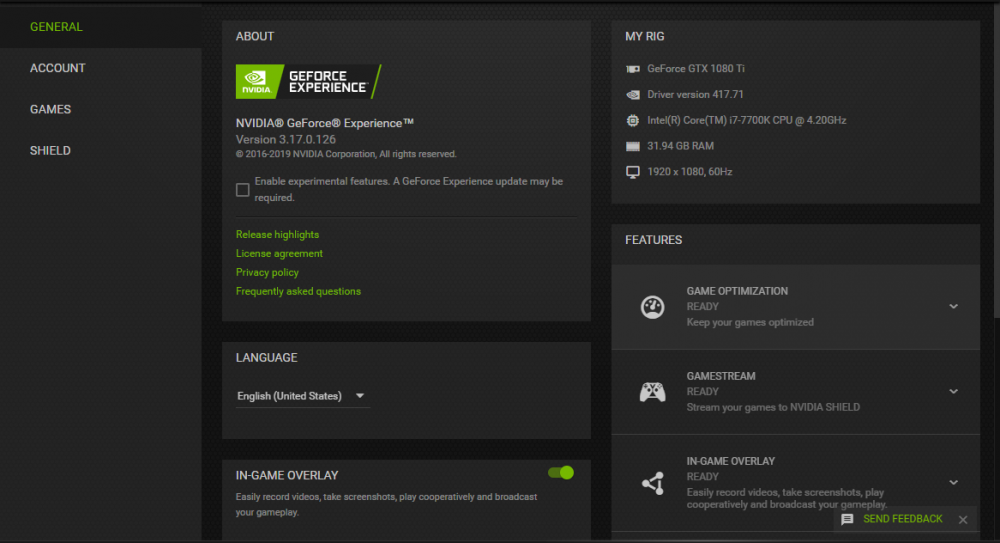
I've noticed that my FPS drops to 30 at times, I attempted to look into this because my default FPS is around 70 for GTA 5 running LSPDFR 0.4 w/ Plugins. My computer is built for gaming and I run GTA 5 normally around 100 fps. After looking at the log and testing and retesting, I think this is responsible: [3/2/2019 4:00:31 PM.750] LSPD First Response: [TRACE] PlayerCharacterStatsManager: Acknowledged I unsynced my account, however, the game continued to relay this message to console.
-
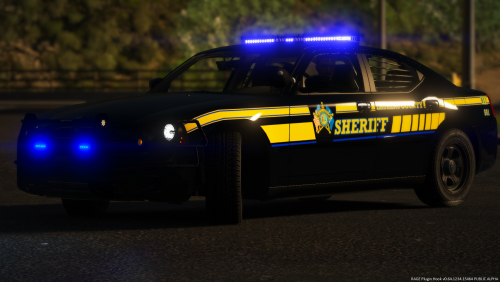 Some of the vehicles in this pack are not actually in Laurens. We have the CVPI, 2015 Tahoe, F350/F250(I believe this may be slicktop), and I believe we have a couple of unmarked. I've never seen a dodge charger though.
- 14 comments
- 2 reviews
-
-
-
LETS GO!
-
I believe so. I'm nearly certain they did it for LSPDFR 0.3.
-
Then again, it is most likely going to be live streamed-the release. Therefore, timing is oblivious.
-
There is not a lot more to discuss other than memes, honestly. Once it is released the thread will be useless, people are going to be more entertained with 0.4.
-
hehe, you and i both
-
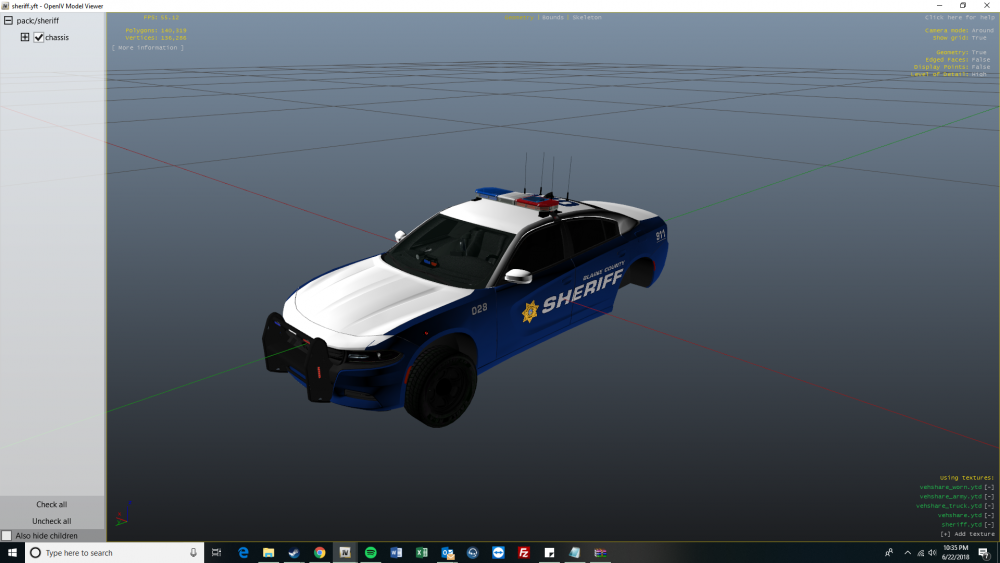
I'm trying to use a car and I think this is just applying to my sheriff slot, and I honestly have no idea of the problem or how to fix it. Basically my textures for my sheriff slot aren't working at all, they are super weird and glitchy and for all the other cars they are fine. Here is a video: https://www.youtube.com/watch?v=62tAbR6Fjo4 In the OpenIV it shows that it is working fine though: Also, you might notice it's a different car, yeah I changed it and even now it's still broken. I'm not sure if it's a meta or what but I cannot find the solution, please help me! Thanks! Also, here is the copy of my vehicles meta file. vehicle meta.txt I have tried everything and I don't want to reinstall the game just having finally setting up everything.
-
Hello community, I rarely get on these forums however I have been looking for a SC State Trooper Uniform and Car for a patrol that I might go on soon, and was wondering if anyone had a WIP, or REL that they could relate to me.
-
 @Albo1125 I have been using Siren Mastery. My police and police2 slot, the sirens do not work. It just sounds like a clicking noise that keeps repeating while the siren is supposed to be on.
- 853 comments
- 108 reviews
-
 Browser does not matter I have tried multiple. Where would I click the download through browser option?
- 2,349 comments
- 238 reviews
-
-
The MEGA won't load for me can you put it on another download website? @Alex_Ashfold Possibly Mediafire(https://www.mediafire.com/)?
- 2,349 comments
- 238 reviews
-
Hello community. I have been thinking about this kind of plugin where you would be able to direct traffic. I know that there is this sort of baton/light stick in the game that could be used for directing traffic in modeling and animation, and then the rest is just controls like where traffic would stop if you hold your hand up for example. Anyways I think this could be a callout as well. You could get a call like "1-LINCON-12 please respond to a traffic holdup on (street) respond code 2". I mean there is a lot of things that you could add to this plugin. You could also pull up on scene as you would in real life walk to the middle of the street and start. Thanks, I hope this gets added!
-
-
At time 10:28 you will see the little Plugin that allows you to see the License, Insurance, Registration, and the ticket as well as a bit more information and other options on the screen. I think this was very neat and I think it should be added into Grand Theft Auto V. I think this would increase realism and make it a much better experience than just selecting give ticket reason then the price. This could have a variation of information, and you know other wise I think the author of the Plugin should be able to do what he/she wishes to do with the Plugin, this is just a suggestion. +1
-
 I think it would be really neat, if you had a more realistic program, like used in real life. In this link: See how the programs are open and stuff? I think it would be even more realistic if the interface allowed you to click on a program like current calls, previous calls, then like dispatch and you could select backup, ems, fire, etc. As well as a lookup option for vehicles and other individuals. +1.
- 1,743 comments
- 172 reviews
-
-

- 1
-
-
So are you telling me @GravelRoadCop that ELS is not available to all emergency vehicles?
-
@GravelRoadCop are other officers throughout Los Santos going to be using ELS, or will they use default?
-
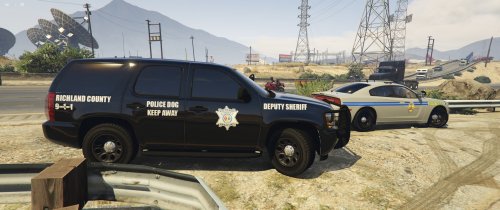 lmao, I meant the charger but it slipped my mind I put it in the beginning I did put it in the end.
- 7 comments
- 1 review
-
What is that CVPI in the background? It looks like SC state trooper dodge charger.
- 7 comments
- 1 review
-


