
yeti
Members
-
Joined
-
Last visited
Everything posted by yeti
-
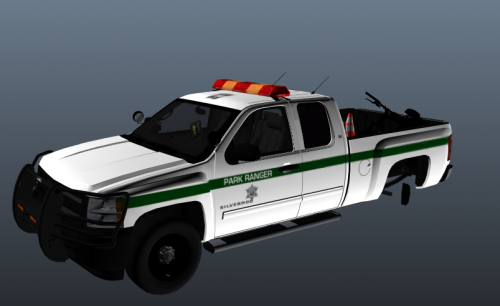 Sorry for the horrible screenshots, I may have gotten a bit lazy.... There is also a fire warden variant... again I got a bit lazy to take photos of it. The model that this skin is for can be downloaded here There may be others that'll work but this is the one I made the textures for. The template of the car is izick's Silverado Instilaion: Go to where ever you put the vheicle files (pranger.yft pranger.wtd pranger+hi.yft) Open the ytd file and replace the silverado_sign_1 with the textures provided There is 4 textures provided so you can replace all four if you choose if you are not able to switch through liveries add this line to the vehicles.meta FLAG_HAS_LIVERY By Downloading these files you agree to the following! I hold no responsibility for damage that may be done to your game and/or computer You CAN NOT upload these on any other site Please do not rip elements of this skin pack DO NOT put these skins on cars and upload them to any website without my permission If you find any problems please notify me!
 -
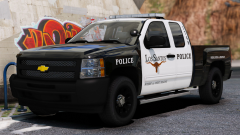 hot
hot -
-
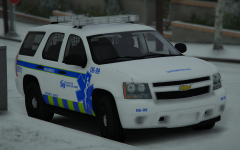 vive la ville de les saints
 -
-
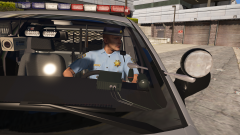 oh shit a working rear-view mirror
 -
is there anything new coming to 3.1 that wasn't in 3.0?
-
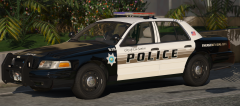 fap fap fap fap fap fap fap
 -
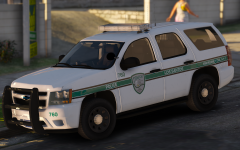 they say a picture can say a thousand words... this one has two.... DAUM SON
 -
-
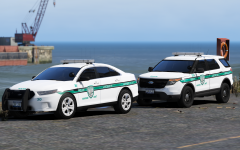 words cannot describe the beauty of this pack, makes me hard af
 -
-
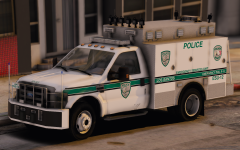 moist... I say that to much, does boner work?
 -
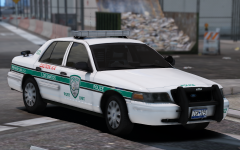 moist Are you also going to make versions for the CVPI's without hubcaps?
 -
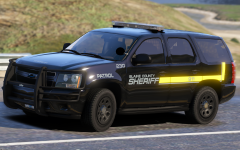 posting porn again t0y reported
 -
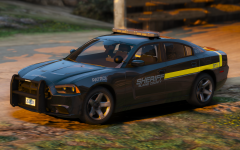 this is pornography, pls take down
 -
-
-
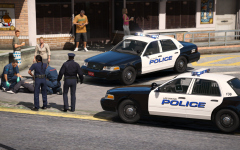 my heart cant take much more...to much sexiness
 -
-
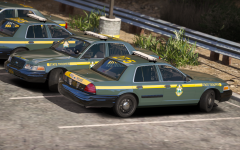 I told you already these are to sexy...but gawd daum would you look at that
 -
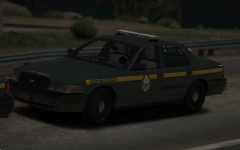 to sexy pls take down
 -
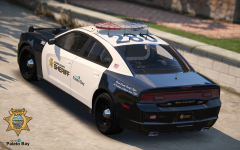 oh god...my dick officially exploded due to this packs sexiness, my room is now all white ty t0y
 -
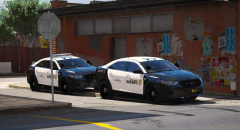 Holy fuck...are you trying to make my dick explode from all of this sexiness If you need beta testers just slide me a DM (;
 -
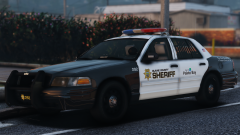 My dick was throbbing from your last pic...now I can cut a diamond with it It looked like it snowed on my keyboard last time...Now it looks like I blizzard past ed over it