


Blumerd
Members
-
Joined
-
Last visited
Everything posted by Blumerd
-
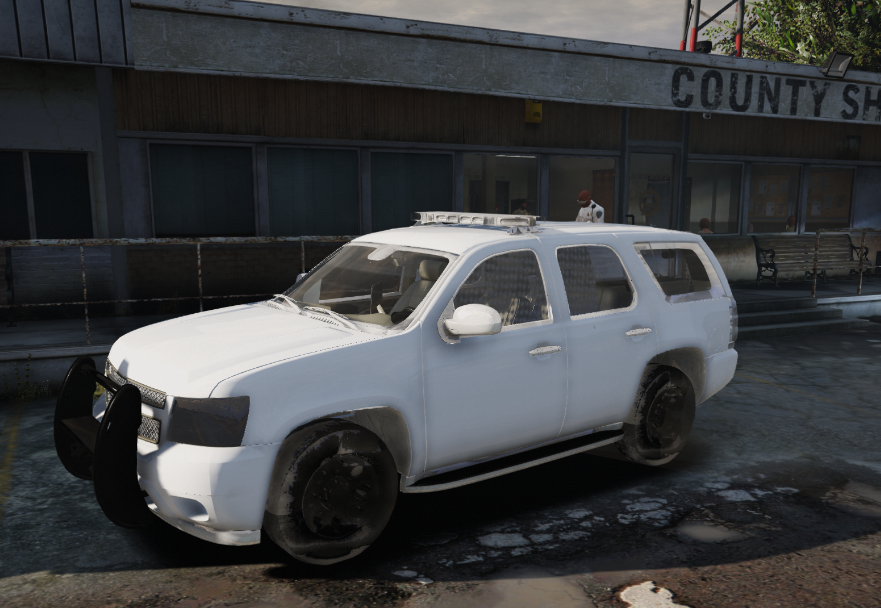
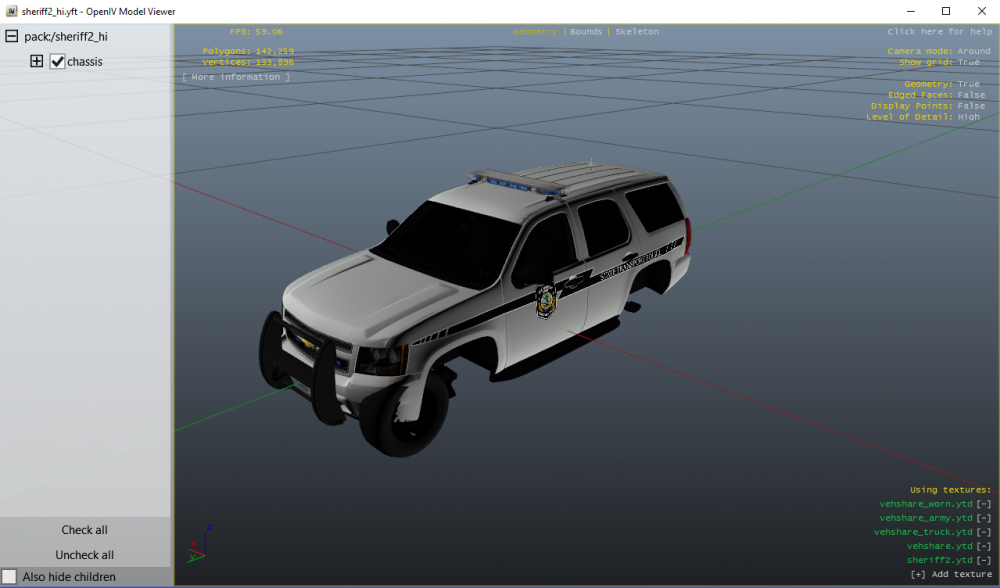
Thanks for your reply! I did some more searching and trying out stuff and I managed to find the problem. I have World of Variety installed, which apparently puts in more sheriff2 texture files in its own folder (update > x64 > dlcpacks > wov > dlc.rpf > x64 > levels > gta5 > vehicles > wovvehicles.rpf). That caused the game to not know which textures to load I guess, thus causing the buggy look. I saw using Natural Vision Remasterd (NVR) causes the same problem! Just delete the sheriff2.ytd files and its all good! Now about the game crashing part: in an update somewhere in the past Rockstar changed the vehicles.meta for all the Granger vehicles (sheriff2, fbi2). For both vehicles this must be in the vehicles.meta: <layout>LAYOUT_RANGER</layout>, with the update this changed to <layout>LAYOUT_RANGER_SWAT</layout>. REMOVE the _SWAT part! So finally; its solved! 🙂
-
So by now I've installed a bunch of mods and everything seems to be working fine, except for the sheriff2 model. It can spawn and sometimes works, but it looks ugly / doesn't function properly and often makes my game just crash. Down below I've included a screenshot of what it looks like in-game and what the model is that I installed. NOTE: This bug happened BEFORE installing this specific vehicle (I used another sheriff2 before when it started). -I've tried replacing the original vehicles.meta and handling.meta, no result -I have not changed any other .meta files for the sheriff2. -When removing the sheriff2 files (to get the vanilla) the vehicle seems to be working just fine. Can someone help me with this problem?
-
 Does this still work on the latest LSPDFR and Rage? It made my LSPDFR crash today when it was loading the Fleeca Heist (saw that in the Rage menu thingy).
- 84 comments
- 22 reviews
-
 Very good looking model but the lights are a bit too yellow and too bright with a VisualV mod, while all other cars only look better with it. Look at the difference in the picture below! But; an amazing model! Keep working on it ! 4 stars for now, when the lighting is fixed 5 stars for sure! :)
- 563 comments
- 116 reviews
-
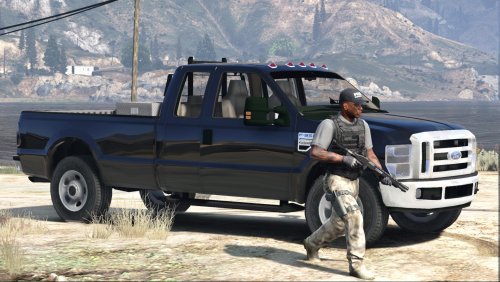 Good looking model! Would love to learn how to create my own models! Got the texture part working now, haha!
- 15 comments
- 7 reviews
-
Good looking model! Would love to learn how to create my own models! Got the texture part working now, haha!
- 15 comments
- 7 reviews



