



GhostRz
Members
-
Joined
-
Last visited
Everything posted by GhostRz
-
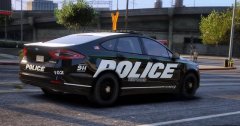 Maybe because this is HIS car model that FirstThirtyMinutes is using?
 -
Personally I wanted to stay far away from the recent update until this whole situation was resolved by going into "Offline Mode". It seemed to work for a few times until I kept receiving an error saying that in order to play i had to be connected to the internet.
-
-
 I have a small question, Would it be possible for to have the police get back in their vehicles during a chase. When I do a chase me, the cops would get out of their cruisers when I come to a stop but wont get in when I take off again. Also when I use the chase me system through LSPDFR and the regular star system, a hell of a lot of police would spawn and stick with the chase even if I am in another county. I guess I god way to see what i mean would be on one of my YT videos. It would be better if you viewed in HD to get a better look at the mini-map. I really would like those two mechanics in RDE.
- 1,509 comments
- 85 reviews
-
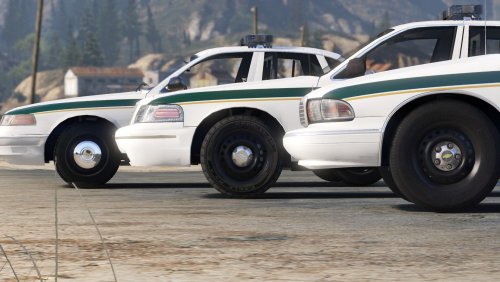 You need to change the Post FX, Particles, and Shader settings, they need to be set to high
- 60 comments
- 14 reviews
-
Thanks alot!! I've been pulling my hair out trying to figure this out!
-
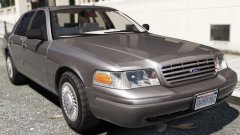 All we need now is an unmarked 2006 chevy tahoe, a 2004 LAPD CVPI with an MX7000, and a few others.
 -
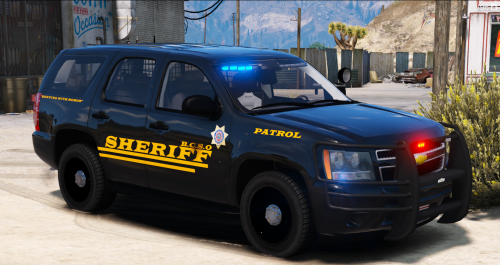 hey I'm having a problem with your texture pack. I put two textures on for Bugs's CVPI and Thegreathah's FPIU, but when viewed the cars, they were completely white
- 10 comments
- 5 reviews
-
 Let's just hope that when you do make it for ELS, that the lights on that streethawk don't end up looking like LEDs.
 -
are both of these cars going to be released ? or are they private ??
-
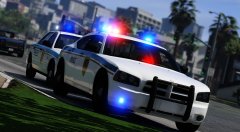 Nice cars! especially the one with that streethawk!
 -
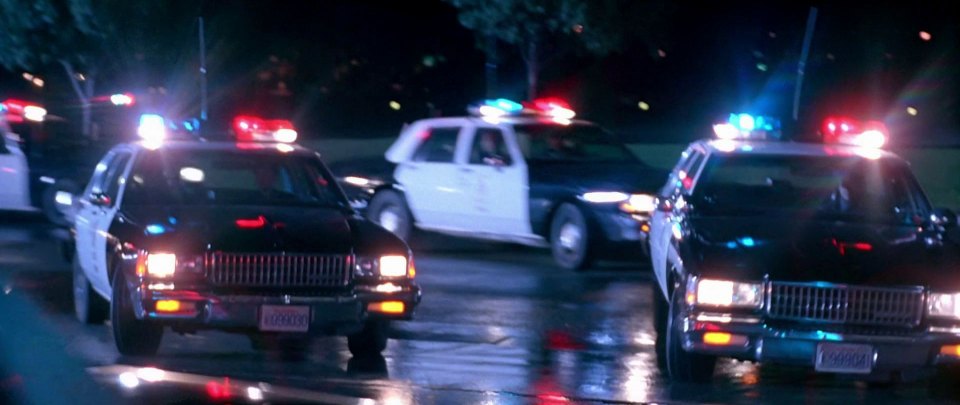
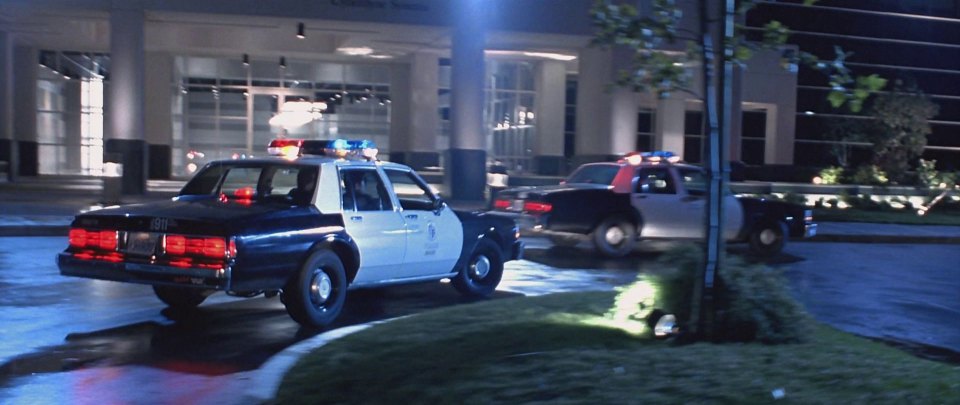
I am trying to figure out the name of the light-bars that were on the caprices in that Cyberdyne scene. I originally thought they were MX7000s but I noticed there wasn't a light and or clear glass in the middle. I hope someone has an Idea. The reason I wanna know was because I was going to ask Lozano If he could make a replica of the caprices and the SWAT Truck in the movie and put it in his 80s pack, but while putting some MX's on the SWAT Boxville in the 90s pack
-
-
-
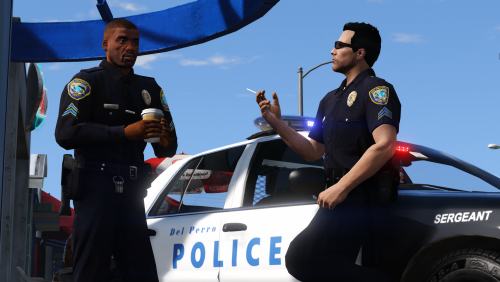 Hey I am trying to figure out where to put the female uniforms but I dont know where.
- 37 comments
- 8 reviews
-
 could you possibly release this as a DEV model with the lights modeled corectly ?
 -
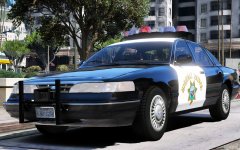 It's unfortunate that the headlights and taillights dont look good at night, mainly when they are switched off. That that goes for everyone who uses this model.
 -
 Hey t0y, Is it possible that you can make a K-9 skin for some of the cars ? or a car that has a K-9 cage in it?
- 132 comments
- 39 reviews
-
.thumb.png.04a1687a445e54a18a959b7926b87d7b.png) Alright, I'm trying to recreate what happened by flipping both models but so far nothing. thing is it happened when the AI were using the lights..not me
Alright, I'm trying to recreate what happened by flipping both models but so far nothing. thing is it happened when the AI were using the lights..not me- 217 comments
- 38 reviews
-
-
I noticed a problem a couple of minutes ago. when the CVPI is upside down, it gives off an intense bright light that is so bright it could trigger epileptic seizures. To be honest it 's between Your CVPI and t0y's CVPI. I just wanted to warn you two before something happens
- 217 comments
- 38 reviews
-
-
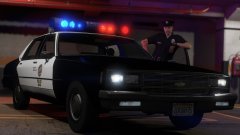 Damn talk about a quick response lol and alright. There was some sorry of light mod or carcols.ymt that Bay Area Buggs and the rest of Code Zero used in one of their retro patrols but I cant seem to find it. https://www.youtube.com/watch?v=upwojrFTBxQ
 -
Hey Lundy will the lights on the bar be in sync with each each other like actual rotators?
-
 Hey there I am having a problem. When I try to exit the Vehicle Information" screen, the artow only goes up half way and I am unable to click the X.
- 1,742 comments
- 172 reviews


.thumb.png.04a1687a445e54a18a959b7926b87d7b.png)
