Skip to content
View in the app

A better way to browse. Learn more.

LCPDFR.com

A full-screen app on your home screen with push notifications, badges and more.

To install this app on iOS and iPadOS
  1. Tap the Share icon in Safari
  2. Scroll the menu and tap Add to Home Screen.
  3. Tap Add in the top-right corner.
To install this app on Android
  1. Tap the 3-dot menu (⋮) in the top-right corner of the browser.
  2. Tap Add to Home screen or Install app.
  3. Confirm by tapping Install.

MarkyG892

Members
  • Joined

  • Last visited

Files posted by MarkyG892

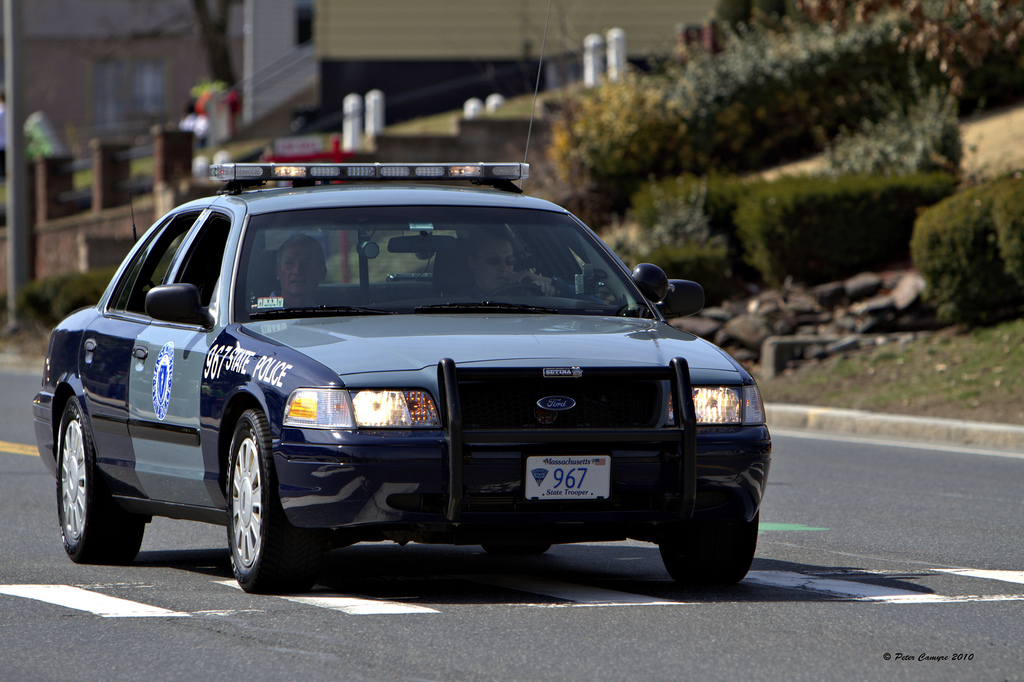
  1. Hey guys, this is my first ever skin that I have created for GTA 5. This skin features a Massachusetts State Police CVPI. Please give me feedback of how you guys think it looks!
    I find it looks most realistic with this vehicle model: http://www.lcpdfr.com/files/file/9073-unmarked-cvpi-pack/
    This skin is featured in episode 11 of my LSPDFR series: https://youtu.be/KXyZmiGUD5E
    To install:
    Start Open IV and navigate to GTAV\mods\x64e\levels\gta5\vehicles.rpf\police4.ytd
    Enable edit mode and open the .ytd file.
    Replace my texture with the "cvpi_sign_1" and then hit save and exit.
    (For the vehicle model itself, I did not make, so follow those separate instructions on how to download the police4 model first.)
    PLEASE DO NOT PLAGIARIZE MY SKIN <3 
     
    • 278 Downloads
    • 5 Comments
    Updated

Account

Navigation

Search

Search

Configure browser push notifications

Chrome (Android)
  1. Tap the lock icon next to the address bar.
  2. Tap Permissions → Notifications.
  3. Adjust your preference.
Chrome (Desktop)
  1. Click the padlock icon in the address bar.
  2. Select Site settings.
  3. Find Notifications and adjust your preference.