


EmperorJHavs
Members
-
Joined
-
Last visited
Everything posted by EmperorJHavs
-
OMG ME TOO! I have been going nuts trying to fix this!
-
Use 2K resolution textures. I had the same problem with his charger when I used 4K textures. I have five skins on my CVPI and it doesn't crash with 2K
-
-
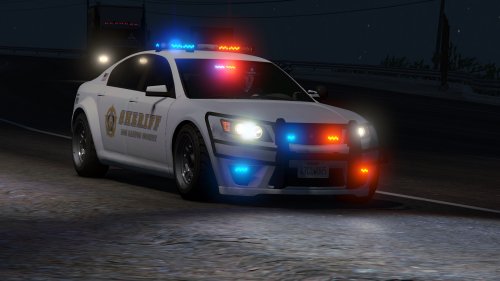 Hello! I am having the same issue Exo 401 had. However, I have the lines you specified at the end of vehicles.meta and it still loads with the messed up interior. I am going crazy trying to fix it! I'm not sure if it is just a problem on my end. I did have this car installed a few updates ago and I didn't have this problem. Thanks! Awesome work by the way EDIT: After some tinkering with everything I got it to work. Not sure what the problem was exactly. Thanks for the fantastic car!
- 47 comments
- 15 reviews
.thumb.png.5fbbb989547defaeeb5c22864df62b54.png)
