
POLICESCO
Members
-
Joined
-
Last visited
Everything posted by POLICESCO
-
 It was originally a slicktop pack but yes I will be but the siren limit is a pain
 -
From the album: POLICESCO
-
From the album: POLICESCO
-
-
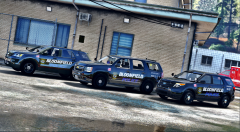 It was all Slicktop suv but I will add lightsbar on some models didn't siren lights limits it's hard to have both
 -
Perfect thanks I've watched loads of videos to help me with details etc
-
Perfect thanks for the info
-
im trying my best to replicate them from video and pictures
-
i have made all the vehicle skins from scratch but yes i will be adding them also..And i will be adding the tahoe in time just want to get everything finished off
-
From the album: POLICESCO
-
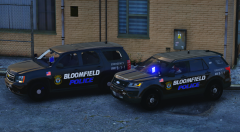 Haha guessing you like Bloomfield police
 -
From the album: POLICESCO
-
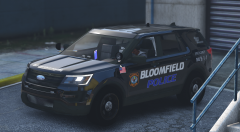
From the album: POLICESCO
-
If you do release a mod with the carcols just link who edited the file other than that I won't mind it took me some time to get it working correctly thanks POLICESCO
-
-
-
-
-
-
-
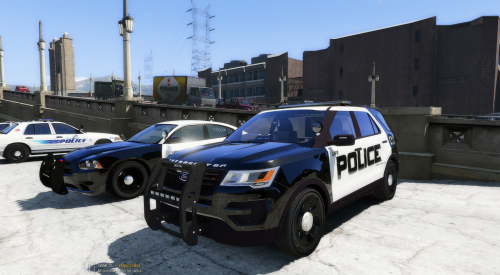 My LSPD texture i made for the 2016 FPIU
 -
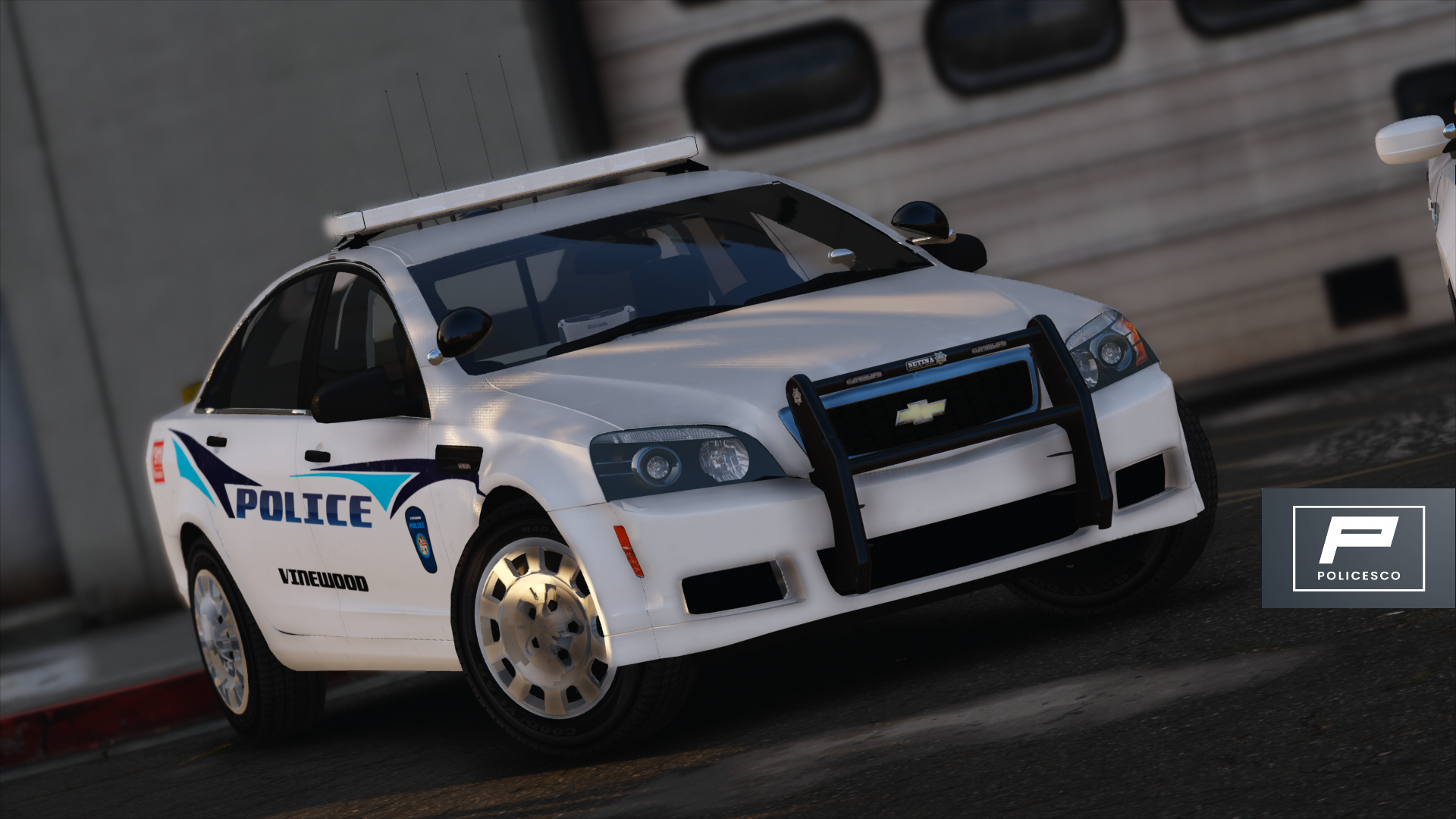
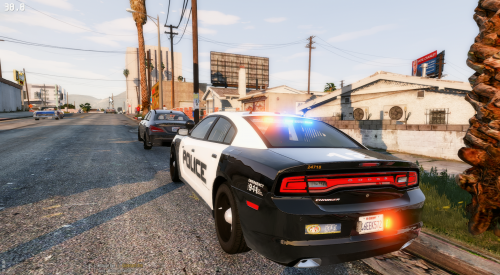 2013 LSPD SLICKTOP CHARGER Dev Model by CODEX12 Credits - Dodge Steel Rims Model by GerryStudioMapped, and Converted to GTA V by MattJeter Partitation by BizzleZX10R Setina PB 450L Pushbar by trewq34 Console made by Sheriff Van DyckS Medikit by BizzleZX10R LSPD texture and all lighing mods by POLICESCO Install using Openiv replace files police2 Locate GTAV/update/x64/dlcpacks/patchday3ng/dlc.rpf/x64/levels/gta5/vehicles.rpf
- 4 comments
- 7 reviews
-
-

- 2
-
-
-
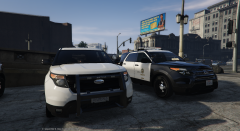
From the album: POLICESCO
-
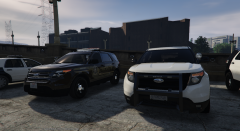
From the album: POLICESCO