


trw1000
-
Joined
-
Last visited
File Comments posted by trw1000
-
-
3 hours ago, Candice said:
huge liability i would imagine so
OMG check this video out
Wow, that's a pretty excessive setup that guys got going there. I'm honestly amazed more places haven't phased out or put limitations on the amount of POVS that people can run. Just from looking at YT, I'm seeing BMW convertibles and all sorts of weird stuff.
-
15 minutes ago, Candice said:
🙂 ive witnessed some POVs with setups like this, worse, or with freaking lightbars on the roof, and when they become and officer then its all out strobes, sirens, 🙂
you can change the lights to all red or all blue
Dang, wonder how much that setup cost. My local volunteer service doesn't allow POVs for responses anymore.
-
Oh man if career Fire/EMS caught wind of this thing existing IRL.... Some select words would be said.
-
-
-
-
-
-
-
-
-
-
-
-
-
-
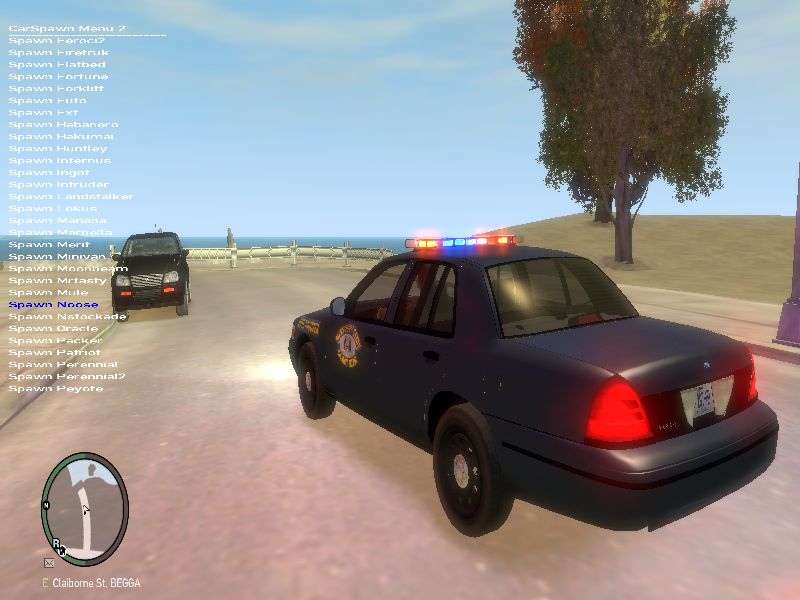
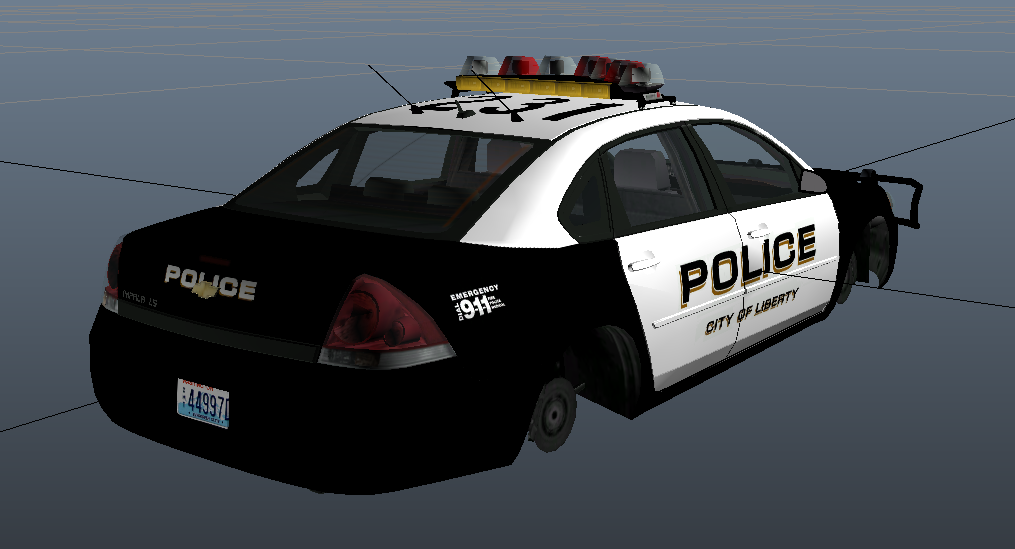
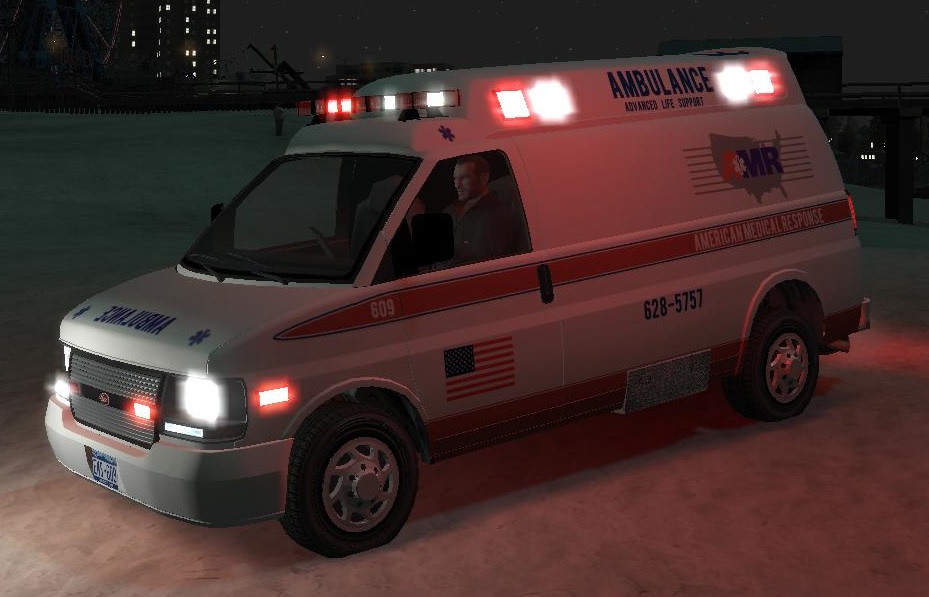
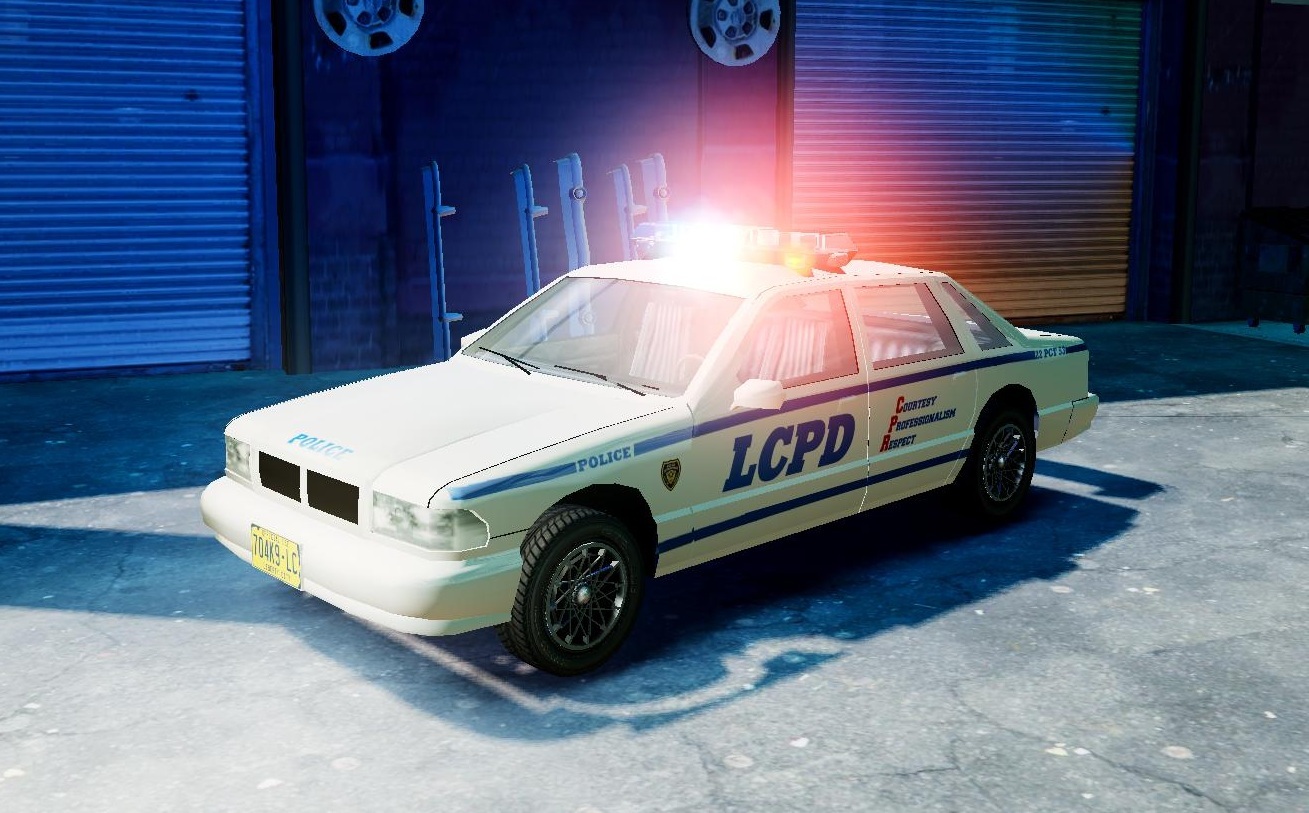
That's a good idea. Main problems with Els are the "Walking through doors" and no damage. Nice skins!!!
-
-
-
-
-
-
-




2006 CHEVROLET TAHOE Z56 PPV
in Vehicle Models
If you choose to run it with a ELS xml then that'll happen.