officerAMR
Members
-
Joined
-
Last visited
Everything posted by officerAMR
-
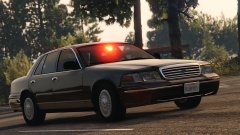 How many cars are you currently working on? Must be at least 5
 -
Whats the siren settings for the unmarked vehicles?
-
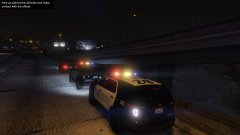
From the album: GTA V stuff
Two Explorers on a Felony stop -
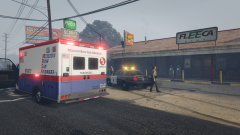
From the album: GTA V stuff
EMS Responding to 2 shot -
Thanks for sending us the release
-
One big red looks better IMO for the front at least
-
-
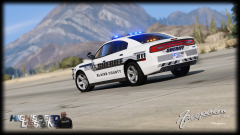 Here Lies Carperino Killed by people who abide by California law Rest In Peace
 -
Will the CHP version have this lightbar? i have the CHP pack that Pol"crack"234 uses and i really enjoy the lightbar, but for the carvaritations meta is set up wrong along with the vehicles meta. Hopefully you can provide a better one unless you're doing the traditional Black and white version. I believe that this one is used for commercial vehicle enforcement (checking trucks and stuff) but is sometimes used for regular traffic duties. This also may help The author has a lot of explorer clips
-
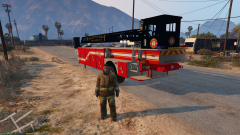 You will still need a cab to tow it
 -
-
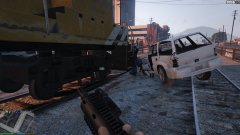
From the album: GTA V stuff
Role another EMS on scene -
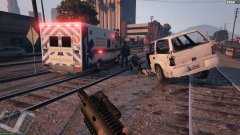
From the album: GTA V stuff
EMS on Scene -
 Is that Lundy's P71?
 -
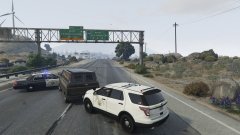
From the album: GTA V stuff
He only time i've seen the prison break callout not end in LSX -
From the album: GTA V stuff
¬ -
From the album: GTA V stuff
Its evidence, k -
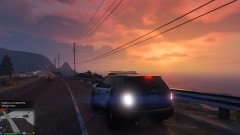
From the album: GTA V stuff
Only time GTA V doesn't look odd -
I think so F5544 was able to change the title from CVPI to 2015 charger
-
Will there be a Sheriff skin?
-
Looks great, may want to change the thread's title :P
-
Loving the TA, cant wait for a new Tahoe
-
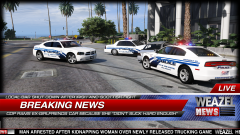 LOL i missed these
 -
hmmm, if the car was to catch fire, the perp is sentenced to death?
-
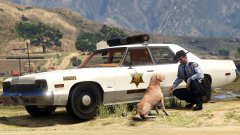 The benefit of using RDE is that you have 20 police car slots, this is going over sheriff3 for me :P