



TheDmac
Members
-
Joined
-
Last visited
Everything posted by TheDmac
-
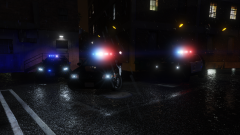
From the album: Patrol Snaps
Impala, CVPI, FPIU -
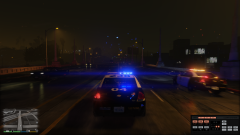
From the album: Patrol Snaps
Where we're headed? I don't know. Lets just get there -
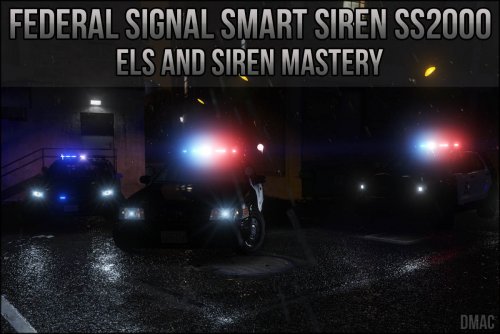 I just updated the non Siren Mastery version. Raised it by about 8dB so it's probably a tad quieter than the normal version but the siren volume in General Config should allow plenty of variation for the user (I didn't want it too loud or silent)
- 34 comments
- 5 reviews
-
-

- 1
-
-
I'm not even sure what 4 is to be honest. There's only 4 Police tones in GTA (including the horn) Might be ambulance?
- 34 comments
- 5 reviews
-
I honestly didn't hear much of a difference when using headphones and speakers but I'm fixing the Siren Mastery version tonight so I'll look at that one too EDIT: Keypad 4 tone isn't part of my siren. Only 1,2,3 and horn key play my FedSig tones. 4 is a default GTA V tone
- 34 comments
- 5 reviews
-
I'll update the siren Mastery Version to match the regular version Using Siren Mastery?
- 34 comments
- 5 reviews
-
From the album: Patrol Snaps
They say lightening never strikes the same place twice, right? -
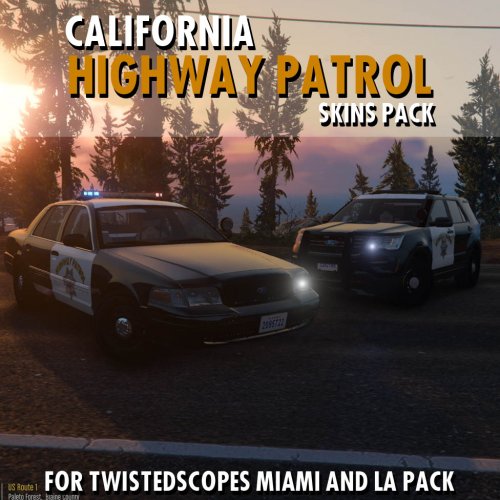 There wasn't CHP skins designed for these cars in particular. This pack contains the first proper CHP skins for ELS vehicle style vehicles. Sure, some CHP skins from other vehicles may have worked but at least this pack had the skins ready to go for the ELS vehicles.
 -
-
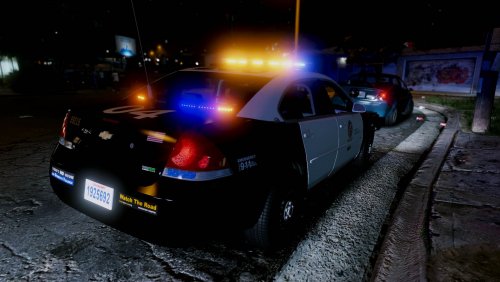 Just a quick skin I made for my personal collection. It's an LAPD skin for SgtGoetz 2013 Chevrolet Impala Enjoy!
- 1 review
-
-
- 1
-
-
This + G27 wheel, pedals, shifter + VR would be epic haha
-
From the album: Patrol Snaps
-
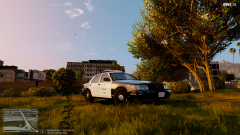
From the album: Patrol Snaps
-
Our Highway Patrol are the best looking ones out of the whole Country in general in my opinion
-
Is this a Government vehicle thing? I don't live in California, or the US for that matter so I'm totally unaware. If so, I'll update them ASAP EDIT: Fixed
-
Today I am presenting California Highway Patrol skins for the Ford Crown Victoria and Ford Police Interceptor Utility within TwistedScopes' Miami and LA ELS packs. I know the CHP don't use the same lightbar as Miami PD or LAPD but it's great for those who simply don't mind or want some ELS lighting with a small CHP fleet. Grab both below! Enjoy!
-
Check out this image for common Police fonts. Could be Arial or perhaps even Gotham Bold. Also looks a little like Whitney-Medium
-
These look amazing
-
Cheers mate I'll give it a shot :) EDIT: I can SEE again!
-
I'm currently using RadianceV but when used with ELS you need to wear a welders mask to prevent retina burn. It's insanely bright at night (example below) I'm basically wanting a nice balance. Nothing over kill, but something that looks good at night.
-
I just want to know how to create a vehicles.oac file for easy installation EDIT: I am an idiot. Worked it out
-
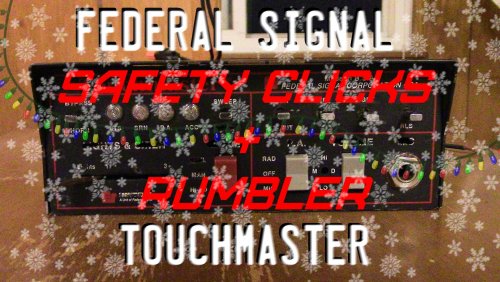 I understand it's for realism, but is there any chance of getting a non clicking version? The siren sounds absolutely amazing (coming from someone who has released a lot of sirens!)
 -
Sounds great but the clicking lets it down in my opinion :(
-
Hey guys, With the release of ELS I thought I should convert my Siren Mastery sirens. I've made a lot and they're all fairly popular among the community. The issue is all my sirens are .wav format because of course that is all Siren Mastery required. I'm after a quick tutorial or guide as to how I create my sirens to be ELS friendly. I basically need to make them the 'old school' method of siren installation (basically export them into vehicles.oac) I have exported vehicles.awc, replaced the raw .wav files with my own, I just have no idea how to get it all back in a vehicles.oac file ready for release Thanks in advance
-
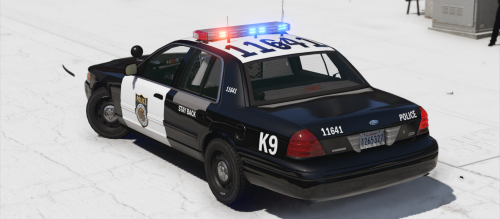 That's an interesting light bar! What model is that? EDIT: Nevermind, it's the BCSO pack
- 12 comments
- 2 reviews


