NewbAaron
Members
-
Joined
-
Last visited
Everything posted by NewbAaron
-
-
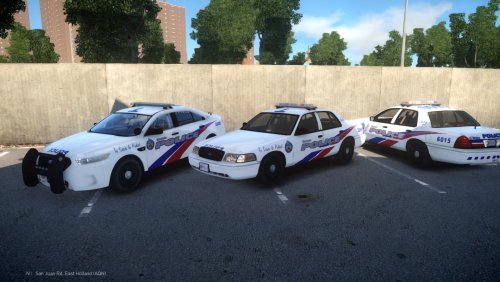 Based on those pictures they look amazing!! A way to improve is to fix some of those minor texturing problems (E.G. Some things not lining up, or the unit number on the back of the CVPI), and to include some more than two cars! Other than that great job.
 -
-
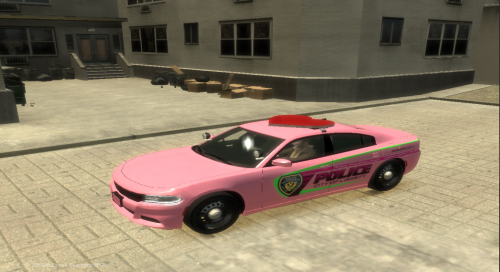 Looks great! The texture looks amazing and I am impressed with your custom light-bar. Very well done.
- 4 comments
- 3 reviews
-
-

- 1
-
-

.thumb.jpg.f19f33a997296a0849ac9c2e4c23b7e3.jpg)