.jpg.e9ecc479b8a1de0266b1b2edf24553a6.jpg)
ogled
Members
-
Joined
-
Last visited
Everything posted by ogled
-
-
-
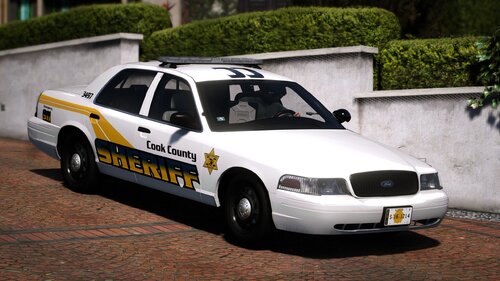 Awesome! Finally an update!
 -
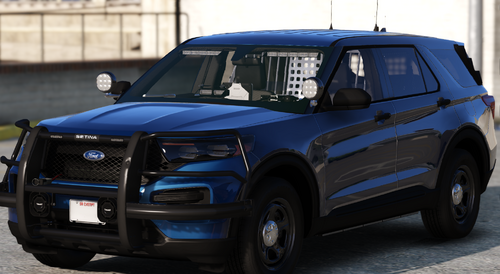 LOVE THIS. My go to unmarked vehicle was always as 2013-2014 unmarked tahoe, but man, this is a beauty.
 -
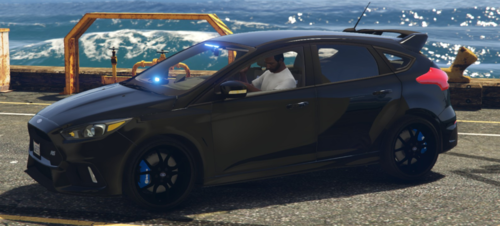 Love it and the RS 11/10
 -
As someone from Cook County, I love this. I actually got pulled over by Taurus. Lol.
-
-
 This is awesome, you even got the tag on the lightbar correct as well! Love it
- 125 comments
- 14 reviews
-
-

- 1
-
-
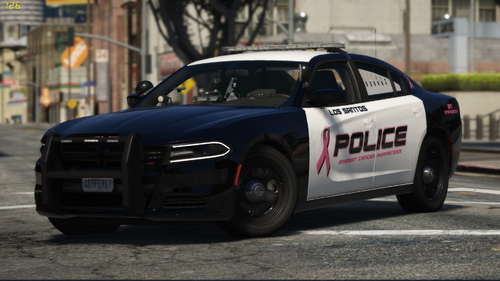 Rangerz, I must say, you are one amazing dev. Keep up the great work my friend
- 17 comments
- 2 reviews
-
-

- 2
-
-
 This charger is actually pretty sweet. I have 3 2014 LAPD chargers in my game, this one has to be my favorite for sure.
- 116 comments
- 13 reviews
-
-
-
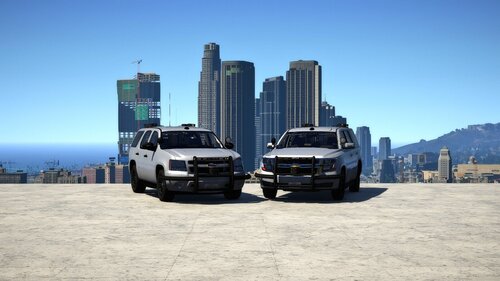 Not necessarily. I have a 2019 Tahoe with a window template, so it really depends on the dev. I also have an unmarked 2019 Ford Mustang GT and that came with a window template as well and even an unmarked 2015 Tahoe with a window template.
 -
Usually it'll say "[NON-ELS]" and just replace the .ytf, .ytd and vehicle_hi.ytd. *ALWAYS BACKUP YOUR FILES*. You don't need XML if it's a non-els vehicle.
-
 I believe you just have to hit J to activate the lights. CRTL+P is just to toggle the ELS system information display panel.
- 2,700 comments
- 241 reviews
.thumb.jpg.0ba9d8da9a88527b53b6262c3ea51d29.jpg)