


JKL409
Members
-
Joined
-
Last visited
Everything posted by JKL409
-
That's what I meant, thank you for correcting me. I'll accept it, but only if it's as big of a jump as the last 0.3 patch was to the first release of 0.4.... 😉
-
Wait a second.. This has me thinking, does this mean LSPDFR 5.0 is next.....?!??! And if so I wonder what it might entail....?? 🧐😁
-
Same problem, exactly as described using the latest LSPDFR 4.8.
-
Okay thanks, here it is RagePluginHook.log
-
Can someone translate this crash log error message for me, because I can't figure out what the hell is causing the crash. I've tried removing each plugin one by one but it doesn't appear to be linked to a specific plugin. Error message:
-
I'm getting these errors when using EUP UE 9.2 with coastal callouts: [CoastalCallouts] EUP outfit "Male LSPP Harbor Class B" in config PORT_POLICE could not be found in wardrobe.ini or presetoutfits.ini [2/24/2021 6:55:41 PM.136] LSPD First Response: [CoastalCallouts] EUP outfit "Male LSPP Harbor Class C" in config PORT_POLICE could not be found in wardrobe.ini or presetoutfits.ini [2/24/2021 6:55:41 PM.177] LSPD First Response: [CoastalCallouts] EUP outfit "Female LSPP Harbor Class B" in config PORT_POLICE could not be found in wardrobe.ini or presetoutfits.ini [2/24/2021 6:55:41 PM.219] LSPD First Response: [CoastalCallouts] EUP outfit "Female LSPP Harbor Class C" in config PORT_POLICE could not be found in wardrobe.ini or presetoutfits.ini
-
 I'm getting these errors when using EUP UE 9.2 with coastal callouts: [CoastalCallouts] EUP outfit "Male LSPP Harbor Class B" in config PORT_POLICE could not be found in wardrobe.ini or presetoutfits.ini [2/24/2021 6:55:41 PM.136] LSPD First Response: [CoastalCallouts] EUP outfit "Male LSPP Harbor Class C" in config PORT_POLICE could not be found in wardrobe.ini or presetoutfits.ini [2/24/2021 6:55:41 PM.177] LSPD First Response: [CoastalCallouts] EUP outfit "Female LSPP Harbor Class B" in config PORT_POLICE could not be found in wardrobe.ini or presetoutfits.ini [2/24/2021 6:55:41 PM.219] LSPD First Response: [CoastalCallouts] EUP outfit "Female LSPP Harbor Class C" in config PORT_POLICE could not be found in wardrobe.ini or presetoutfits.ini
- 502 comments
- 33 reviews
-
 Just a heads up your mod appears to be incompatible with LML installed alongside it. Why this is I'm still unsure, but as it's a pretty popular tool it might be worth investigating. I managed to work out it was this mod causing the loading screen crash I was having after installing and removing mods one by one.
- 366 comments
- 32 reviews
-
Okay, after deleting every single mod and file in my GTA V directory I've discovered that this mod: AI TRAFFIC Fluidity & Discipline 6.0.1 Combined with LML is somehow causing the crash, what specific file and why the crash is occurring when these two mods/programs are combined I'm unsure. But I think it deserves further investigation.
-
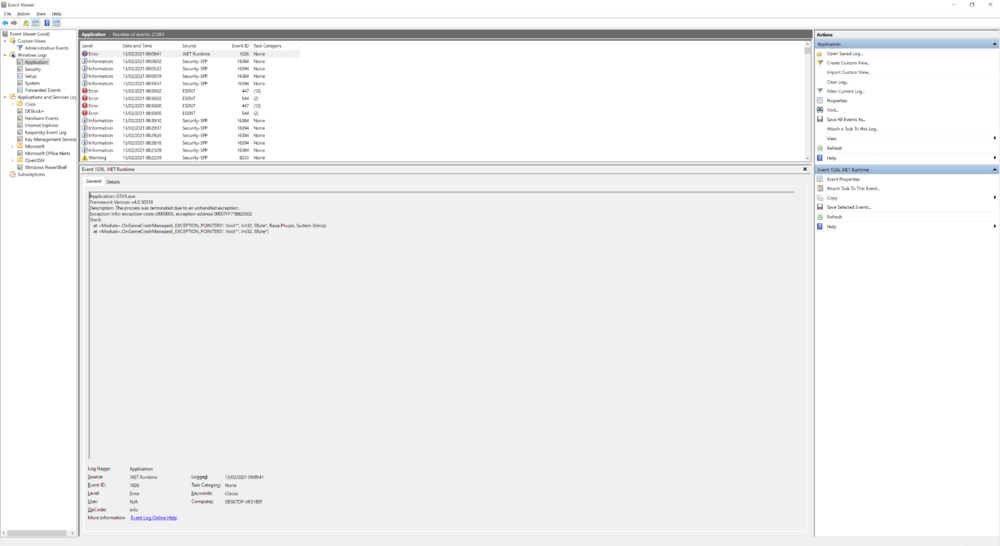
Okay, I've uploaded a screenshot (using the latest RPH version and scripthook version)
-
Without LML installed and in my GTA V directory, I can get the game running no problem with custom gameconfigs. With LML installed in the directory however none of them seem to work when installed manually through openiv, or through LML itself, and I've tried five different gameconfigs at this point. All crash at the loading screen at the exact same time. I should also point out disabling my antivirus, which I thought may be the culprit, had no effect either unfortunately.
-
 This straight up just doesn't work, I've tried every troubleshooting method I could think of. Whatever I do LML just crashes my game on the loading screen into story mode. I'm on the verge of just giving up on this.
- 338 comments
- 17 reviews
-
-

- 3
-
-
100% a legit copy on Steam that I own. Game version is the very latest.
-
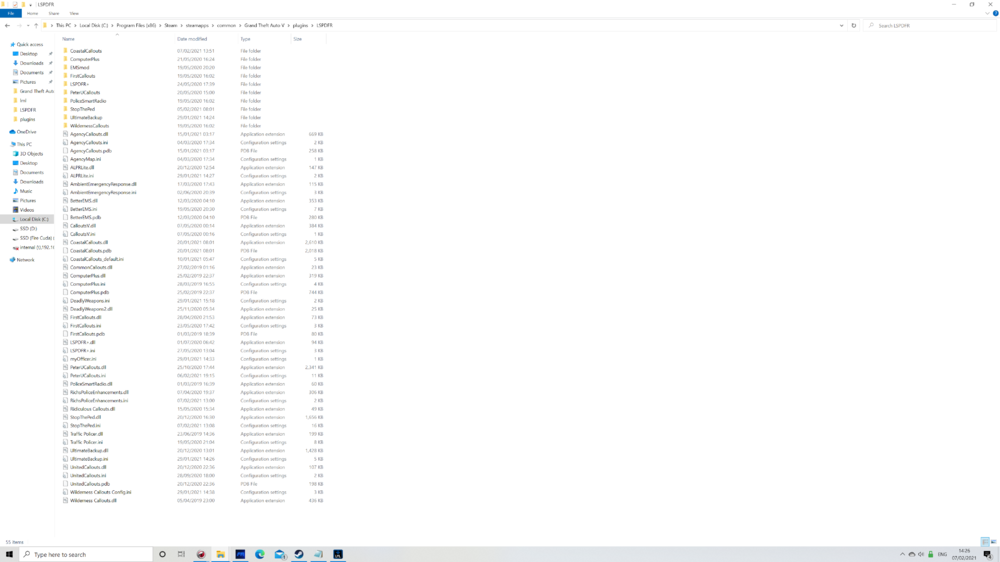
Game is crashing with this mod and LML installed, 1. Ive read the readme twice. 2. I've watched the video. 3. Yes I did, the one linked on the Coastal Callouts mod page. 4. Yes I have, the one provided with the NVE mod. 5. Yes i have. 6. Yes 7. Latest version as of this date. 8. RPH 1.84.1279.16097 and LSPDFR 0.4.8.0 9 . Yes, and no just this mod. 10. 0.4.7531.966 11. Have done. 12 to 15. I have uploaded the requested screenshots. 16. So far I have tried removing LML and Coastal callouts to make sure they are defintely the problem and the game works. I have also tried two different custom gameconfigs and both crash as RPH is at the loading screen of the game loading the plugins. The game crashes everytime at the exact spot as RPH is starting to load the plugins. The game then crashes to desktop with RPH then also reporting the game has crashed. Thank you for the help. 🙂 ModManager.log RagePluginHook.log vfs.log
.thumb.png.14d0e02cbcb60d7af865e219454217c4.png)
.thumb.png.89e02f5e2a99f659fb7e2cf65a66a567.png)
.thumb.png.171aa299ada82617486213091bbdf0a5.png)
.thumb.png.dd79b749b8f1764c8f90f7bccc68179c.png)
.thumb.png.16825adbf04eb14ced3802136cffb1b8.png)
-
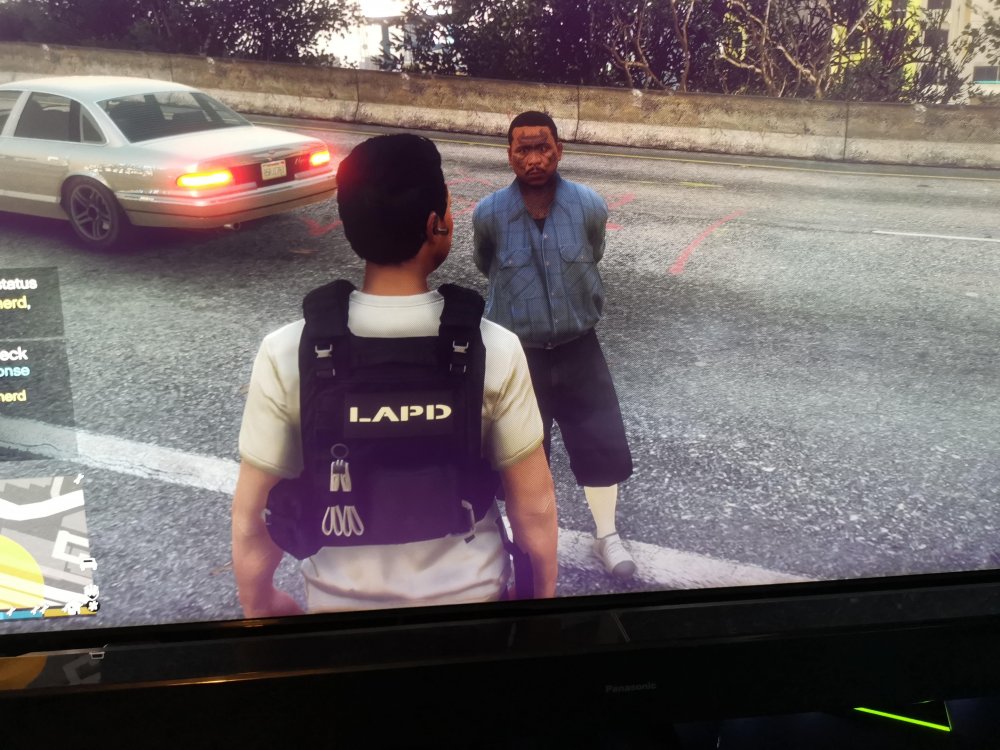
So I keep getting attacked by the same character model everytime I launch the game and I'm not sure why? A red blip appears within about 1 minute of coming on duty, and then he usually appears in a bus or a car, and drives like a lunatic smashing into things forcing me to apprehend him. The name in stop the ped is always the same as well, ''Bryce Shepherd'' DOB: 10/16/1974. I would quite like to find out who this mystery character is and make him go away and stop appearing in my games, as it somewhat kills the immersion.
-
I used the dilapidated 4.0 gameconfig. I don't see how that would cause my issue either way though.
-
I'm going mad trying to figure out why I can't seem to reliably install OIV files in my mods folder using Open IV. It seems about 30% of the time when I try installing one it corrupts some of the files within the folder causing my game to crash and not boot. Sometimes I get a message telling me it's due to a corrupt installation, and other times it just crashes. I'm able to confirm it is indeed corrupting the game data somehow, as after briefly checking the files after installing one it quickly becomes apparent things don't look how they're supposed to look. Some crucial files are just empty, empty folders and garbled text files appear at random. The dlclist.xml seems to always be affected strangely. This is making using GTA V and LSPDFR completely unbearable for me, as this is the the sixth time today I've had to start from scratch within the game directory. I don't have teamspeak or discord open in the background when installing the OIV's. I have considered doing each mod manually, but I feel I need to solve this problem in case it becomes a bigger issue in the future. The OIVs always say they've installed successfully by the way. Despite the contrary being true, I think it's worth adding. Any advice is greatly appreciated as I'm pulling my hair out trying to solve this conundrum. 🤬
-
After a process of elimination, I've worked out that the ENB I'm currently using causes my game to instantly crash when loaded alongside RPH. This is despite it previously working fine together over the last two months with RPH. The crash is instantaneous and happens before any of the first logo screens. I've tried everything I can think of to get it to run with it including: Disabling antivirus Disabling Nvidia shadow play and the geforce experience overlay Re-installing scripthook and RPH Deleting all scripts temporarily Deleting mod folder temporarily Deleting all non game dlls and asi scripts temporarily Using a different ENB mod Disabling the Windows 10 game bar
-
I'm pretty sure PRSA - PhotoRealistic San Andreas is incompatible with the rage plugin hook. So you may want to remove it.
- 5 comments
- 3 reviews
-
-
- 1
-
-
Same issue.... RagePluginHook.log
-
 @Phaxol Can't help but notice there's still no controller button layout, or ways to change or modify controller buttons for the plugin.
- 1,005 comments
- 68 reviews
-
-
Turns out that was indeed the issue. I entered 0.3 in a 1 - 100 setting of how frequently I get a hit using the ALPR. Looks like it didn't like it.
-
New log file. Would be great if someone could analyse this for me and tell me what it means.
-
I'm having the exact same problem, and I didn't make any changes except update one of my Plugins. Removing it didn't fix the issue...

.png.3a3e11dc9936c27c287f9886aebf2065.png)
.png.16046b287271e17ef340ef3a9ed826ad.png)
.png.062cd4ded45028639a3c32181fcaf5f3.png)
.png.770a6e3e3fe02feee814ae692409724b.png)
.png.c333cf7549b381816a85afe7c4962eb8.png)


