


Xaraxoz
Members
-
Joined
-
Last visited
Everything posted by Xaraxoz
-
 Can't wait for that Awesome work!
 -
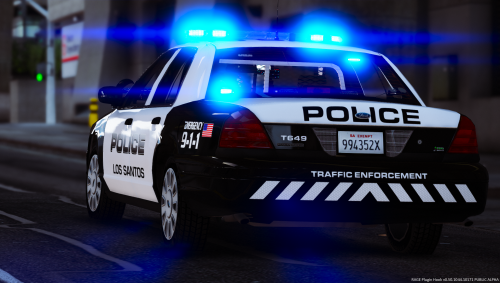 Can't wait for the 2016 FTPI .. then my carpark for the LSPD is finally complete! I wish to finally replace my 2015 charger xD
- 40 comments
- 10 reviews
-
The Textures are awesome! They fit really good for a semi-realistic LSPD/LAPD gameplay and have a fresh and modern look. Having different options like Patrol Commander, Supervisor, K-9 and Traffic Enforcement is the cherry on top! In my eyes the best Texture pack out there!
- 40 comments
- 10 reviews
