Razgr1z
-
Joined
-
Last visited
Everything posted by Razgr1z
-
2026 here does anyone have the new hashes for the sirens... I'm trying to make Sirens_wail_01 a bit louder but can's seem to find the hashes in the sounds.dat54.rel file. If anyone could provide assistance, thank you!
-
using "fbi2" handling for newer model explorers Using "FBI2" handling for the newer explorers
-
Using one of the newer explorers under Police4 - "fbi2" seems to work well
-
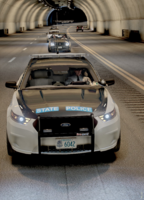
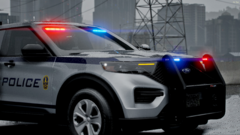
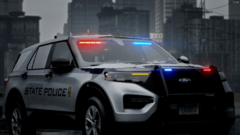
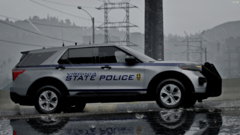
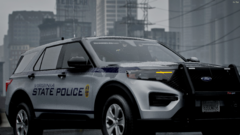
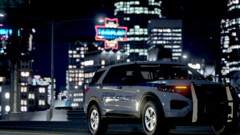
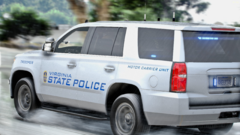
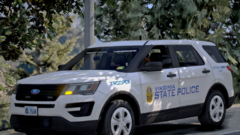
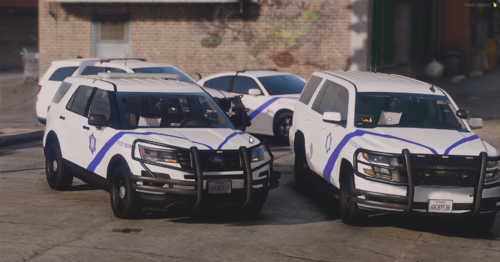 Thank you for creating this pack of ASP vehicles. I have to admit I'm not a fan of Non-ELS vehicles but... After watching some youtube videos and making this into a DLC pack for all the lights and sirens to run properly. They look amazing (photos to come in the near future hahaha). Thank you @Verte and your team. For anyone else that still is trying to figure out how to add these into Single Player game, Download : "Addon Creator Vehicles" from GTA5mods.com and then watch https://youtu.be/w5_gpf6kZDQ?si=vZJme7ZIk8oQJcO2 The only thing I would say is that if you plan on adding multiple vehicles to the DLC pack, you'll have to add every vehicles Carcols.meta, Carvariations.meta, handling. Meta, and vehicle meta. For the ELS just make an XML and put everything "ELS controlled" - False, and "Env lighting" - True Hope this helps
-
-
-
If anyone has insight on how to properly make an addon vehicle with ELS-Hybrid a replace vehicle. I have SSLA already installed, I have already managed to rename the vehicle and installed it to the patch. The issue I'm running into is that after matching the siren setting and value to the Carcol the lights aren't working properly still in the SP gameplay. The vehicle from the DLC works fine but when I use it from the Replace the lights are wonky... Any help is appreciated thank you.
-
Hello everyone, I was wondering if anyone could point me in the right direction. I have attempted to add two priority siren tones to the Vehicles.awc. 1 tone was placed under "Police Warning.wav" and the other I placed under "siren quick 01 wav." The siren tone under the siren quick 01 sounds off, but if I place it under the police warning then it sounds normal again. Again this is a long shot but if anyone can help or point me in the right direction I'd really appreciate it thank you
-
@deputy2553 I know it's been a while but is there any way to install this to the POLMAV files. I attempted but the image just appeared as a little box on the wing of the helicopter.
-
-
From the album: Fairfax County Police
-
From the album: Fairfax County Police
-
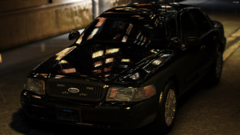
From the album: Fairfax County Police
-
-
-
-
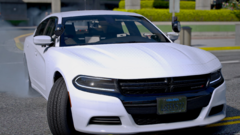
From the album: Los Angeles Police Department/ San Andreas Police Department
-
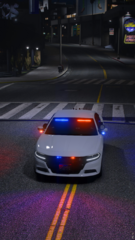
From the album: Los Angeles Police Department/ San Andreas Police Department
-
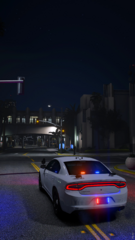
From the album: Los Angeles Police Department/ San Andreas Police Department
-
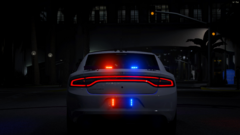
From the album: Los Angeles Police Department/ San Andreas Police Department
-
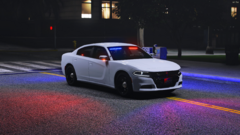
From the album: Los Angeles Police Department/ San Andreas Police Department
-
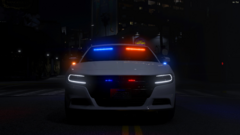
From the album: Los Angeles Police Department/ San Andreas Police Department
-
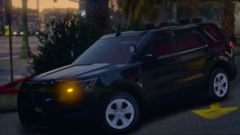
From the album: Los Angeles Police Department/ San Andreas Police Department
-
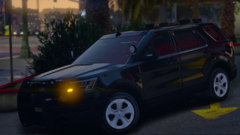
From the album: Los Angeles Police Department/ San Andreas Police Department
-
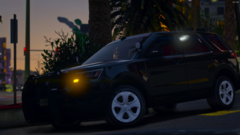
From the album: Los Angeles Police Department/ San Andreas Police Department