


Hystery
-
Joined
-
Last visited
Everything posted by Hystery
-
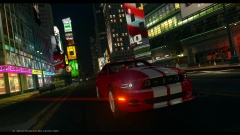
From the album: Liberty City Police Department (NYPD style, Whelen Liberty)
"Because you can be undercover, and have style." *insert perfume advertising music* -
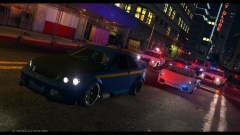
From the album: Liberty City Police Department (NYPD style, Whelen Liberty)
"I'll get my donut back you filthy criminal!" -
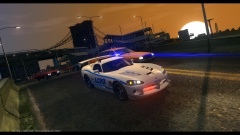
From the album: Liberty City Police Department (NYPD style, Whelen Liberty)
The dawn, the roar of a V10 engine on the highway... What else? -
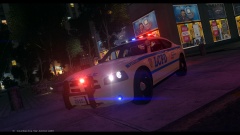
From the album: Liberty City Police Department (NYPD style, Whelen Liberty)
*Radio* "Hey bro, I need help with a domestic violence." "Sorry, I'm busy." *Radio* "I've donuts." "I'M ON MY WAY!" -
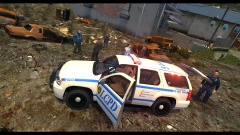
From the album: Liberty City Police Department (NYPD style, Whelen Liberty)
"Two deaths one gun." Bonus: a Jerry Lee is hidding somewhere. Or at least he believes he's hidding. -
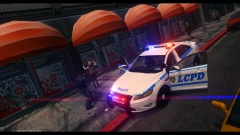
From the album: Liberty City Police Department (NYPD style, Whelen Liberty)
"You're under arrest for the worst street crime: taking a selfie." *crowds heavy breathing* -
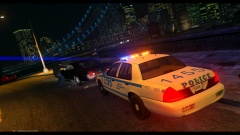
From the album: Liberty City Police Department (NYPD style, Whelen Liberty)
"Yes sir, your music is too loud. I said your music is too loud! YOUR MUSIC IS-! Whatever, step out of the vehicle. Step out of the vehicle. STEP OUT OF TH-!" -
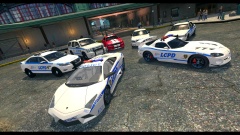
From the album: Liberty City Police Department (NYPD style, Whelen Liberty)
A quick overview of the fleet I gathered for my own use. Ford Crown Victoria Police InterceptorFord Taurus Police InterceptorChevrolet TahoeDodger ChargerLamborghini ReventonDodge Viper SRT-10 ACRFord Mustang Slicktop Unmarked -
The textures in themselves are pretty neat, though the models presented in the screens have this lightbar I dislike. I'll see if I can make it fit on some other models I've in storage. Good job anyway~
- 12 comments
- 5 reviews
-
A personal pack I made with models and liveries I've picked up a bit everywhere.
-
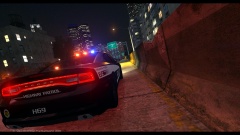
From the album: Liberty Police Dept.
The model can be found here: https://www.lcpdfr.c...cvpi-tahoe-els/ The livery used can be found here: https://www.lcpdfr.c...trol-pack-els7/ -
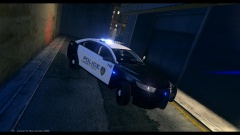
From the album: Liberty Police Dept.
The model can be found here: http://www. .com/gta-4/cars/29330-ford-taurus-police-interceptor-2013-lcpd-els.html The livery used can be found here: https://www.lcpdfr.com/files/file/3046-2013-ford-police-interceptor-liberty-city-police-department-els7/ -
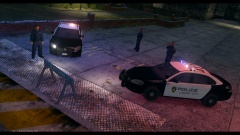
From the album: Liberty Police Dept.
The model with the actual livery can be found here: https://www.lcpdfr.com/files/file/720-2012-chevrolet-impala-liberty-city-police-department-els/ -
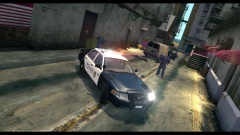
From the album: Liberty Police Dept.
The model with the actual livery can be found here: https://www.lcpdfr.com/files/file/350-liberty-city-police-department-pack-charger-cvpi-tahoe-els/ -
Always good to see some vanilla cars now and then. However, if I may place my 2 cents, I believe the livery would look even better if the blue line was parallel to the windows. Just a suggestion though!
- 2 comments
- 1 review
-
-
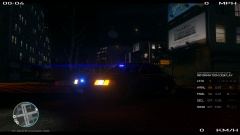 CVPI Unmarked ELS
-
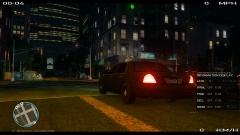 CVPI Unmarked Rear
-
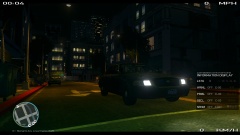 CVPI Unmarked Front
-
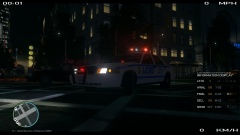 CVPI LCPD ELS
-
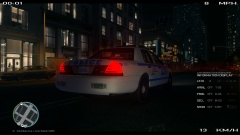 CVPI LCPD Rear
-
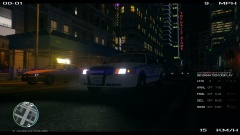 CVPI LCPD Front
-
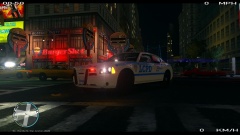 Dodger Charger LCPD ELS
-
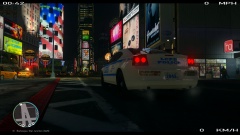 Dodger Charger LCPD Rear
-
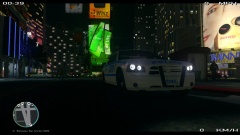 Dodger Charger LCPD Front
-
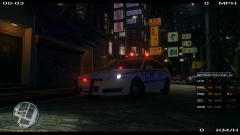 Chevrolet Impala LCPD ELS
-
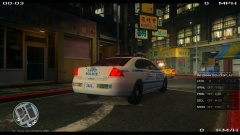 Chevrolet Impala LCPD Rear
-
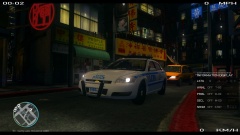 Chevrolet Impala LCPD Front
-
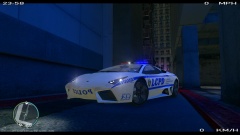 Lamborghini Reventon LCPD ELS
-
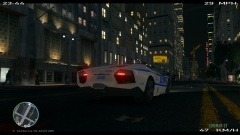 Lamborghini Reventon LCPD Rear
-
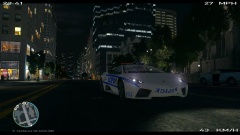 Lamborghini Reventon LCPD Front
-
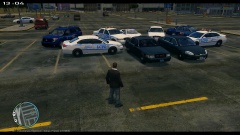 Overview (2)
-
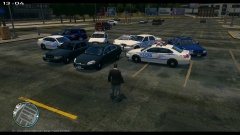 Overview (1)
-
-
From the album: Liberty City Police Department (original liveries)
The Unmarked Victoria knows how to blend in with the crowd to let the detectives do their job, anonymously. At least, until the emergency lights enlighten the criminals. -
From the album: Liberty City Police Department (original liveries)
The Unmarked Victoria knows how to blend in with the crowd to let the detectives do their job, anonymously. At least, until the emergency lights enlighten the criminals. -
From the album: Liberty City Police Department (original liveries)
The Unmarked Victoria knows how to blend in with the crowd to let the detectives do their job, anonymously. At least, until the emergency lights enlighten the criminals. -
From the album: Liberty City Police Department (original liveries)
The famous Crown Victoria isn't retired yet, and she still has some tricks up her engine to help the LCPD in their endless fight against crime. -
From the album: Liberty City Police Department (original liveries)
The famous Crown Victoria isn't retired yet, and she still has some tricks up her engine to help the LCPD in their endless fight against crime. -
From the album: Liberty City Police Department (original liveries)
The famous Crown Victoria isn't retired yet, and she still has some tricks up her engine to help the LCPD in their endless fight against crime. -
From the album: Liberty City Police Department (original liveries)
Patrolling Algonquin has never been so fun at the wheel of this monster of metal. -
From the album: Liberty City Police Department (original liveries)
Patrolling Algonquin has never been so fun at the wheel of this monster of metal. -
From the album: Liberty City Police Department (original liveries)
Patrolling Algonquin has never been so fun at the wheel of this monster of metal.


