
maddielovekyle
Members
-
Joined
-
Last visited
Everything posted by maddielovekyle
-
so 3 hours ago i was trying to play it logs in fine, i can go on duty. but when i pull out the radio to say im available the game crashes or just closes completely. "i will be attaching my last crash, and my current LSPDFR.ini as well". i need help please and thank you 🙂. RagePluginHook.log
.thumb.png.af65a5537aa56748f50c265a1bda2b8f.png)
-
@volac. thanks man much apreciated
-
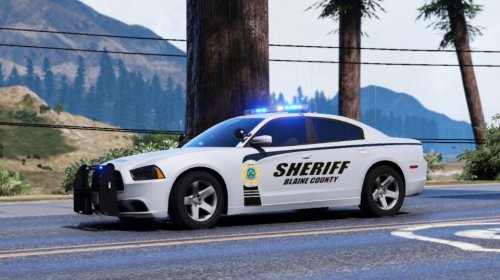
@volac. So how can i add on a car to patrol under Highway patrol? cause its says "Motor Unit" and vehicle is policeb. can i change the motor unit to patrol? or can i add it underneath motor Unit? Cause i have my police cars working just a little confused on the highway part since it is a motorcycle
-
So im having a little trouble with turning my add on car into an AI car threw my Duty selection.XML, Agency.XML, and i have also tried putting it in the 3 ultimate XML files. "Custom, Default, or Special" and nothing works. it just tells me there was a problem. Can i get help with a Step by step guide on what to do? Please and Thank you
-

.png.f4510e9fd6c6bbfc908499acc1f8b4f0.png)