Skip to content
View in the app

A better way to browse. Learn more.

LCPDFR.com

A full-screen app on your home screen with push notifications, badges and more.

To install this app on iOS and iPadOS
  1. Tap the Share icon in Safari
  2. Scroll the menu and tap Add to Home Screen.
  3. Tap Add in the top-right corner.
To install this app on Android
  1. Tap the 3-dot menu (⋮) in the top-right corner of the browser.
  2. Tap Add to Home screen or Install app.
  3. Confirm by tapping Install.

cityboy

Members
  • Joined

  • Last visited

About Me

Could contain: text, screenshot, font

787173774_PROFILKP.jpg.c65b5ff8469ee667375fe2d9615cc496.jpg


541484799_bandicam2021-11-2107-06-34-972.jpg.a239f6714c368abb287b37a4b2358f52.jpg


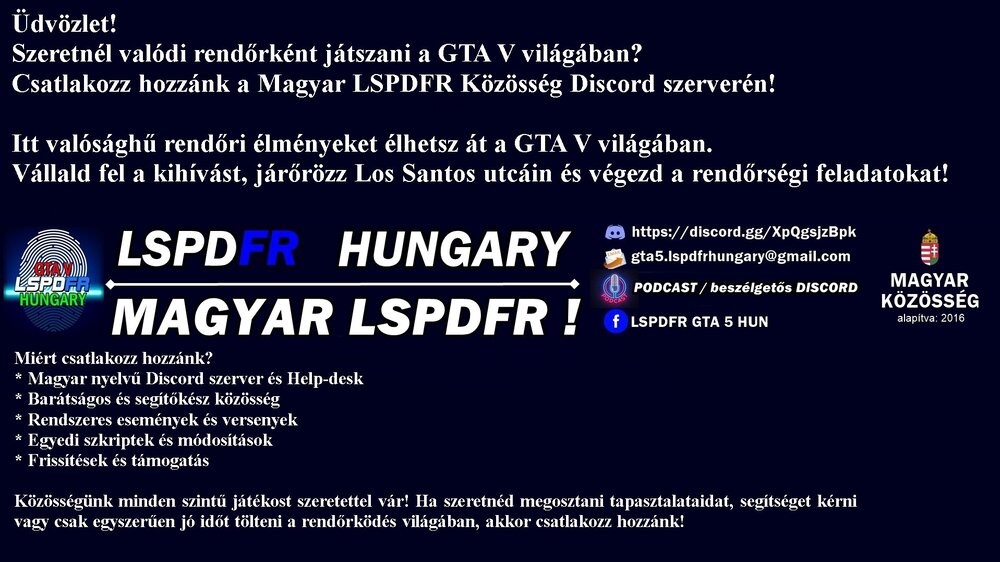
https://discord.gg/XpQgsjzBpk


Név: CityBoy   (Az első Magyar LSPDFR FB és Discord szerver kitalálója, ADMIN-ja)
Valós név: Gábor
Szül.év: 1974
Magyarország-Pest megye
Kedvenc állatom: Kutya 
Hobbim a Motoros túrák, RC Helikopter és Drón reptetés, Fotózás, 
Kedvenc játékok: Szimulátorok, Háborús játékok, 
/Swat3, Swat4, Battlefield, Medal of Honor, Call of Duty, Word of Warship, Project Hospital, Deadside, Trainz és ami nagyon: GTA5 LSPDFR/
 

https://discord.gg/XpQgsjzBpk


Account

Navigation

Search

Search

Configure browser push notifications

Chrome (Android)
  1. Tap the lock icon next to the address bar.
  2. Tap Permissions → Notifications.
  3. Adjust your preference.
Chrome (Desktop)
  1. Click the padlock icon in the address bar.
  2. Select Site settings.
  3. Find Notifications and adjust your preference.
