
Sopphic
Members
-
Joined
-
Last visited
Everything posted by Sopphic
-
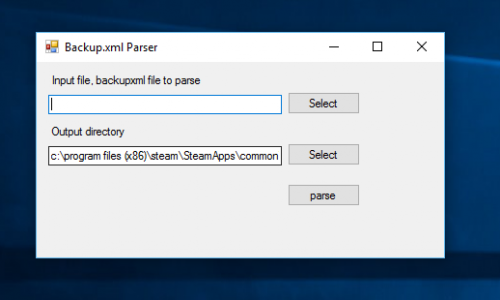
check their twitter. they released a tool. and have updated about their website
-
yes. revert to the old game version that you backed up in rph settings, as every smart person does...
-
this is why we use a mods folder... revert works fine for me... it's quick easy and steam doesn't re-update
-
-
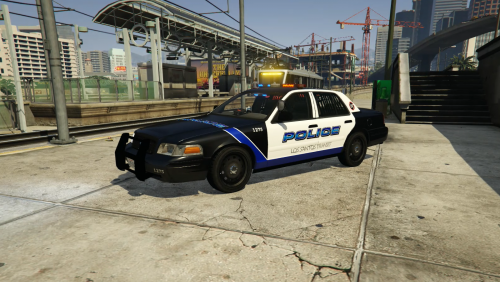 These look awesome!
 -
Huh. The more you know....
-
Suspected meth lab callout in vanilla 0.3
-
hey albo. i'm having an issue with the stolen police vehicle callout. as soon as i start the pursuit the suspects abandon the vehicle, so i can never have a vehicle chasesmy thoughts exactlyI use a dictionary. And obs, I seem to have no problems with the 64-bit versionOk. No
 Oh I see
Yes but what is different about the new file?
how does this actually work. i input the file and select output location and nothing happens...
Oh I see
Yes but what is different about the new file?
how does this actually work. i input the file and select output location and nothing happens...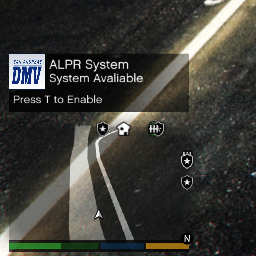 press T to turn on and then just park up on highway. should get a hit soonish
- 149 comments
- 29 reviews
hmmmm. nothing is beeping for cars behind me when using the police bike. or cars going other diection? i guess cars behind me have no front numberplates and cars going the other direction are out of range? EDIT just realised, no rear ones, only side, my mistake- 149 comments
- 29 reviews
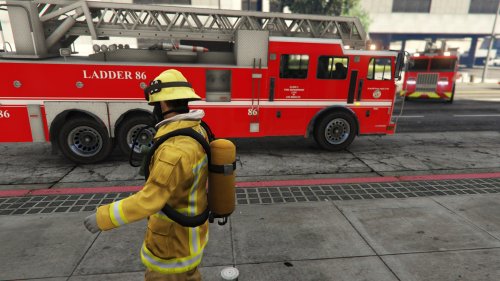
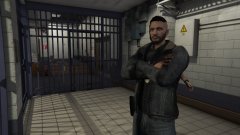 what character model is that and where do i get it?
what does it look like for police bike do you know? as i was using that for Hwy Patrol
what character model is that and where do i get it?
what does it look like for police bike do you know? as i was using that for Hwy Patrol- 149 comments
- 29 reviews