


.png.2405fe9649aa02e82de3ea9a095d811d.png)
AshHill07
Members
-
Joined
-
Last visited
Everything posted by AshHill07
-
Well, I just looked it up and no, the LSPD aren't programed to arrest people, they just kill them. Apparently the arrest script was something that was cut out for the sake of improving performance. Will they re-add it for the PC version? Unlikely, they'll probably just add another car instead or something. Also, theres no "Times Arrested" or "Times Busted" or anything along those lines in the stats pages either.
-
The only mods I use with GTA IV is LCPDFR, police vehicles replaced (With LCPD Varients of the GTA V Police cars), area livery's and a script to repair/wash my car ... that's it. Also, aside from rapeling out of helicopters (Which I don't even remember if the LCPD actually do or not), I've not the seen the LSPD do anything different from the LCPD, at all. I don't even know if the LSPD are capable of arresting people as I've never actually been arrested, just shot.
-
I'm only interested if there's some that are 3840 x 1080. :P
-
Partners following in vehicles have an annoying habit of constantly testing their ram bar on my rear bumper and can't seem to get though a chase or even a simple drive from A to B without completely writing off their car. Also their vehicle despawns if they exit and you move too far away (Like normal cars do) and having to run back to their car to order them back into it after getting them to regroup at an incident is kind of annoying. Adding something to mark a vehicle as their vehicle and a command to just order them back to their own car would be helpful as well as making it so a secondary vehicle won't despawn if you walk too far away from it (making it so you could choose a secondary vehicle upon leaving the PD would be incredibly helpful). And either making it so their car is indestructible (or repairs whilst out of view) would also solve the issue of them not bothering to look after it.
-
Frankly, I don't care. Even if TES:O went completely free to play on PC with no purchase or subscription required, plus all the exclusive content also included for free, I still wouldn't play it. Why? Because it'd still be a completely terrible game, it'll just be for free. I've recently started playing though Skyrim again, I'll just continue playing that instead, much better experience.
-
I'm not pre-ordering it, I'm gunna wait to see if any good mods and stuff come out for it first, or if Online is less crap. If they offer to transfer my character off my 360 version to GTA Online on PC I might be tempted enough to buy it, but I definitely won't be pre-ordering it.
-
To be honest I don't usually watch LCPDFR so much now since I can actually play it myself, the only time I watch it is with Code Zero doing Multiplayer. I used to watch Buggs all the time prior to getting LCPDFR myself. I do do a few LCPDFR videos myself but I'll be the first to admit they're not very good, besides they're mostly just uploading game bugs / glitches so instead of having to explain / describe them I can just say "Here, watch this."
-
So there I was dealing with a drunk driver on a freeway, and there was a loud bang on the other carriageway. So I panned my camera around and ... well ...
-
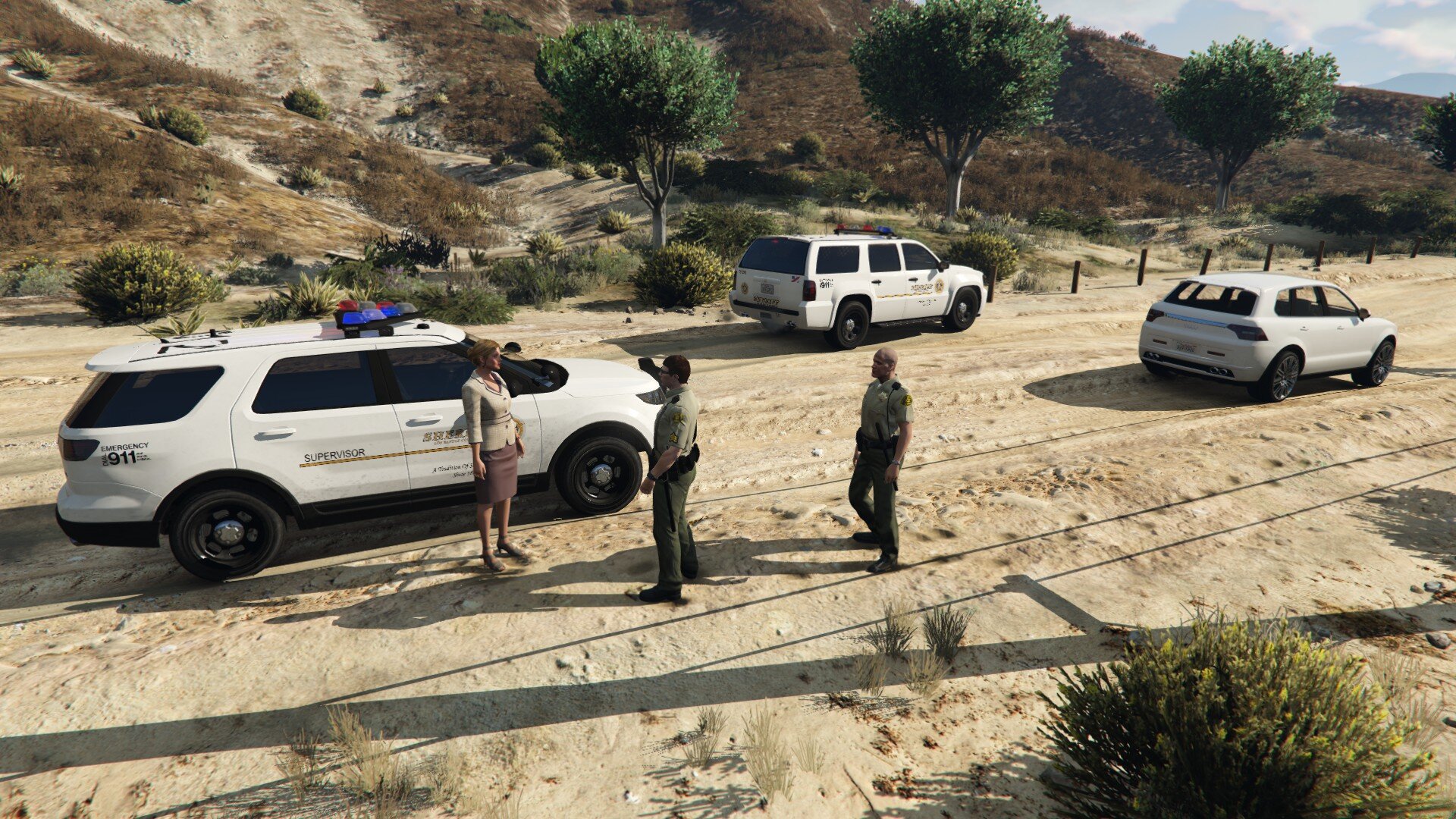
I've been messing around with the new "Follow me in car" command, that has had a few entertaining results.
.thumb.png.7a8d8daa51db5728e1670c06eafb50cf.png)
