


B. McDonald
Members
-
Joined
-
Last visited
Everything posted by B. McDonald
-
Yes, I do have two textures with the same name. Thats why I was asking if i could change a name and have it work still or if i would have to restart the Tahoe entirely.
-
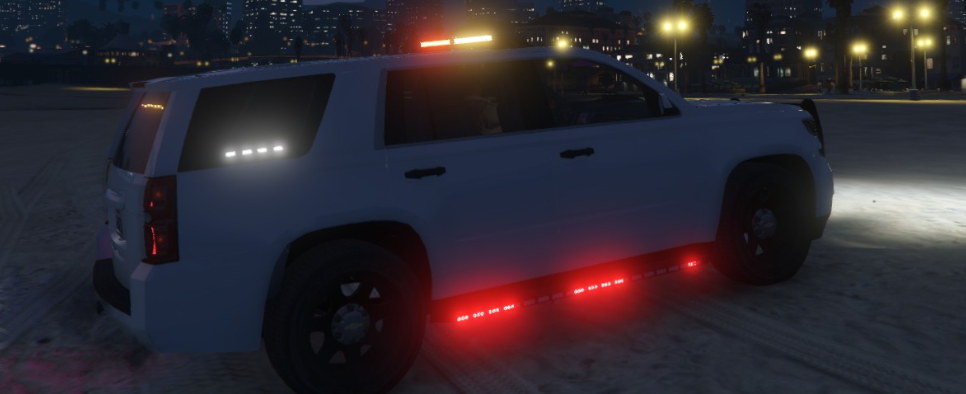
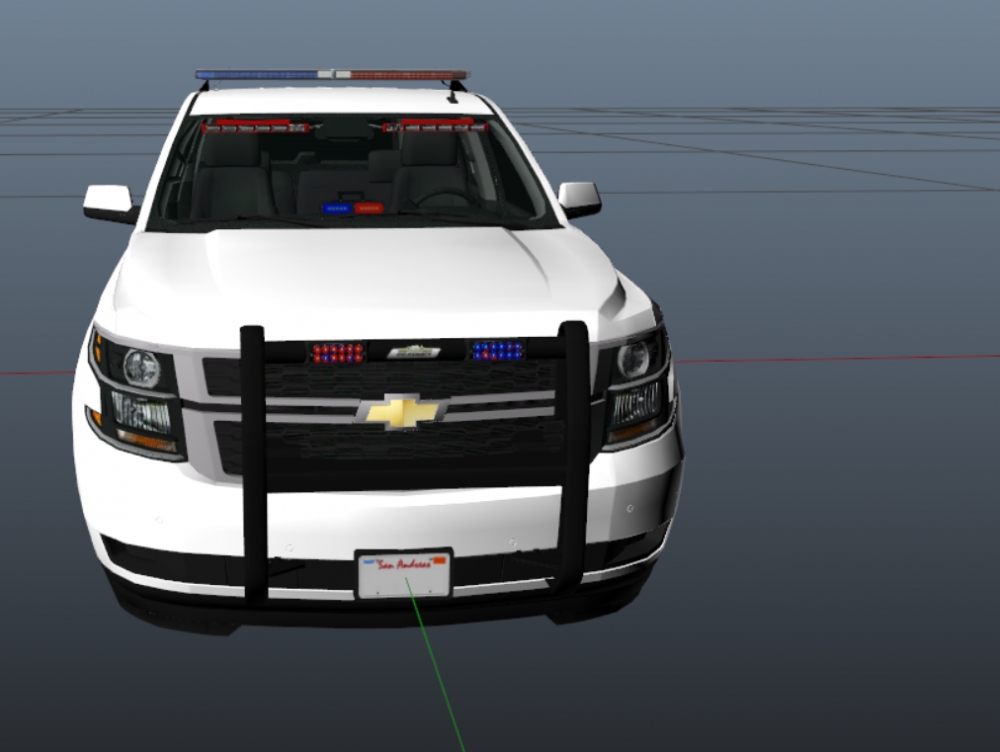
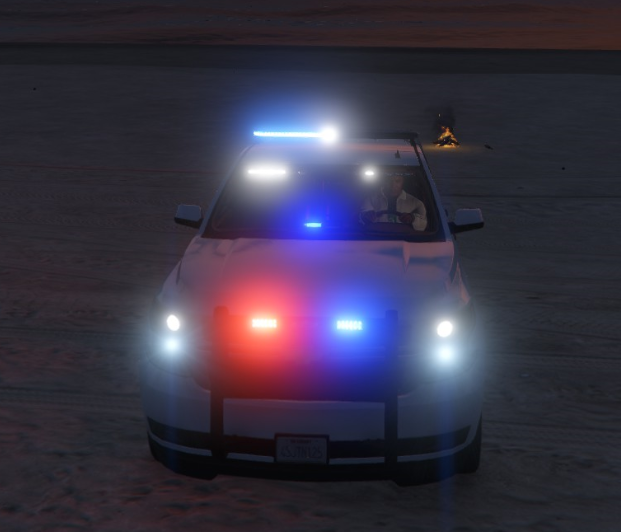
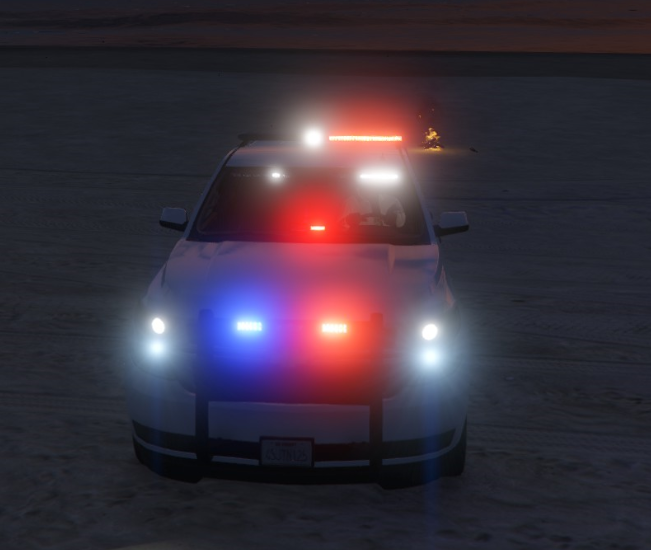
Hopefully this is the right section, if not, i apologize. I am new to ELS vehicle modeling for GTA V and the fries one I made by myself, I seemed to mess up lol. I tried to add a lot of lights and most work... but some flash but done have color. They're all white (As you can see in the pictures). I have been told that its because I used 2 separate "light bars" that are the same "brand". Like i used 2 different Bueno light bars. Is there a way to fix this without having to restart the entire vehicle? Thank you very much! I have provided pictures to show what I am talking about. As you can see, the lights at the top of the windshield are white and the light in the back side window is white. and the lights in the windshield are marked red when I open it in Open IV.
-
Hopefully this is the right section, if not, i apologize. I am new to ELS vehicle modeling for GTA V and the fries one I made by myself, I seemed to mess up lol. I tried to add a lot of lights and most work... but some flash but done have color. They're all white (As you can see in the pictures). I have been told that its because I used 2 separate "light bars" that are the same "brand". Like i used 2 different Bueno light bars. Is there a way to fix this without having to restart the entire vehicle? Thank you very much! I have provided pictures to show what I am talking about. As you can see, the lights at the top of the windshield are white and the light in the back side window is white. and the lights in the windshield are marked red when I open it in Open IV.
-
I use Paint.net to make my skins for police cars but anytime I get in game, they're like a dull black (main color of my current skin is black). How can I make them shiny? Thank you in advanced!
-
Awesome, thank you very much!
-
1) is that free? 2) Do you by chance know of a video that will show me how? Or even a written walk through on how? Thank you!
-
Is there a way i can add ELS lights to an unlocked police car for personal use? I know im not able to upload it without permission but i just wanna do it for my game only. (sorry if this is in the wrong section)
-
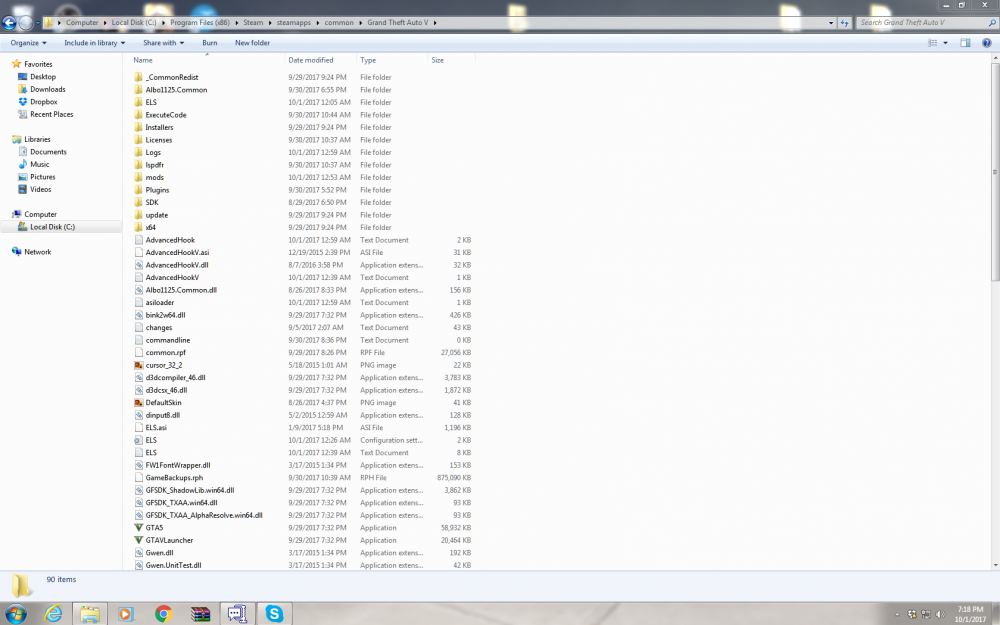
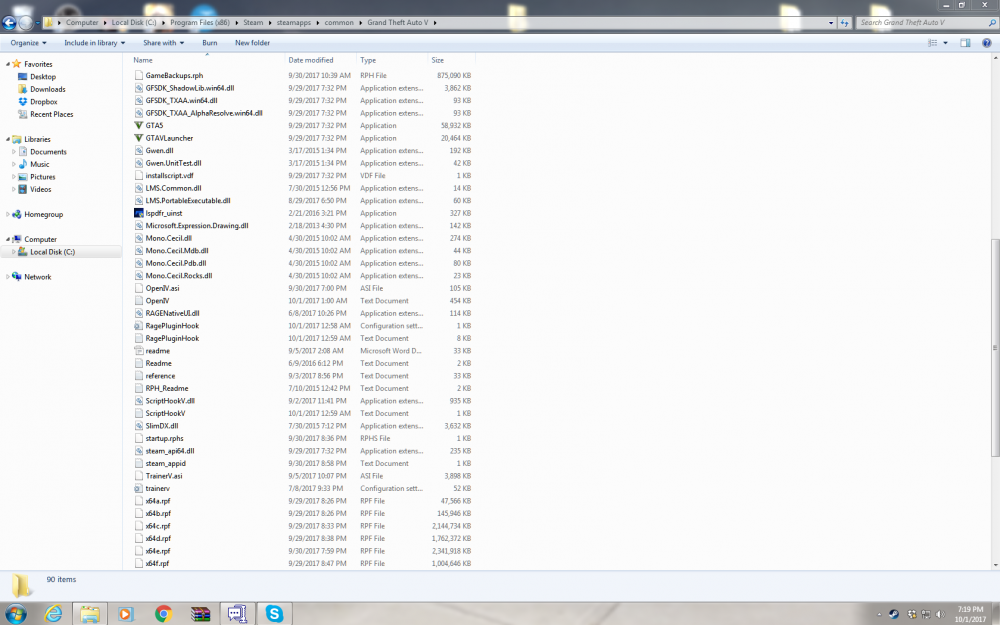
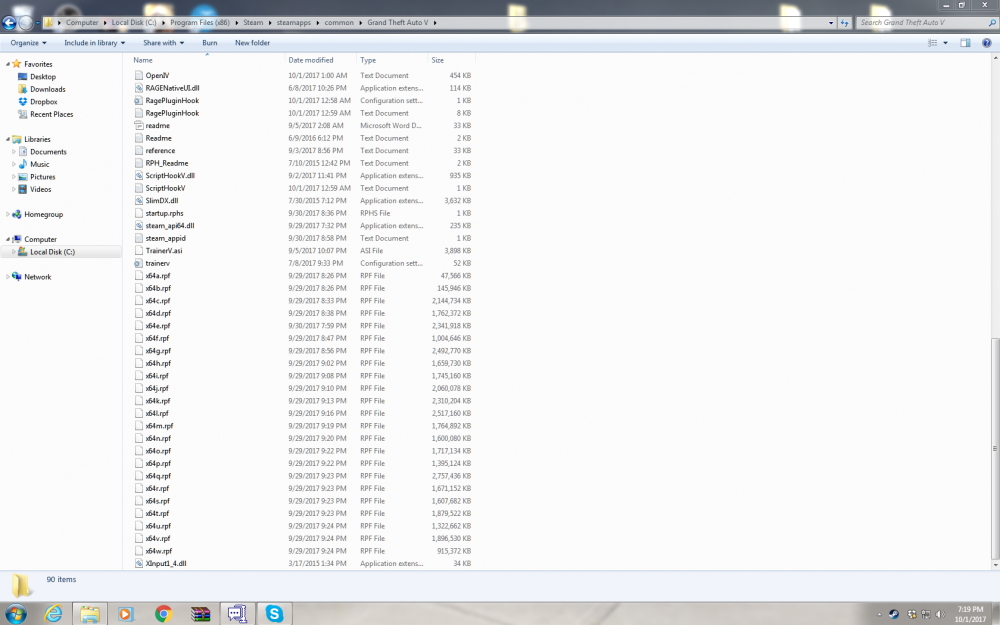
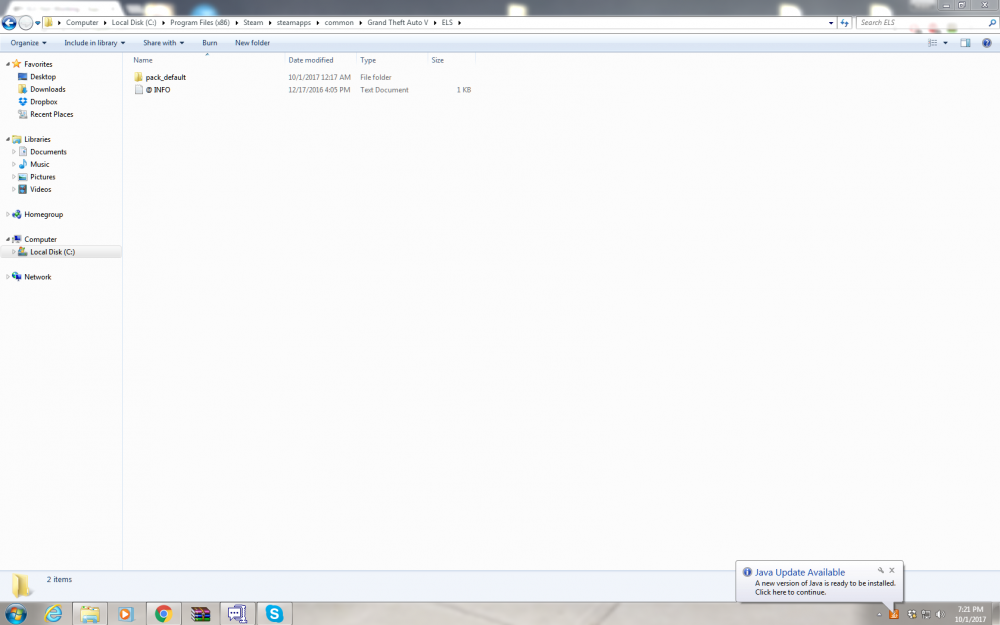
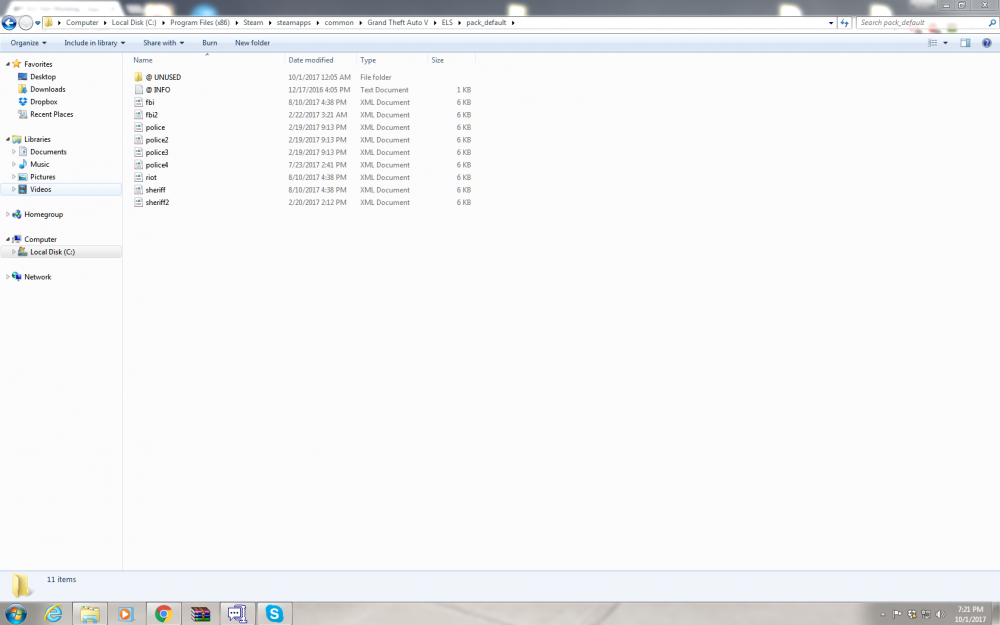
Here you go! Thank you very much for continually helping me with this!
-
I tried both of those and it still doesn't work. Is it possible i didn't install the police car correctly?
-
Okay I got it to stay in the folder but when i go in game, i still have the same issue. it still doesn't work.
-
I use Winrar to view the zip file then I drag it out into an unzipped folder.
-
It does the same thing when i place it on my desktop and when i extract all of it into a folder. And the game is closed
-
For some reason, any time i try to drag and drop it in to my directory it just disappears within a few seconds. What causes this?
-
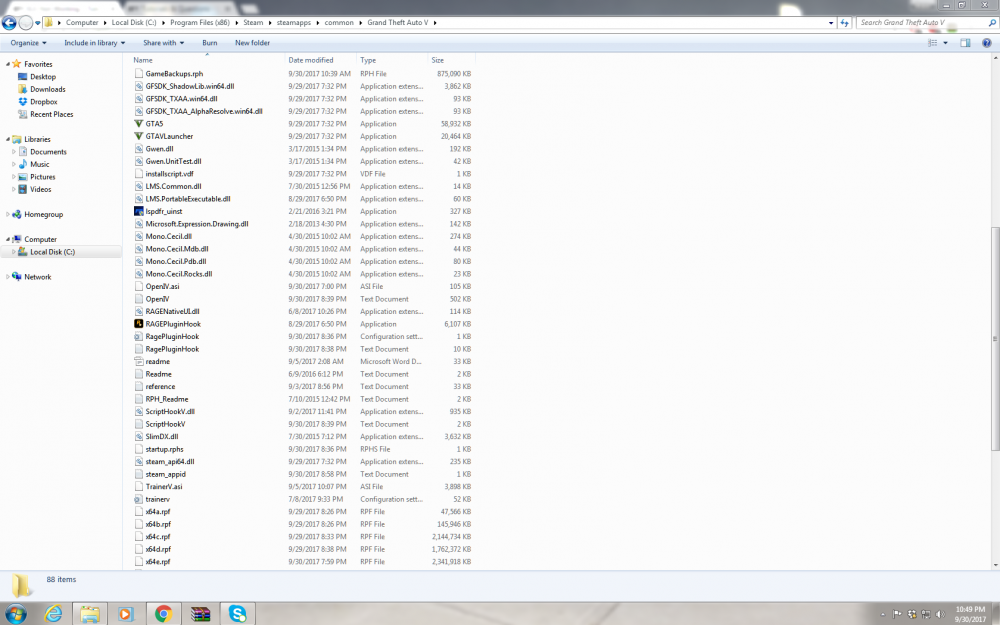
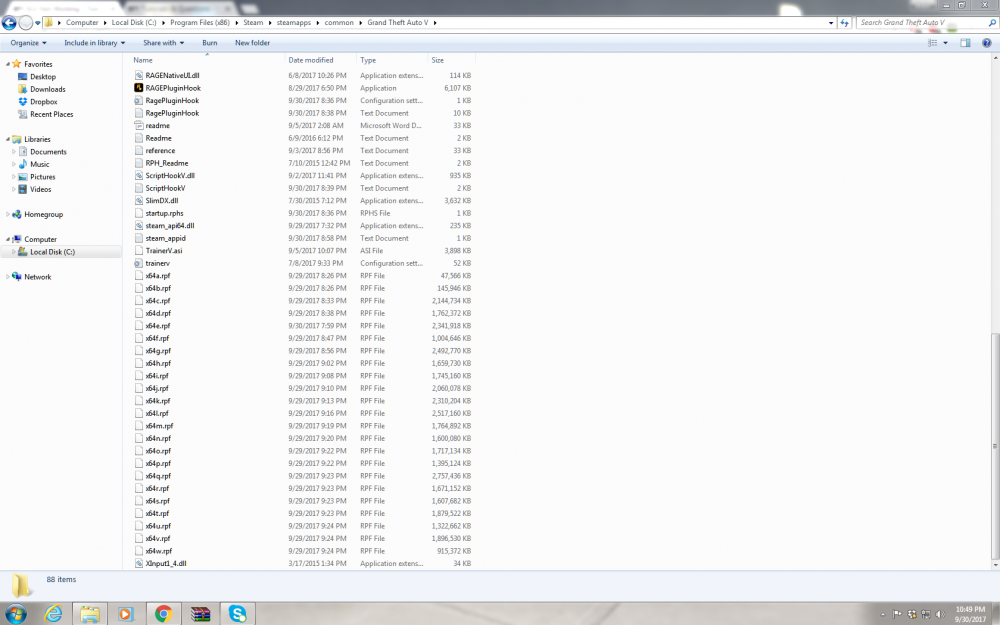
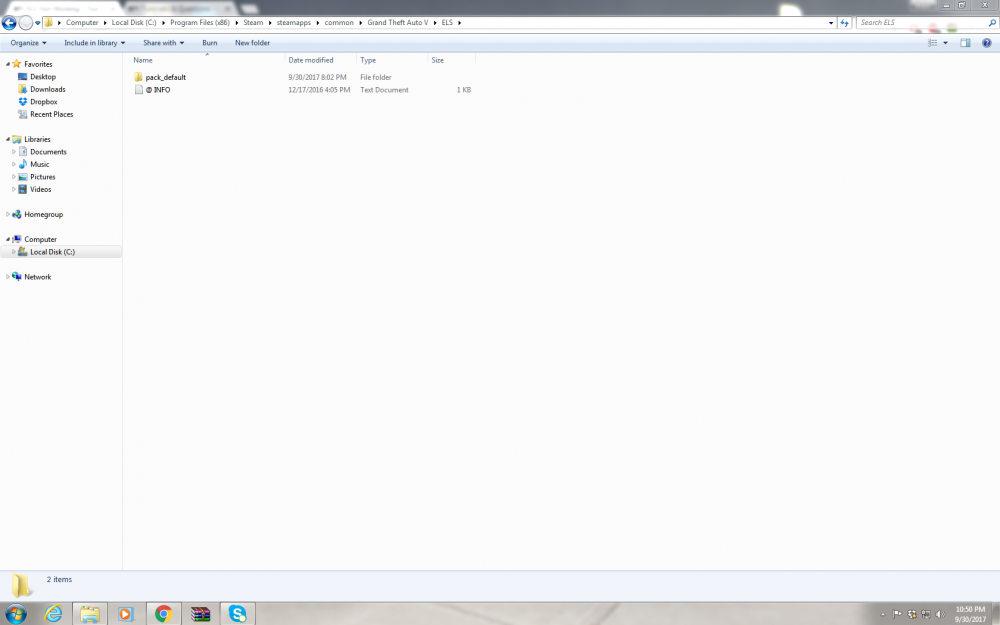
I apologize, i did not know that. Here are the screenshots. There are several VCFs but that is because i had one for each car i tried to install, however for some reason i could only get one car to work as of right now.
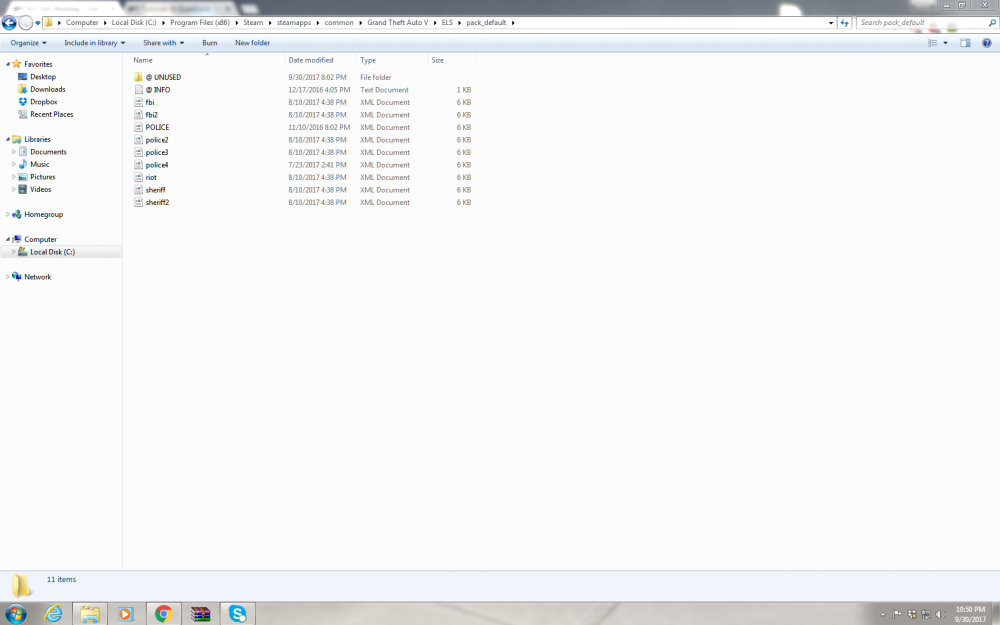
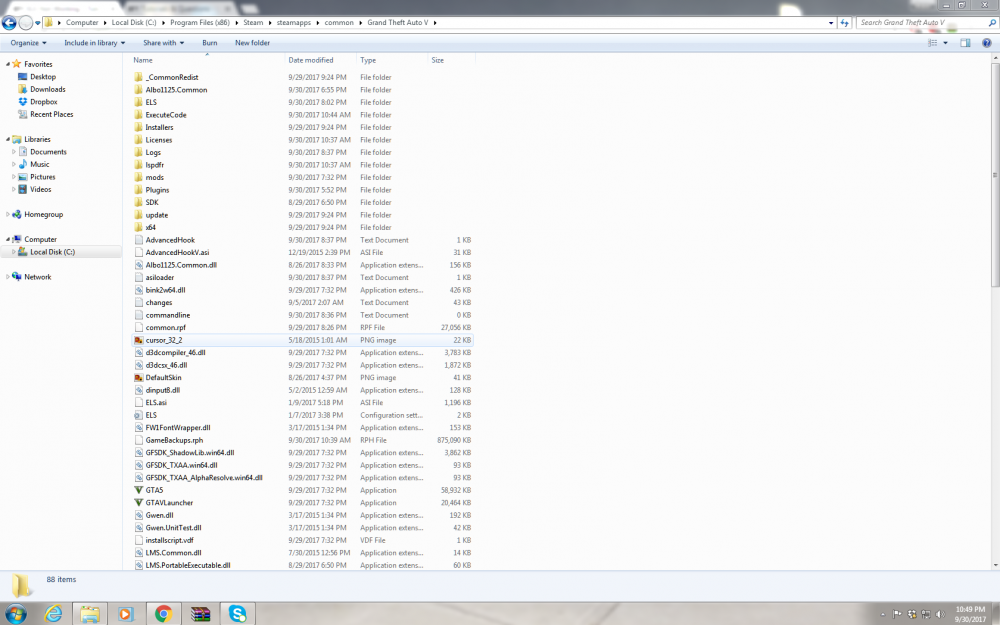
-
I just downloaded this game yesterday. I got rage hook and LSPDFR working an everything. I put one els car in (yes, i do have the in for it) but ELS itself does not work. I followed the instructions that were in the description and the ones that are in the documents in the zip file. When i go into game and spawn the car, els does not work. I cant get the panel to come up, none of the lights come on, nothing works. When i launch rage hook and go to enable plugins, ELS is not there, only LSPDFR is. Is ELS supposed to be there? I do have the latest script hook and ASI loader (at least i think i do, i couldn't seem to find a newer one but i could have missed it). Any help is greatly appreciated! thank you!
-
okay, thank you for your help!
-
Really? thank you VERY much! Do you by chance know if this requires port forwarding?
-
I was thinking about using that but i dont want to play with a bunch of other people, i wantedto just mess around and play with a couple friends. And if im not mistaken, you have to pay to set up a server, correct?
-
What about this? https://www.gta5-mods.com/scripts/multiplayer-co-op
-
What about this? https://www.gta5-mods.com/scripts/multiplayer-co-op
-
is here a way for my friend and i to create an online game or something that still allows us to role play and still use LSPDFR?
-
Is there a way to play together a friend and still be able top use LSPDFR and other scripts? even if its another script i have to download to do it.
-
now the window still pops up but it doesn't make me log in or anything but when i click play. the window will go away but my game wont launch
-
How do i install the latest version? I currently have 1.0.7.0 so do i just downgrade now following the instructions?
-
When i try to play gta and and log into Rockstar Social Club, in just says "social club unavailable. Play off line or try again" i dont want to play offline because i want to play multiplayer. I have the updated of everything ( I think.) i know for sure i have the newest gta iv patch, newest windows live, the actual windows live client.


