
TopCop72
Members
-
Joined
-
Last visited
Everything posted by TopCop72
-
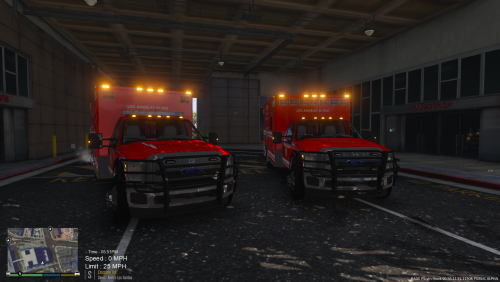 Hello everyone, TopCop72 here... Today present the Los Angeles Fire-Rescue skin and lightbar change if you so like it for DOWNCOLDKILLER's 2015 Ford Rescue Medic Ambulance. To install skin, simply replace in both the YTD files on either vehicle (with or without the lightbar). To change up the lightbar with the red-blue version. Simply replace with the one provided in both the YTD files for the Med2 w Lightbar. And replace the AMBULANCE.XML file in the ELS default folder. That's It... Simple as pie and clear as mud.... All vehicle credit go to @downcoldkiller and his team. vehicle download: SHOWCASE Please leave any Review, Comments, or insight as I truly am NOT a modder at the bottom. I'm just throwing stuff together I think looks good. .....
 -
 It has been updated with both LA and LS skins... Thank You for your input on my over-sight
- 3 comments
- 2 reviews
-
Hmmm Well I will go back and make a Los Santos along side the Los Angeles. That way people can choose what works for them.
- 3 comments
- 2 reviews
-
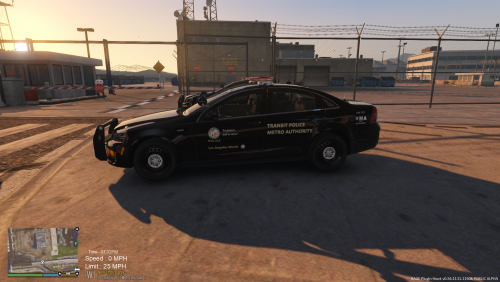
Hello All, This is @Kane104's Los Santos Sheriff's Department Chevrolet PPV that I reskinned for a different purpose. I wanted a vehicle that I could used at the airport and the ports, but not be a regular police vehicle. So I seized the opportunity with this vehicle because it wasn't like other police vehicles. I replaced the DILETTANTE2, since it naturally spawns at the airport anyways and changed the ped associated with the vehicle in the VEHICLES.META file and changed the handling, although not perfect yet. I then created a universal skin for both port and airport. Along with PNWParksFan Custom Backup, it now spawns must of the time to create a realism in the way I have it setup. IT NOW INCLUDES BOTH A LOS SANTOS AND A LOS ANGELES SKIN..................... I've included some simple instructions to replace the DILETTANTE2 slot with the vehicle. I hope you enjoy.... Vehicle: https://www.modding-forum.com/downloads/file/46-2013-chevrolet-caprice-ppv-los-santos-sheriff’s-department/ Custom Backup: Los Angeles Metro Authority Los Santos Metro Authority Please leave any Review, Comments, or insight as I truly am NOT a modder at the bottom. I'm just throwing stuff together I think looks good. .....
- 3 comments
- 2 reviews
-
-

- 4
-
-
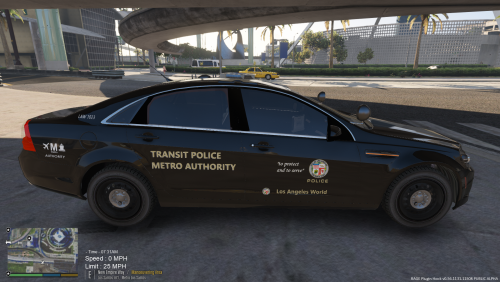 Hello All, This is POLICESCO Police Chevrolet Caprice PPV that I reskinned for a different purpose. I wanted a vehicle that I could used at the airport and the ports, but not be a regular police vehicle. So I seized the opportunity with this vehicle because it wasn't like other police vehicles. I replaced the DILETTANTE2, since it naturally spawns at the airport anyways and changed the ped associated with the vehicle in the VEHICLES.META file and changed the handling, although not perfect yet. I then created a universal skin for both port and airport. Along with PNWParksFan Custom Backup, it now spawns must of the time to create a realism is the way I have it setup. I'd create for other vehicles if anyone is interested. I've included some simple instructions to replace the DILETTANTE2 slot with the vehicle. I hope you enjoy.... Vehicle: https://www.gta5-mods.com/vehicles/los-santos-police-chevrolet-caprice-ppv Custom Backup: Showcase Video 1.0.0 Please leave any Review, Comments, or insight as I truly am NOT a modder at the bottom. I'm just throwing stuff together I think looks good. .....
 -
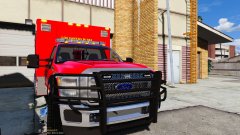 Thank You Santa...
 -
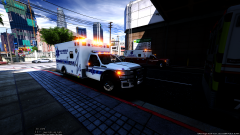 That's just down right sexy...
 -
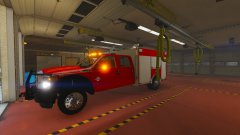 I want it toooooooooooo
 -
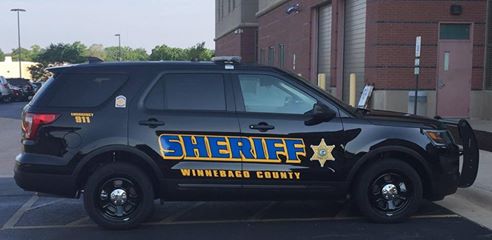
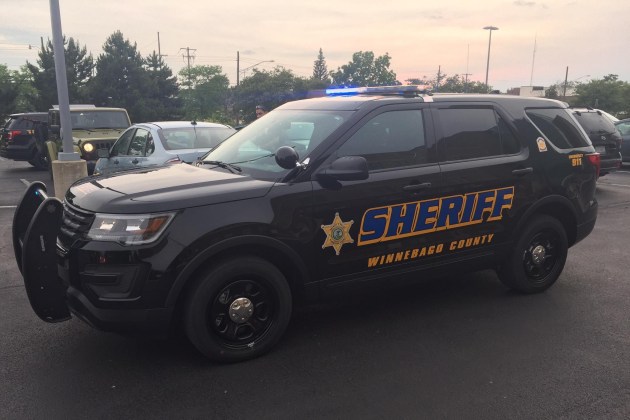
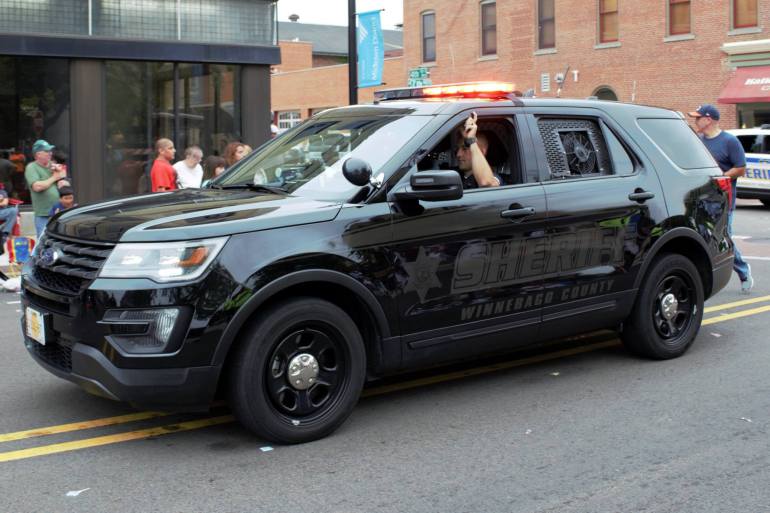
Winnebago County, IL
-
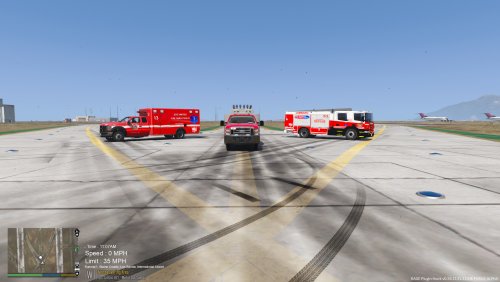 Hello All, Here in the folder you will find all that you need should you want to use BULLDOG Designs [ELS] NSW Scania Fire Truck, Patrol 31 [ELS] Vapid Ambulance and t0y's [ELS] ESU Truck (as a Rescue Squad) in a Los Santos setting. All I did was revamp the original textures to work better with Los Santos setting. I am digging the RED & BLUE lights and you can also change the ESU wheel colors (included). I have included some simple instructions on how to install the ESU as a Rescue Squad as an ADDON to be use with a CUSTOM BACKUP Mod *** I recommed using a MOD FOLDER when installing any NON-GTA V vehicle *** especially if you aren't very experienced with doing this. Vehicles Used for the Pack Download fire truck: Download ambulance: Download ESU Truck within Pack: I hope you all enjoy... Showcase Video 4.1.0 Please leave any Review, Comments, or insight as I truly am NOT a modder at the bottom. I'm just throwing stuff together I think looks good. .....
 -
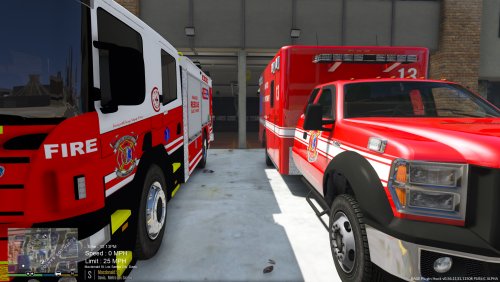 ... As you requested, your LOGO has been removed...
 -
Hello All, Here in the folder you will find all that you need should you want to use BULLDOG Designs NSW Scania Fire Truck and Patrol 31 [ELS] Vapid Ambulance in a Los Santos setting. All I did was revamp the original textures to work better with Los Santos setting. Also I am digging the RED & BLUE lights. *** I recommed using a MOD FOLDER when installing any NON-GTA V vehicle *** especially if you aren't very experienced with doing this. First you need to download and install BULLDOG Designs NSW Scania Fire Rescue Pumper, All credit for the model go to them. (Using Internet) Download fire truck: Second you to download and install Patrol 31 [ELS] Vapid Ambulance 1.0.1 Download ambulance: Third, once everything is downloaded install all the vehicle files in the latest Patchday Update folder. (Using OpenIV) Forth, Once they are installed, simply replace all of the ******.ytd files in whatever location you have installed the vehicles you downloaded. (Using OPENIV) Fifth, is to place/replace both of the VCF file for the ELS lighting setup. This folder can typically be found in your GTA V folder (Grand Theft Auto V\ELS\pack_default). Simply copy from the folder and paste in the correct folder. (Using your Windows Explorer) Sixth thing, which I highly recommend, is changing the handling line of the FIRETRUCK in the HANDLING.META that contains FIRETRUK. The standard handling does not work for this truck. I have found the proper handling line for it and have included it in this folder. (update\update.rpf\common\data\handling.meta) (using OPENIV). Once you have done 1 thru 5, you are all set to play your game. But again I recommend step 6. I hope you all enjoy... Showcase Video
-
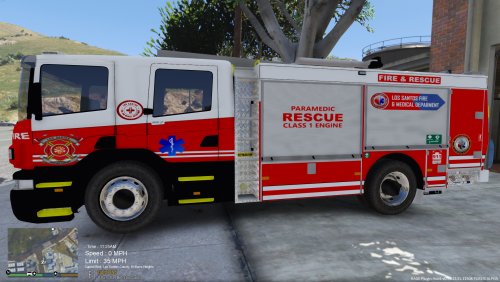 I agree, wish we had modders that would make more modern, good looking fire apparatus... EMS is coming up though...
- 4 comments
- 1 review
-
-
- 1
-
-
Thank you for catching that. I must have uploaded the wrong file. I have since corrected it....
- 4 comments
- 1 review
-
-
- 1
-
-
-
Hello All, Here in the folder you will find all that you need should you want to use BULLDOG Designs in a Los Santos setting. All I did was revamp the original textures to work better with Los Santos versus a foreign city fire department. *** I recommed using a MOD FOLDER when installing any NON-GTA V vehicle *** especially if you aren't very experienced with doing this. First you need to install BULLDOG Designs NSW Scania Fire Rescue Pumper, All credit for the model go to them. See below for downloading. (Using OPEN IV) Download the fire truck: Second is to download this file and replace both of the ******.ytd files in what ever location you have the latest firetruck installed. (Using OPENIV) Third thing is to place the VCF file for the lighting. This folder can typically be found in your GTA V folder (Grand Theft Auto V\ELS\pack_default). Simply copy from the folder and paste in the correct folder. (Using your desktop) Forth thing, which I highly recommend, is changing the handling line of the FIRETRUCK in the HANDLING.META that contains FIRETRUK. The standard handling does not work for this truck. I have found the proper handling line for it and have included it in this folder. (using OPENIV). Once you have done 1 thru 3, you are all set to play your game. But again I recommend step 4. Hope you enjoy.... Version 2.0.1 ORIGINAL Version 2.0.1
- 4 comments
- 1 review
-
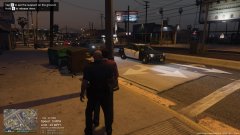
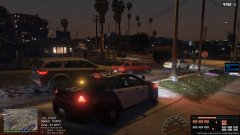
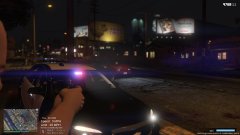
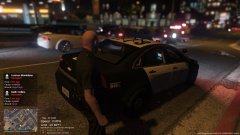
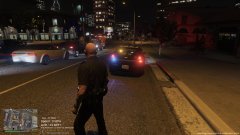
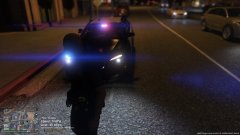
This is a look at the NEW 2013 Chevrolet Caprice PPV - Marked Slicktop by CJ24 and Kane104. I am completely loving this car in every way, shape and form. Here I'm patrolling the streets of some of the worst part of Los Angeles (Los Santos)
-
 GTA5 2017-10-09 16-02-47-895.jpg
-
 GTA5 2017-10-09 15-59-30-389.jpg
-
 GTA5 2017-10-09 15-56-13-363.jpg
-
 GTA5 2017-10-09 15-49-51-047.jpg
-
 GTA5 2017-10-09 15-49-18-013.jpg
-
 GTA5 2017-10-09 15-49-02-898.jpg
-
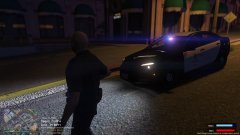 GTA5 2017-10-09 15-48-27-979.jpg
-
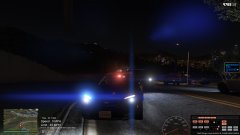 GTA5 2017-10-09 15-45-20-953.jpg
-
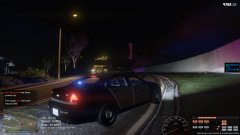 GTA5 2017-10-09 15-45-10-072.jpg
-
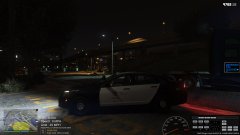 GTA5 2017-10-09 15-22-32-690.jpg
-
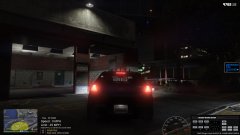 GTA5 2017-10-09 15-22-25-259.jpg
-
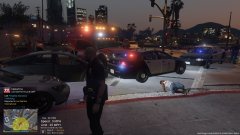 GTA5 2017-10-09 16-08-51-535.jpg
-
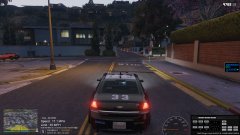 LAPD/LSPD 2013 Chevy Caprice PPV - Marked Slicktop by CJ24 & Kane104
-
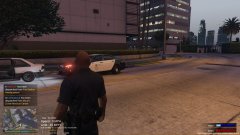 LAPD/LSPD 2013 Chevy Caprice PPV - Marked Slicktop by CJ24 & Kane104
-
-
-
-
-
-
-
-
-