


XDmarusmara
Members
-
Joined
-
Last visited
Everything posted by XDmarusmara
-
 Ok I am sorry. I just wanted to know if thats normal or If I did something wrong....
- 783 comments
- 86 reviews
-
Hey man, cool mod I love it :) But I got a problem, When I knock out somebody and call the ems they say hes dead, but when I crash into somebody by accident, and call the ems, they say hes good and saved. I cant edit the fiel with notepad++ couse all it shows is some disorted text. Anyone knows what am I dong wrong or what to do? Thanks :)
- 783 comments
- 86 reviews
-
-
Yeah, I found the download page, it says where I need to install it, but I did install it in the file where it instructs me to, only the Ford Taurus (Police3) is from this page and it says that I need t oinstall it in a nother file, I will try that, if it will work that will fix my 3th car, so only 2nd car left couse the 1st one is ok.. Well, I did what the pages tolled me but I have doned it correctly in the first place. So I dont know what couses the issue. I dont think it will be some addon on the lights like for example LED Corona or something since I dont have these.
-
Thats an problem, there are only vehicle files, no readme
-
Hello, Since I changed my default cars to NYPD my lights were wierd, the Police withaout number is the Crown vic, the Police2 is impala and the Police3 is Explorer I think... sorry if I didnt got the names right, here are some picts that I hope will show how it is "Wierd". but the lights are ok for crown vic but for the 2 others they make like some wierd squeres on the lights and they all dont flash, only some of them.. Oh and sorry for the bad picts, I donno how to take them in the game so I used my phone, sorry :(
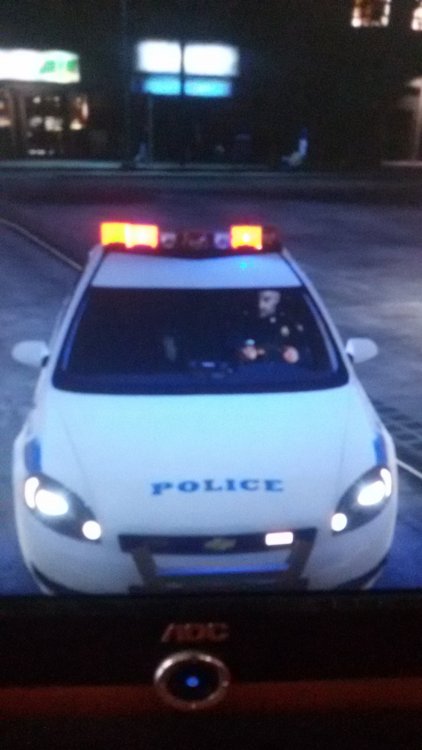
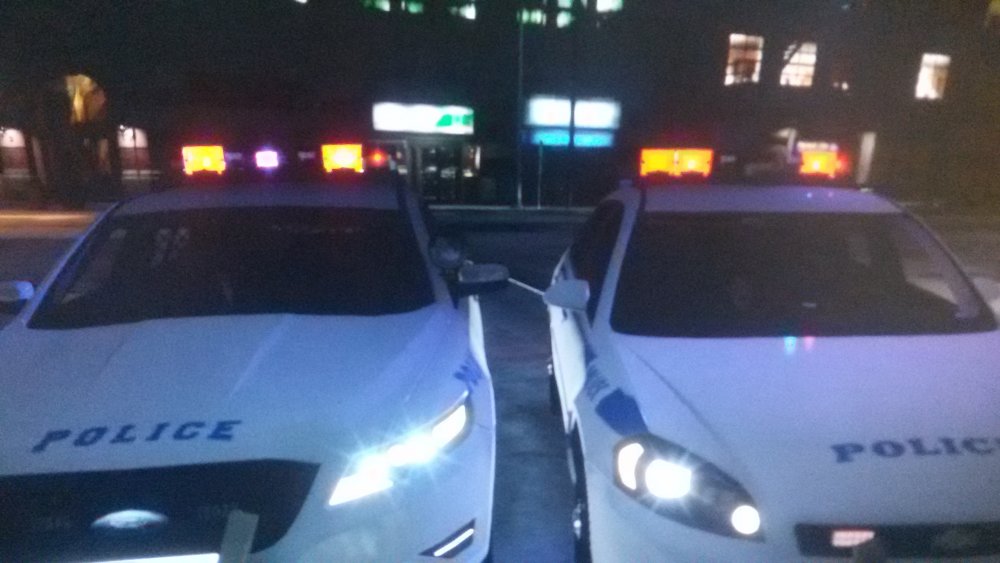
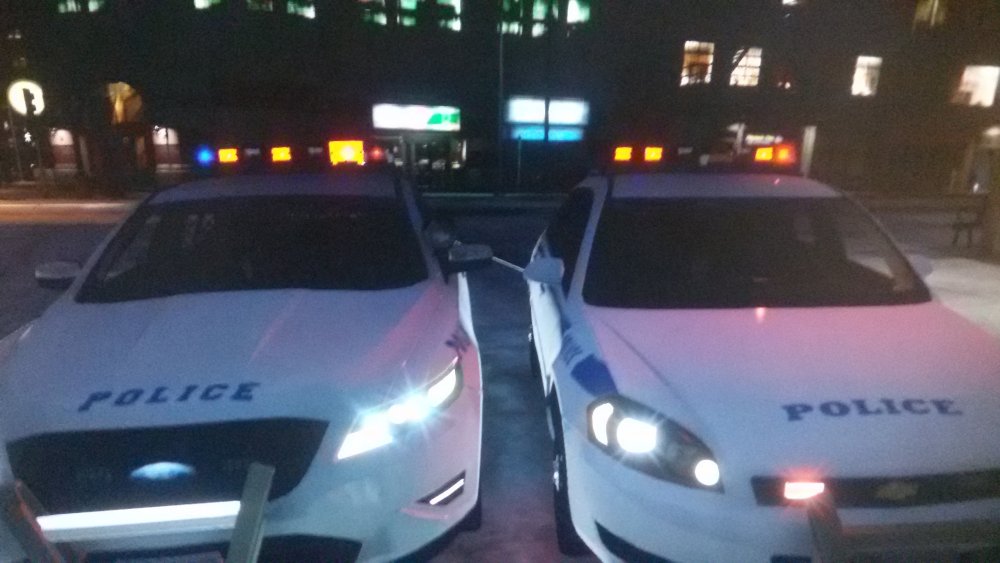
-
To you ALL, thank you so much, all good now :) 10/10 support
-
Thank you, I will try :)
-
Oh ok, but in this video the guy made the car look like just as I want it too, so if you see what I need to do, that would be great :)
-
Normal, default, no other skin just normal car that was there when I installed the game so I didnt changed nothing on the Sherrif2 If you watch this video You will see waht I want to achive with the SUV not with the cruiser
-
Ok, The car I want to have in game is NYSP Chevrolet Tahoe, I downloaded the file, opened it and I see the file with the skin called "tahoe_skinnnn.png" Withaut the " and now I dont know what to do, the car I want to repleace is Sheriff2 so now I dont know if I should just drag and drop it in the Sheriff2.ytd file and done or if I need to do something else, also sorry if you didnt understand, my english is bad plus I am bad at explaining
-
Ok, and Is it OK When I open the car file in the OpenIV and I see it as default? Will I see it in the game as the skin I want?
-
I did, I followed the read me and I found the car, You can call me a dumbass but I never done this... but thank you for replying :)
-
How do I install the vehicle textures when I dont have there files such as Police.ytd but Files like this: Explorer_skin.png? I want to install then NYSP Chevrolet Tahoe but it has the .png file I beleive, it is really nice looking car but I dont know how to install... Thank you :3
-
I am not sure if this is wrong place where to ask, but I have a question, Is there going to be a prison transport option in the next version and would you be able to take a partner in the next version? Thank you.




