


SGT Rick Wishaw
Members
-
Joined
-
Last visited
Everything posted by SGT Rick Wishaw
-
Thanks. I don't seem to have that on my device. Will need to try when I have access to my PC. Thanks for your help.
-
I believe GTA 4 had this feature. You could connect LCPD:FR with your forum account and it would track your arrests, how many citations you've given out, how many pursuits you've had etc. I've started a post trying to get it back up and running again, not just for GTA4 but GTA5 also. If there is enough interest, the staff will look at integrating it again. Have a look here:
-
I very rarely play GTA 4 and LCPD:FR now, but getting it back up and running would certainly be a step in the right direction! Getting it back up and running and getting it publicised so people can see how it works. If it turns out that a lot of people use it and like it, perhaps it maybe worth while to configure it so it works with the most recent version of LSPD:FR.
-
Hi Folks. Was as looking through the forums earlier and came across a post referring to the Crime Satistics that was a part of GTA 4. If you linked LCPD:FR with your account on the forums, any arrests you made, any citations given out were all logged on your LCPD:FR account for anyone to see. I did not use this feature because I wasn't part of the community at that time (I WISH I WAS THOUGH!). It is mentioned in the post that they were looking to bring this feature back for LSPD:FR but not many people were interested in it, that was now almost a year ago. I think anyone who wishes for this feature to make a comeback, should write a comment of support, like this post, do whatever to show your support for this modification (if you want to call it that) and let's try and get it back!
-
Don't know if it because I'm using the mobile version, but I cannot seem to find it. It isn't ' Ingame officer display name ' is it?
-
How do I change it?
-
Hi everyone! Does anyone know or have a list of the ranks that are set by the forums in relation to how much reputation you have?
-
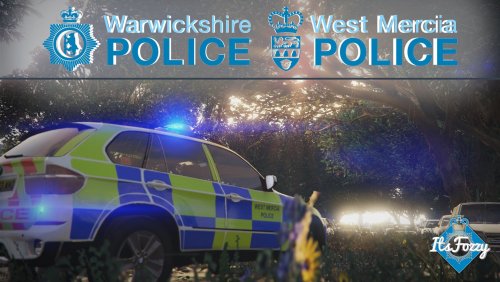 This pack crashes my game whenever I load it up. Is it something to do with having no .xml files for ELS?
- 5 comments
- 2 reviews
-
Hey folks. I'm really wanting to mix things up with my police force. I'm wanting to change all my emergency vehicles to the ones that the Met police use (or just any British police force). Anyone know if anyone is making an ELS pack with all British vehicles? Can anyone link me to a pack? What do you guys think, does anyone have a self made British pack? Thanks!
-
Hey folks. Anyone know how to configure the TeamSpeak app on iPhone and get it working? Thanks.
-
I usually now put everything in patch13. If that doesn't work. I look to see where it says where to put it if that doesn't work. Removing your mods folder should be easy enough and easy enough to return to normal. Just drag and drop.
-
This might be a pain but its really the only other thing I can think of. Try removing your mods folder (put it onto your desktop so you can easily drag it back in) and then reinstall just that one vehicle you want to use. Hopefully that'll work.
-
I've used these vehicles before and I've not had any issues with them. Have at look at the readme file and make sure you're installing them correctly.
-
Hmmm... I'm not sure on how to look at the vehicle.meta and edit it so it fixed your problem, sorry. Might be worth while messaging the creator of the vehicle and having a look at the comments and review of the vehicle. Can you link me the vehicle your talking about please.
-
Have you put the vehicle in the correct slot? Have you changed it to be a sheriff vehicle or an FBI vehicle?
-
Thanks guys. I do use my phone most of the time anyway. Would just love to have an app to notify me of any replies!
-
Hi everyone. Is there an app that I can download onto my phone that I can access the forum through. Something that could notify me when someone replies on my post, or someone likes my post etc. Anyone know of something or use something like this? Thanks.
-
Yeah, that was going to be my next comment. Try having a look at the vehicle.meta and finding whatever slot the charger is, whether it be police2, sheriff. I'm not to sure about the metas so I couldn't help you with that, hope you get it sorted. EDIT: Usually the vehicle file comes with a edited vehicle.meta. Maybe download the file again and have a look for it. Have a look in any documentation for any instructions on how to fix the issue.
-
What about the handleing is terrible? Does it flip when going round corners?
-
There is talk of it going up. JTAC are in talks of putting it up to critical.
-
Thought so, thanks for your help!
-
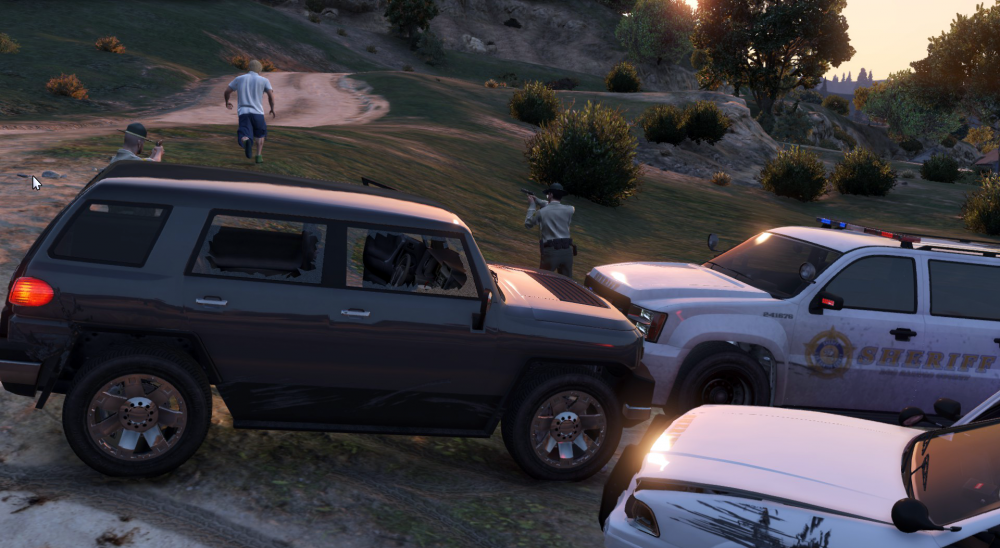
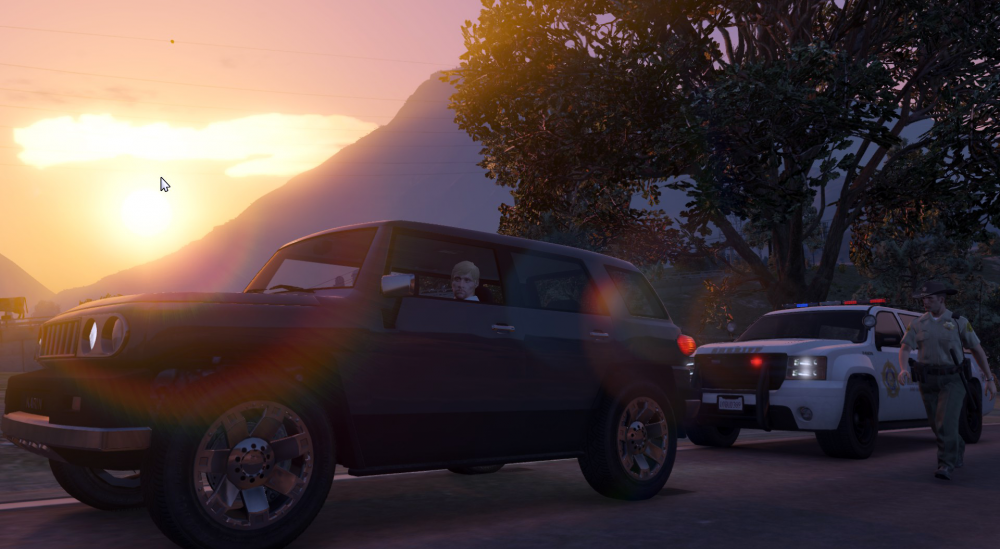
Hey folks. Just wondering how people are taking really good screenshots if them on patrol? The screenshots has filters on it, the camera is a a different angle, they look so good! These are some of examples of screenshots from other people that i would like to replicate.
-
Yeah I'm following along with the news, tragic!
-
Have you got confirmed reports of us going up to critical? Are you just assuming?
-
Make sure that you have the most up to date version of the RHP installed (0.51). Also, make sure you have the most up to date version of ScripthookV installed (1.0.335.2-1.0.1011.1). And finally, try and verify your files again from steam - Right click GTA5/Properties/Local Files/Verify.

