Honestly, why are you reading this? I'm not important.
My name is Sam (absolutely no relation to Sam), and I am a long time user of the modifications made by the team at G17 Media. I believe I made an account somewhere in like 2010 but it's probably in the depths of hell waiting for me because I have no recollection as to what it was, but I joined in early 2014 on this account.
I am both a Law Enforcement Officer and enthusiastic gamer. In my spare time (when I'm not arresting people both in real life or in LSPDFR), I do sometimes make vehicle skins and packs. If you check my GTA V directory my police vehicles change skins weekly if not daily*. I plan to begin releasing skins and vehicles at some point in the future, but not as of now.
Here are some general guidelines to follow when contacting me:
-
I will not send you pictures of my marked patrol vehicle, firearm, or uniform.
-
I will not tell you what department I work for
-
I will not give you legal advice
-
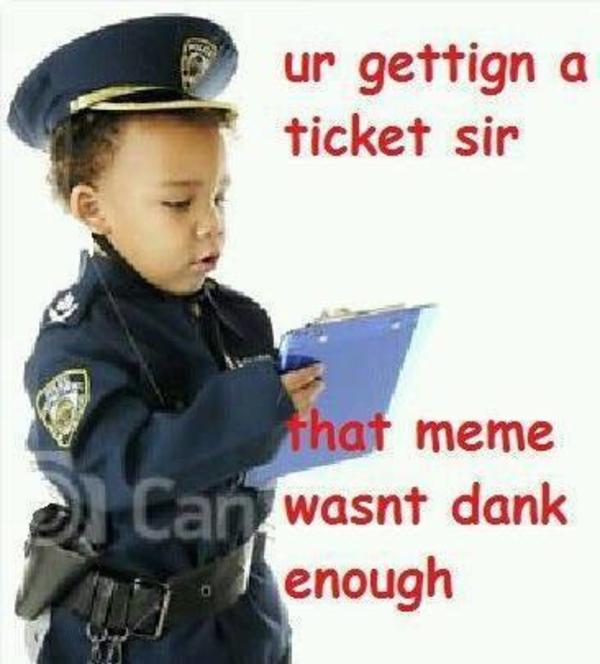
I will not get you out of a ticket
-
I will block you if you do any of those
-
I expect you to send me a meme that is completely relevant to the conversation at hand
-
If you are going to request me to make a particular vehicle skin pack, please be polite and understand that I am a human being with a full-time, highly stressful job. If I take a long time to do it, or flat out reject you, please be considerate that I'm only one person and that there's only twenty four hours in a day for me to do things; four or five of which I'm sleeping
-
I do give tickets to those who post poorly executed memes.