xMoD
Members
-
Joined
-
Last visited
Everything posted by xMoD
-
no, hopefully not we have no rights, w'ere playing their game and agreeing to their rules when purchasing it.
-
you can't run LSPDFR you cant't use anything that is dependent upon scripthookv until or if they update it... only stuff you can edit in OpenIV
-
anything other than altering the game like models and stuff, no scripts, callouts, or anything will work.. cars, peds, guns, sirens and all of that stuff still works.
-
yes, just you can't play with scripted mods
-
-
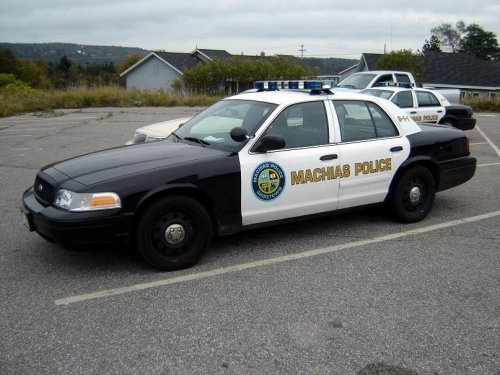 you did pretty good for your first time, just soo low quality
 -
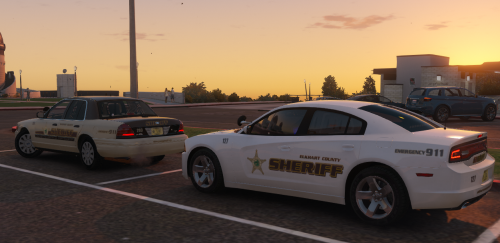 I think someone tried these cars and failed horribly recently, these looks good tho.
- 10 comments
- 1 review
-
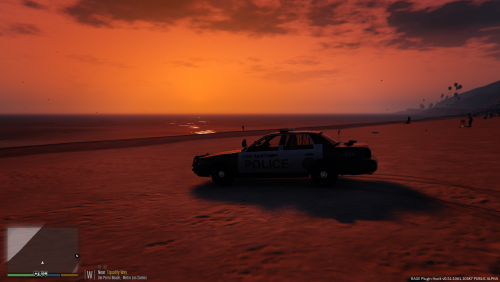 kinda reminds me of a kindergartner's coloring book.
 -
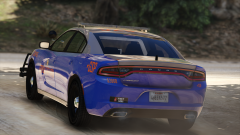 It doesn't need ALPR's or AWD's I've sat in this exact model
 -
-
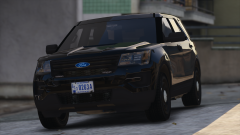
From the album: xMoD's WIP's
plan to enlarge dashlight -
-
-
-
-
-
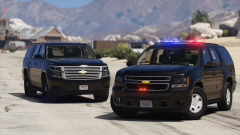
From the album: xMoD's WIP's
-
-
-
-
-
-
-
Ok thanks, now my lights are bright but now one set of alleys are just turned on idle and can't turn it off. sorry for the trouble
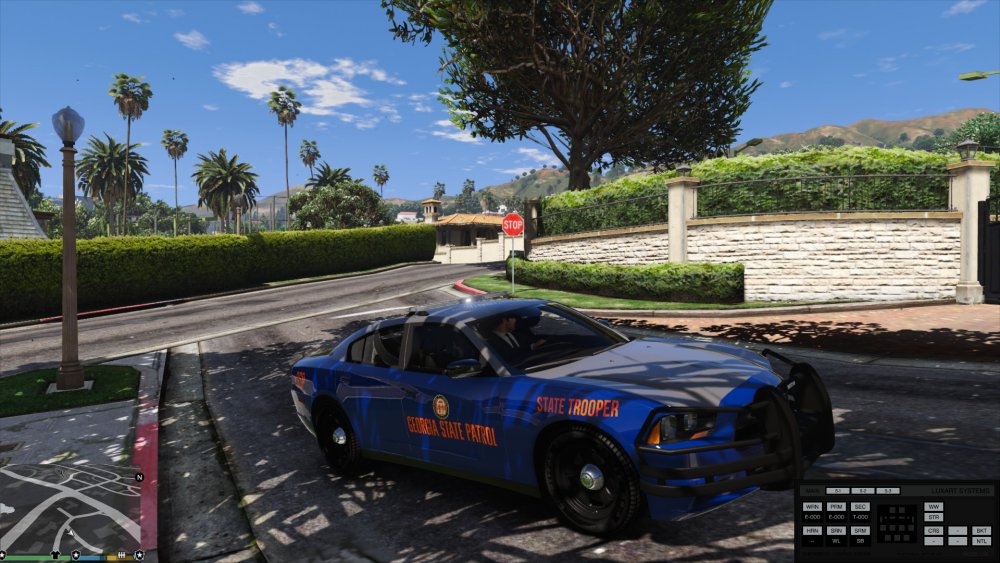
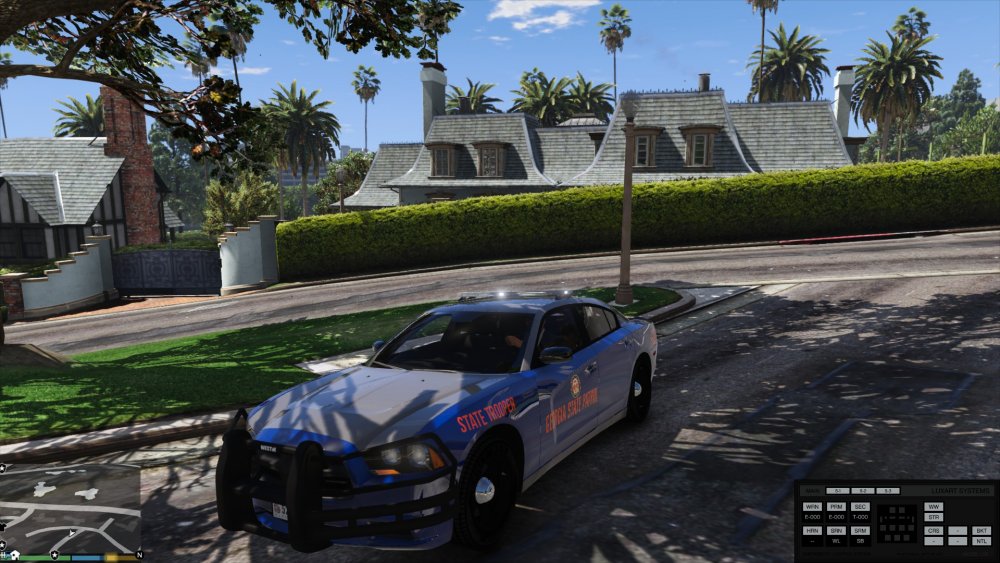
-
Ok thanks So the lights now work but the brightness is so dim you can hardly see them, while using a visual mod that enhances light whereas other vehicle mod's lights are bright.