


EFox
Members
-
Joined
-
Last visited
Everything posted by EFox
-
I have enjoyed this game so far. As basic as it is, it has a lot going for it. Not to mention it is beautiful. I'd love to see them introduce larger islands in the future. But for what it is as a very early alpha, I like it.
-
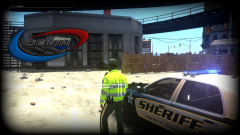 Good lord I want that ped!
 -
Hmmm....Illuminati Confirmed.
-
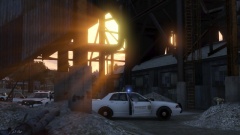 I do love the lighting effects in GTA V. They look so damn good.
 -
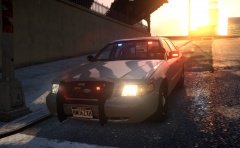 That is a fine looking car sir! Nice work.
 -
 I hate when I forget my snorkel.
 -
 Fair enough. Just a recommendation.
 -
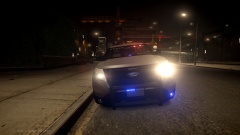
I like it, but if you want a bit more added realism, the Feniex Apollo is typically a dual colored light head. It might look good to have a few dual color.
-
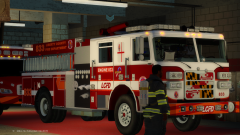 I can't handle this! These trucks are damn good looking.
 -
-
 Yes, I'm going to try and do some more modding in my off time... with some actual releases hopefully.
 -
-
From the album: My Mods
The Liberty County Sheriff's Department is showcasing some new vehicles along with new paintjobs. The public had a chance to vote on the design and the winner has finally been revealed. Check out the full album here: http://imgur.com/a/OfsV1 -
![[WIP] EROLE Liberty County Fire Department](//s3-gallery.int-cdn.lcpdfrusercontent.com/gallery/album_1963/sml_gallery_37637_1963_603106.png) I would sell my first born child for that truck!
I would sell my first born child for that truck! -
I'd recommend trying a fresh install of the game. Sometimes GTA will do this randomly, but more times than not, a fresh game will fix it.
-
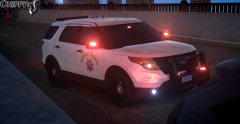 Looking good sir! Too bad we didn't have this when we tried patrolling as CHP.
 -
Try this line: 2008 Ford F-350 Super Duty: ======================= 3050 0.38 80 0.0 0.1 -0.22 0.5 6 0.19 5.0 150 0.3 0.55 0.5 33 1.5 1.1 10 0.09 0.5 3.0 0.8 0.8 0.17 -0.1 0.0 0.5 2.0 1.0 1.8 2.5 0.0 49655 440010 0 0 optimized for gfxle's unmarked F350
-
Your best bet to get someone to make you a vehicle would be to layout what kind of lighting equipment or setup you were looking for on the vehicles. Also, most slicktop vehicles can have the light colors changed simply by editing the texture files of the vehicle and changing the red light to a blue texture. Simple to do using Open IV and any free photo editing software.
-
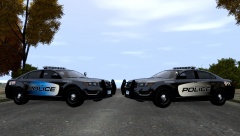 Blue looks good for a marked skin, but I like the grey for a stealth skin.
 -
-
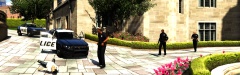 Hmmmm, seems believable. Okay you can go...for now.
 -
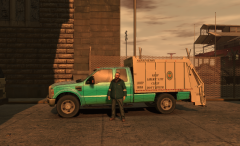 Not a bad idea, but if you are going to execute this correctly, you will need to remove the truck's default bed.
 -
What did you do? Lol nice pic.
-
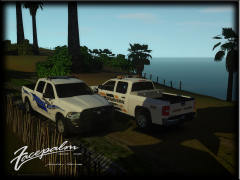 Those are two fine looking trucks you have there sir!
 -
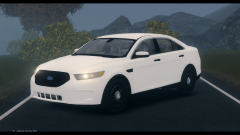
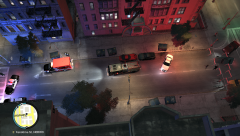
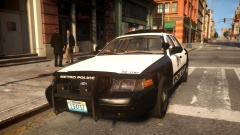 That is one fine looking car sir!




![[WIP] EROLE Liberty County Fire Department](http://s3-gallery.int-cdn.lcpdfrusercontent.com/gallery/album_1963/sml_gallery_37637_1963_603106.png)
