Hadyfaik
Members
-
Joined
-
Last visited
Everything posted by Hadyfaik
-
-
 Good work! Just a little bug i noticed, the speeddials are not placed properly.
- 30 comments
- 10 reviews
-
-

- 1
-
-
 Another awesome mod Tom! Welcome back 🙂
 -
 Looks good!
 -
 Hahaha i like it
 -

From the album: Do Not Use My Pictures WITHOUT PERMISSION
-
-
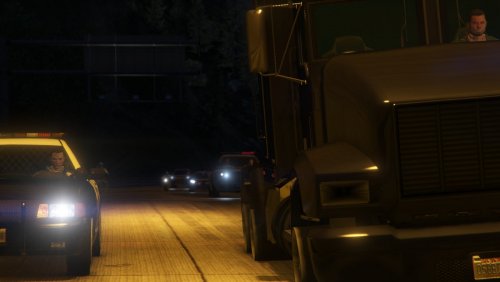
.thumb.png.31299dbfb740ca0bd9f0e8d74eb9381a.png) I love your ELS light idea there
I love your ELS light idea there -
 Good work!
 -
 I got an issue with AAIC that is causing FPS drops and game crashing. RagePluginHook_16012021_170837.log
- 346 comments
- 43 reviews
-
 wrong category mate
 -
 Very nice !
 -
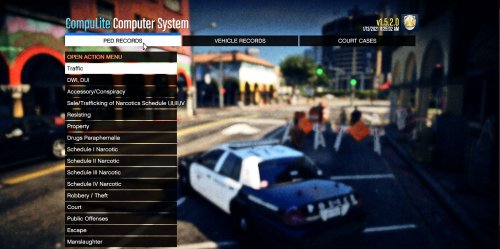 Wrong category mate
 -
-
-
-
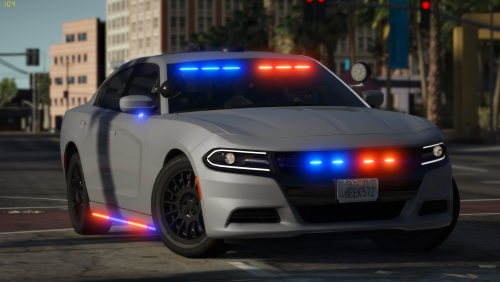 does the speed dials work in the interior? coz it seems missing from the video
- 36 comments
- 8 reviews
-
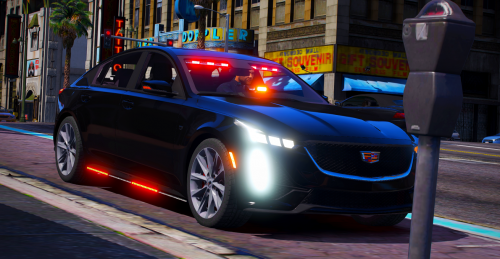 does the dials work?
 -
-
-
-
Thank you, perfect explanation
-
I am using the Normal or "Retail" GTA V copy (not steam/epic games or w.e) Will my 70+ GB Mods folder be affected after the DLC update also? what are the necessary backups besides waiting for Alex Blade's ScripthookV release? any tip is appreciated
-
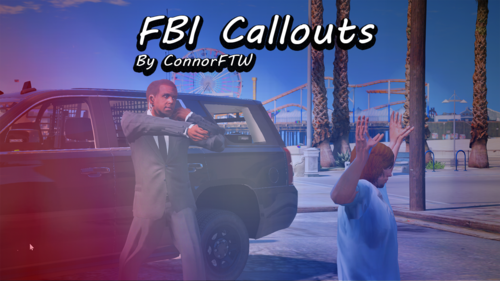
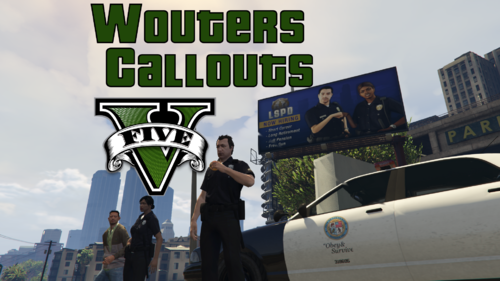 Callouts are different, the suicide callout negotiation is long which i find realistic! One issue is the callout "Fleeing Suspect" Crashes LSPDFR after callout is Code 4 due to STP API complications Great start anyway!
 -
Will be reviewing this after trying it out!



.thumb.png.31299dbfb740ca0bd9f0e8d74eb9381a.png)