


TrooperJakey
Members
-
Joined
-
Last visited
Everything posted by TrooperJakey
-
-
-
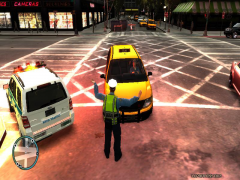 what key
 -
how do you make him direct the traffic do you use SNT
-
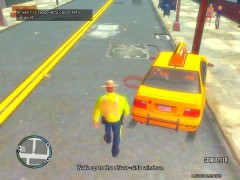
From the album: RCMP
this guy hit me for the way out of the gas station so i pulled him over. -
-
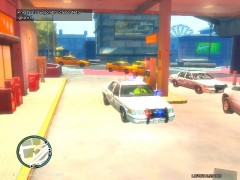
From the album: RCMP
Traffic JaM. -
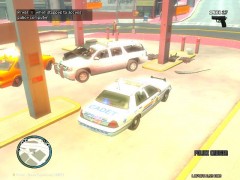
From the album: RCMP
All 4 NooSE members die form the fire. -
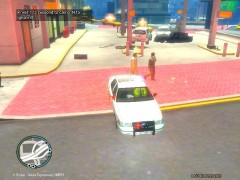
From the album: RCMP
About to leave. -
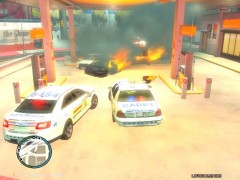
From the album: RCMP
suspect got 10-50 and crashed into a gas pump and blew up (same pic lol). -
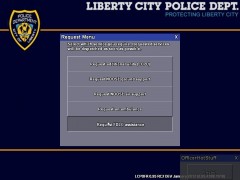
From the album: RCMP
calling for FDLC. -
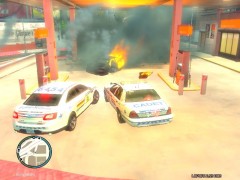
From the album: RCMP
suspect got 10-50 and crashed into a gas pump and blew up. -
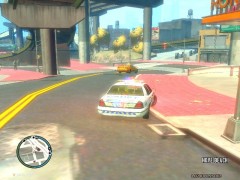
From the album: RCMP
Cashing a suspect into a gas station. -
sorry
-
sorry
-
i like C 04 :thumbsup:
-
-
-
how about this ? scroll to the bottom http://www.gtainside.com/en/download.php?do=cat&id=371&start=49&orderBy=
-
typoupdate your version of DirectX.date my version of DirectX.? because i found this: If you get an error message saying something along the lines of "D3DX9_40.dll missing" this means you need to update your version of DirectX.
-
 link?
link? -
your welcome :-P
-
you find cdimiges and find the sirn one and put the with in and rebuild it and save it
-
-

