




flwpheonix
Members
-
Joined
-
Last visited
Everything posted by flwpheonix
-
Thanks for the answer! So if I read that correctly, we could possibly have for example a traffic advisor thru ELS with the lightbar thru carcols....
-
Uh....that was what I was doing....
-
I have watched the videos numerous times and have not seen the answers to my questions
-
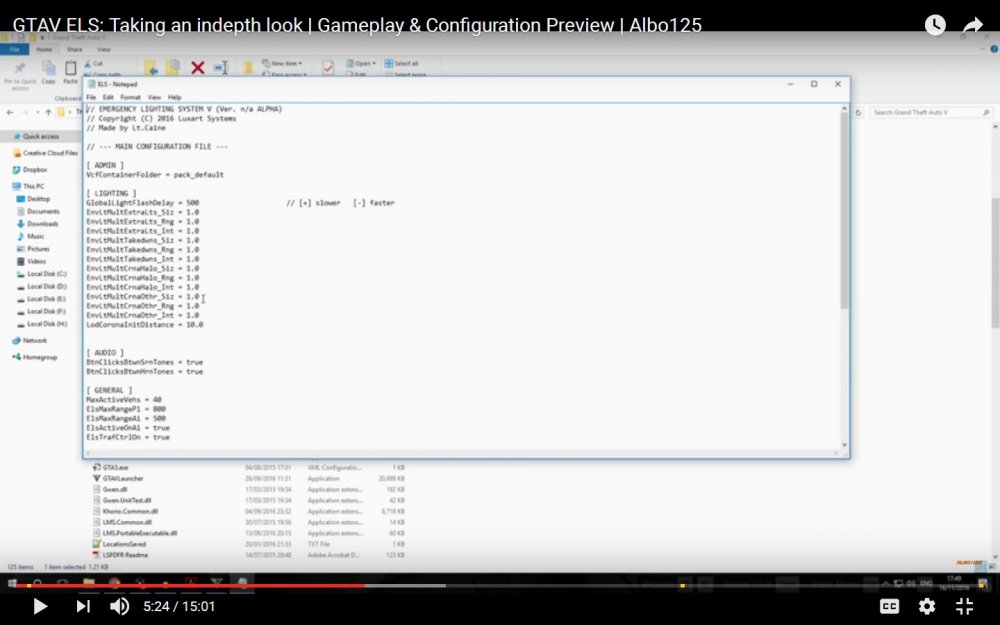
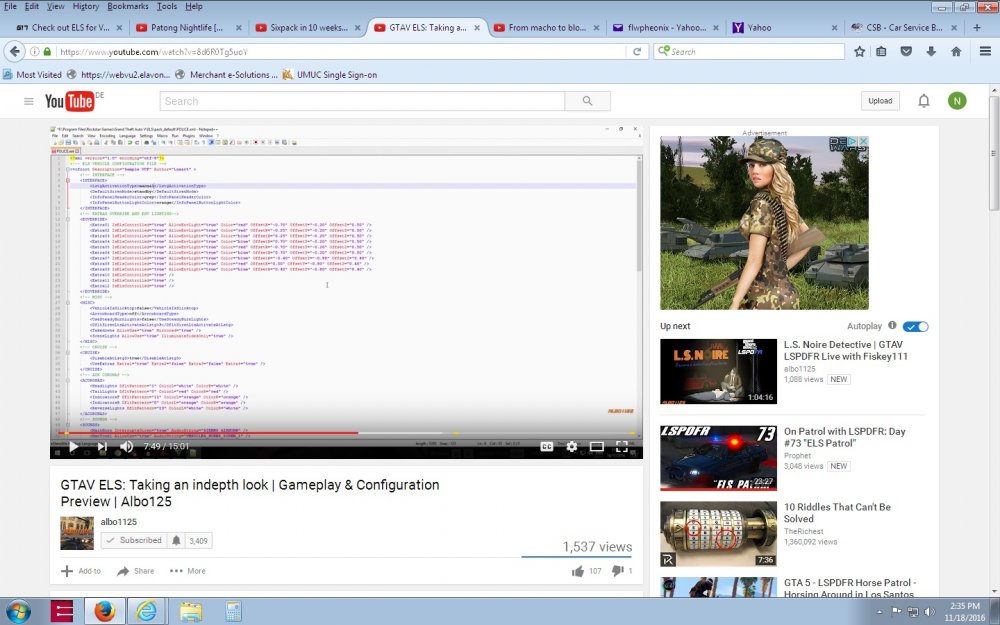
Looks like it is coming along very nicely! Congrats to the entire team! I have some observations/suggestions. One thing that I really like about GTA 5's system is that thru the carcols I can change the texture of the light splash to fit the type of car that I am using. Now I know since it is not out yet, but will this be possible with ELS V? Also, another thing I like about the stock system is that where the corona is placed, and the direction that is put in the carcols, is the direction/height that the lighting will be displayed. I know in ELS 8 we were able to determine where the reflection was originating from (not many people probably used this feature, but I loved it), but the only downside of it was I couldn't tell the system which direction it was facing. For example, cars with the SOS Intersectors on them would need a side facing light splash. Here is where my suggestion/question comes in....Is there a way for "Joe user" like myself, to accurately place where the light splash is orignating from, and which direction it should be facing? Also for example if a car has a blue lightbar corner and a red lower side mounted light to have separate light splashes for each light head? Right now we have 20 different light sources in a carcol entry. Not many modelers take advantage of this right now, and I think it would add to the realism of ELS V if we would be able to do this. Along the lines of the previous question, I am assuming that we will be able to adjust the intensity of the lights via the config, but will we be able to adjust the degrees of the light splash like we currently can? If the line of questioning is out of line, let me know. If it is unfeasable, please let me know too. Again, these are just questions/suggestions that I have come up with after watching Prophets, Albo, and Police Wags videos..... Thanks!
-
correct
-
No. You would set the delta to 3.1459265 in order for the enviromental lighting to shine backwards.
-
@RoegonTV look for rotate value and flash value in each section. Turn rotate value to true and flash value to false. Also make sure that the facecamera value is also false.
-
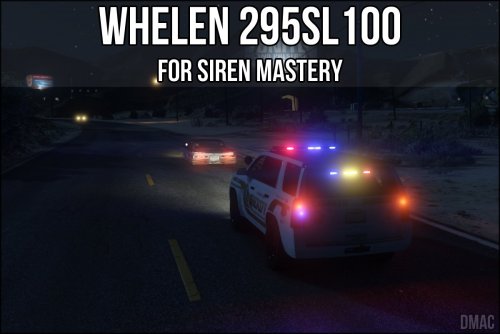 That is because this is for siren mastery by Albo, not for the vanilla sound file.
- 4 comments
- 1 review
-
-

- 1
-
-
That would be why the NYPD carcols is crashing the game. If the GCPD pack has additional entries besides the stock ones, then the game is looking for those entries with the NYPD carcols, and cannot find them. The best thing to do is copy the entry for the nypd one (I think item number 13, or search NYPD in the nypd carcols) copy that then paste into the GCPD carcols. In order to avoid conflict, renumber the NYPD to something like 60 or so, and make sure your carvariations is pointing to that siren number that you renamed it to.
-
What other pack are you using?
-
Why not just use the one from the NYPD one?
-
That is because the stock carcols.ymt is encrypted. In order to read it, you would need to download a unencrypted version of it.
-
@GravelRoadCop If there was a way to look at the stock carvariations, we would be golden, because then it would tell us what siren setting it used...
-
@GravelRoadCop Took a quick look in the carcols, but didn't see anything related to aviation. Maybe it is hardcoded? Have you tried opening one of the choppers up in zmodeler to see what the lights are called?
-
Not quite sure what you are asking here....can you explain?
-
sweep of the middle white rotator only front... Here is the intersection lights on the firetruck.
-
sorry
-
I don't have anything to make a video with, but if you would like....
-
I GOT IT!!!! It is possible to have intersection sweeps! Thanks for that tip @GravelRoadCop ! Now keep in mind, I am using a bpm of ~250. If you want to have a faster bpm, and are doing a rotator/halo/led bar, I would suggest setting the sync to bpm as false on the leds. with the bpm ~250 driver's side <delta value="0.00000000"/> <start value="2.35619449"/> <speed value="9.50000000"/> passengers side <delta value="3.14159300"/> <start value="2.35619449"/> <speed value="9.50000000"/>
-
Directions value only forces the siren to face the direction that is pointed in delta value. Having a hard time getting Gravelroadcop's bpm of 1300 to work with this....
-
ok....so here is what I have.....this is with the stock BPM of 220. I am going to play with @GravelRoadCop's carcol and see if it makes a difference... <Item> <rotation> <delta value="0.00000000"/> <start value="2.35619449"/> <speed value="9.50000000"/> <sequencer value="4294967295"/> <multiples value="1"/> <direction value="true"/> <syncToBpm value="false"/> </rotation> <flashiness> <delta value="0.00000000"/> <start value="0.00000000"/> <speed value="0.00000000"/> <sequencer value="4294967295"/> <multiples value="1"/> <direction value="false"/> <syncToBpm value="true"/> </flashiness> <corona> <intensity value="50.00000000"/> <size value="1.50000000"/> <pull value="0.18000000"/> <faceCamera value="false"/> </corona> <color value="0xFFFFFFFF"/> <intensity value="1.00000000"/> <lightGroup value="0"/> <rotate value="true"/> <scale value="false"/> <scaleFactor value="0"/> <flash value="false"/> <light value="true"/> <spotLight value="true"/> <castShadows value="true"/> </Item> This is just for one side. What I have found, is that if I turn off <flash value>, then I do not have the annoying flashing of the corona, and it stays lit. The only problem I am running into, is that I cannot seem to get the other side to rotate the opposite way. I am wondering if it could be possible to flip that axis in Zmodeler so that the reflector stays in the same position, but the game thinks its flipped....I do not have Zmodeler, so I cannot try it myself.
-
No...not yet....still playing with it though...I don't give up that easily.
-
No...That is not possible. The easiest way would be to do as ghost128 suggested. The method I used is I just copy the entry that the custom carcols that is in a pack (like Captain14's) and insert it into my carcols. I change the item number if I have a duplicate....
-
Looking good!
-
I think it sees the number of entries...



