




flwpheonix
Members
-
Joined
-
Last visited
Everything posted by flwpheonix
-
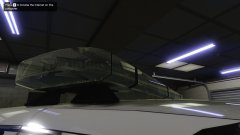
From the album: WIP
Happy with how it looks now. I will apply the same type of material to the other bars.... -
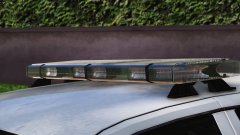
From the album: WIP
Started bumpmapping -
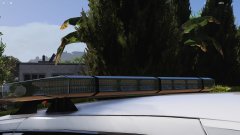
From the album: WIP
Started bumpmapping -
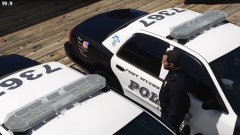 Yes. Still working on it.
 -
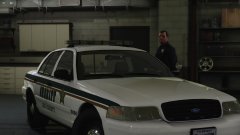
From the album: WIP
LIN6 Modules have been tweaked and resized -
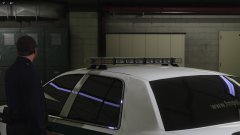
From the album: WIP
LIN6 Modules have been tweaked and resized -
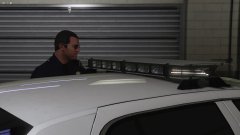
From the album: WIP
LIN6 Modules have been tweaked and resized -
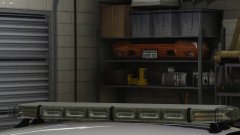
From the album: WIP
Still need to make the specmap, but the Libby is coming along -
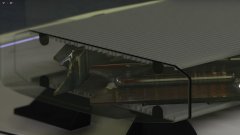
From the album: WIP
Still need to make the specmap, but the Libby is coming along -
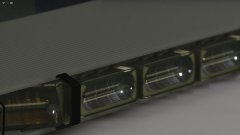
From the album: WIP
Still need to make the specmap, but the Libby is coming along -
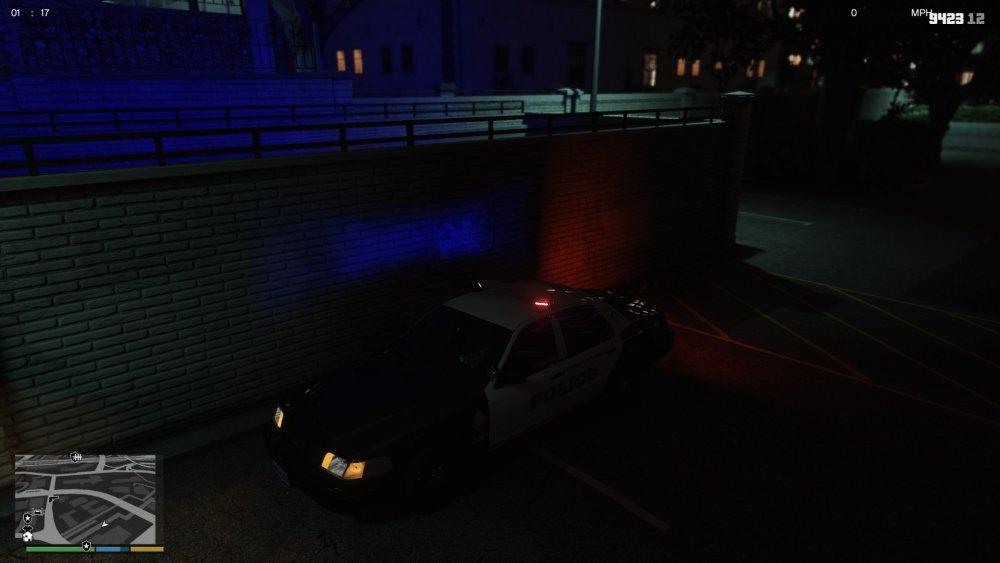
@willrsExactly. Now a way you can get a more realistic looking light is using a different texture. You can do this by changing <textureName>VehicleLight_sirenlight</textureName> to something else, or by replacing vehiclelight_sirenlight with something else. You will find this texture and may add whatever texture you want into your graphics.ytd. It is a black and white texture. The whiter the texture the more intense the light will be, and the darker (blacker) the texture is the dimmer and less intense the light will be. For example, this is a texture I made for LED lighting. Now be aware, like I mention before if spotlight=true it will flip this texture vertically, so if you are using a specific type of texture you may need to flip vertically, or may need to adjust where the texture is before putting it into graphics.ytd. That being said, there are no restrictions on how many textures you can have, EXCEPT you can only have 1 texture per siren setting....For example, my vanilla cars use the stock texture, my LED cars use ones that are all similar to the photo below, and my halogen cars use a more rounded texture.
-
I think it is in degrees. Remember though that it work just like a flashlight against a wall would....The more you increase the outter cone, the more the inner cone will also be increased...no matter what. The inner cone angle is only telling the game how much of a inner cone it is going to have.
-
No problem! Here is a little help <lightFalloffMax value="10.00000000"/> <!-- This adjusts the overall range of the lights --> <lightFalloffExponent value="10.00000000"/> <!-- This adjusts how fast the light falls off to nothing --> <lightInnerConeAngle value="2.29061000"/> <!--This is the BRIGHTER portion of the light cone--> <lightOuterConeAngle value="70.00000000"/> <--!This is the outter softer edge of the light cone--> <lightOffset value="0.00000000"/> <!--This setting is only used when Spotlight=true flag is used. This pulls or pushes the light source further or closer to the siren dummy. Think of this like a projector lens. The larger the number the more focused the image will be further away, and the more negative number the sharper the image will be closer to the siren dummy. Negative numbers can be used. --> <textureName>VehicleLight_sirenlight</textureName> <!--You can create any .dds image you want to use. This will be what the game projects as your siren. All textures need to be in the graphics.ytd in order for it to work. No specific naming is needed. BE AWARE! The Whiter a texture is the brighter it will appear in game. The darker the more subdued it will be -->e= how far away from the light dummy the light texture should start and further down towards the bottom... <spotLight value="false"/> <!--This is a tricky one...When spotlight=false, a light will be produced in a 180 degree arc from the siren dummy (Useful for when you have a side light for example on an ambulance.) When true, it produces a spotlight type of light. BE AWARE! When using custom textures spotlight=false with flip the texture on the verticle axis, so what you think is up is actually down-->
-
<lightFalloffMax value="50.00000000"/> <lightFalloffExponent value="50.00000000"/> These should not be equal. FalloffExponent should be less than falloffmax
-
It could be that your falloff and falloffexponent numbers are too high, therefore not being able to correctly use the cone angles as intended. Post your entry here and I will take a look at it.
-
@willrs What I have found is that outtercone is the softer light, and inner cone is the brighter light. I have also found that these settings only work when spotlight=true.
-
Read thru this....It will help you more than I can thru a single post.
-
you would need to edit the carcols then.
-
Edit the UV for the red light and move it to the blue texture, or delete the red part, copy the blue part and rename it to what the red part was.
-
Looks like you have a red texture there too.
-
-
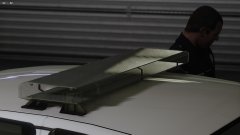
From the album: WIP
Liberty I first in-game test -
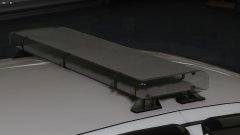
From the album: WIP
Liberty I first in-game test -
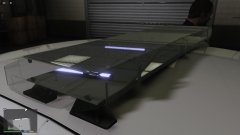
From the album: WIP
Liberty I first in-game test -
@jb431 Yes, if the ytd has an excessive amount of textures in it, it will most likely have not have been optimized. Unfortunately, just deleting the textures will not help the situation as the model is still calling on the material used. Not only that, but if you start deleting textures, the game will use more processing power trying to find the missing textures...That being said, you are pretty much between a rock and a hard place, being that most people, when adding equipment, do not try to combine the textures into one texture sheet, and therefore for each piece of equipment have upwards of 5-6 or more textures, and for each texture, it's own material (or more).




