DirectorPr
Members
-
Joined
-
Last visited
Everything posted by DirectorPr
-
I moved it back to my C: drive to see if that would fix it, however its still giving me the GTAVLauncher.exe failed to start.
-
Yes of course. Let me know if there's any other files I can pull up to help solve this.
-
I followed that guide as well, and disabled all of the gameDVR/gameBar things however I'm still getting the issue. I appreciate you taking the time to help me.
-
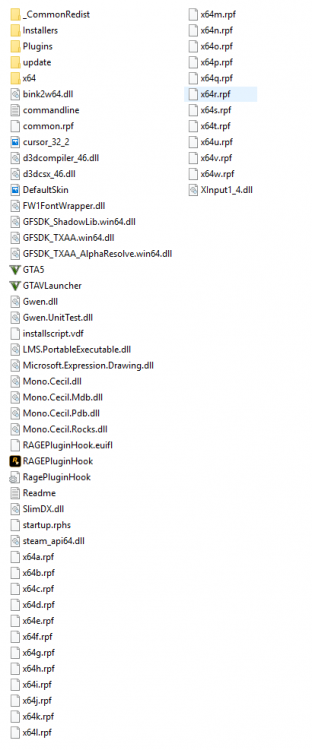
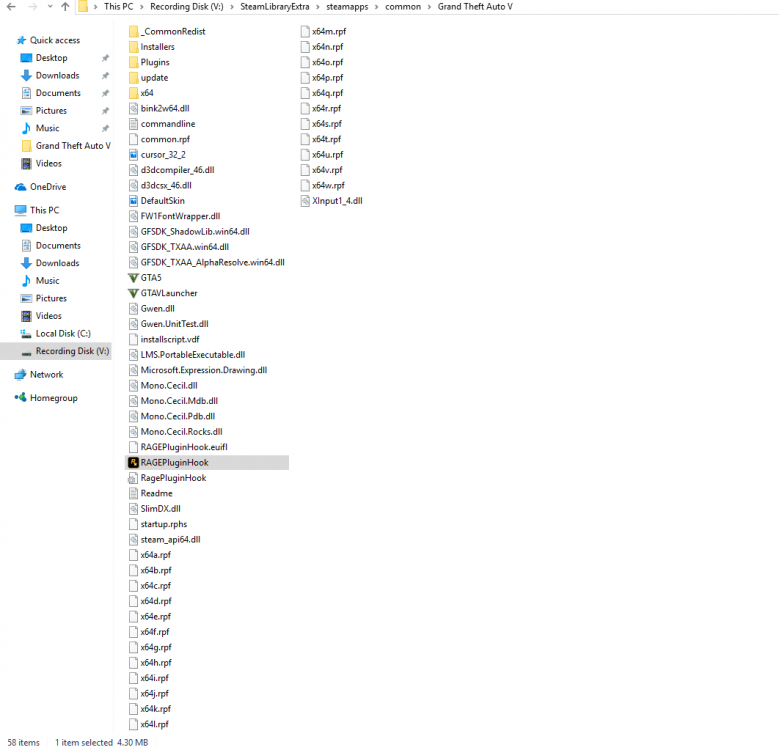
Hey guys, so I've been having issues with the RagePluginHook, and I believe its isolated to the RagePluginHook itself as just the plugin, no addons, I can recreate the problem. With the RagePluginHook being updated to 0.55.1131.11501, I decided to download to, and try to reinstall LSPDFR. However after installing RPH, I tried to run the game with just RPH, and I continually got the error "GTAVLauncher.exe failed to start" after the game had booted up, and was at the splash screen. This seems to be isolated to just RPH, and doesn't have anything to do with any addons I have as the plugins folder is completely empty. I've already tried to reinstall it, run it as administrator, and even utilize "Run with Compatibility: Windows 8" for both the GTAV.exe and RagePluginHook. However I'm at the limit of what I know to do to treat the problem, and I need some help to figuring this thing out. As well as it doesn't run long enough to give me a log file to provide unfortunately. I've attached a screen shot of my folder as well. I've also done the Windows Creators Update fix, to disable recording and etc. System Specs: Windows 10 Home 64-bit AMD FX-9370 16.0GB Dual-Channel DDR3 @ 802MHz ASUSTeK Computer Inc. Sabertooth 990FX R2.0 Nvidia GeForce GTX 1060 6GB 931GB Seagate ST310005 28AS SATA Disk Device 1863GB Western Digital WDC WD20 03FYPS-27W9B0