Skip to content
View in the app

A better way to browse. Learn more.

LCPDFR.com

A full-screen app on your home screen with push notifications, badges and more.

To install this app on iOS and iPadOS
  1. Tap the Share icon in Safari
  2. Scroll the menu and tap Add to Home Screen.
  3. Tap Add in the top-right corner.
To install this app on Android
  1. Tap the 3-dot menu (⋮) in the top-right corner of the browser.
  2. Tap Add to Home screen or Install app.
  3. Confirm by tapping Install.

brooklyninenine

Members
  • Joined

  • Last visited

  1. brooklyninenine changed their profile photo
  2.    Deactivated Member reacted to a review on a file: Snt. Joseph County Indiana Impala
    Nice to see the county brownies on here man keep it up bro
    sweet im from the south bend area too nice to see some mishawaka cars all is needed now is river park shootings lol
  3.    brooklyninenine reacted to a post in a topic: lighting issue
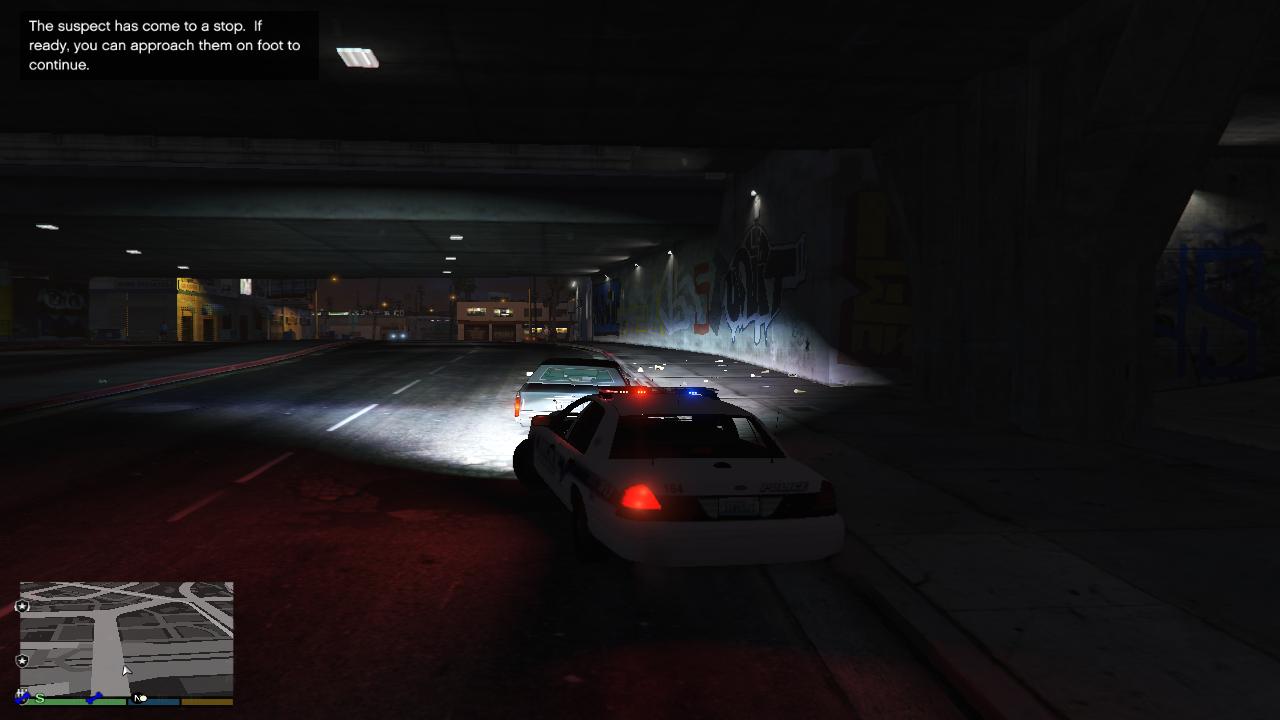
  4. having a lighting issue on a few cars the lights are not red and blue but more of a clear color tried to mess with my graphics and still not finding a fix to this issue could some one lead me in the right direction thanks
    • 45 downloads
    • Version 1.0.0
    another skin for my fleet of blaine county sheriff cars the 2014 dodge charger black and gold
  5. OfficerBlackjack started following brooklyninenine
    • 42 downloads
    • Version 1.1.0
    my first skin for gta an black and gold blaine county cvpi skin
  6. Images added to a gallery album owned by brooklyninenine in GTA V Galleries
    first skins ive made for gta v blaine county sheriffs black and gold decals
  7. brooklyninenine started following Illusionyary
    Very nice textures definitely gonna use them for a few episodes with correct credits I give it 5 stars keep up the good work

Account

Navigation

Search

Search

Configure browser push notifications

Chrome (Android)
  1. Tap the lock icon next to the address bar.
  2. Tap Permissions → Notifications.
  3. Adjust your preference.
Chrome (Desktop)
  1. Click the padlock icon in the address bar.
  2. Select Site settings.
  3. Find Notifications and adjust your preference.