Skip to content
View in the app

A better way to browse. Learn more.

LCPDFR.com

A full-screen app on your home screen with push notifications, badges and more.

To install this app on iOS and iPadOS
  1. Tap the Share icon in Safari
  2. Scroll the menu and tap Add to Home Screen.
  3. Tap Add in the top-right corner.
To install this app on Android
  1. Tap the 3-dot menu (⋮) in the top-right corner of the browser.
  2. Tap Add to Home screen or Install app.
  3. Confirm by tapping Install.

InFamouse

Members
  • Joined

  • Last visited

Everything posted by InFamouse

  1. cool.i cant wait to see that pack.i am totally going to use it if its good
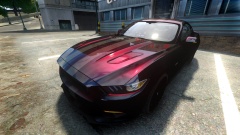
  2. very nice car but it would be cool if u where able to change the lightbar to red and blue instead of just blue
  3. Nice work dude. But a video would be cool to have on the page
  4. is their motion blur when driving fast or when looking around
  5. Very nice pictures but can u make a youtube video showing it off
  6. very nice model but can u make a lcpd texture with the cars pls that would be nice
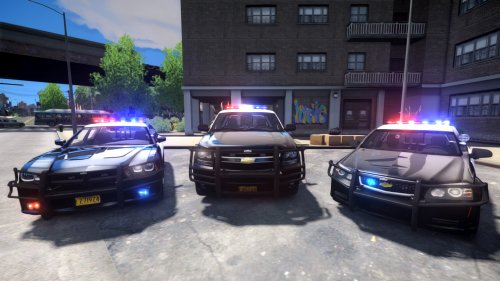
  7. Very nice cars and yes it looks to be els v 8 for everyone out their

Account

Navigation

Search

Search

Configure browser push notifications

Chrome (Android)
  1. Tap the lock icon next to the address bar.
  2. Tap Permissions → Notifications.
  3. Adjust your preference.
Chrome (Desktop)
  1. Click the padlock icon in the address bar.
  2. Select Site settings.
  3. Find Notifications and adjust your preference.