


Creators: Due to background reprocessing of files, approvals and file security checks may be delayed. Thanks for your patience.

FirstDue Digital
Members
-
Joined
-
Last visited
Everything posted by FirstDue Digital
-
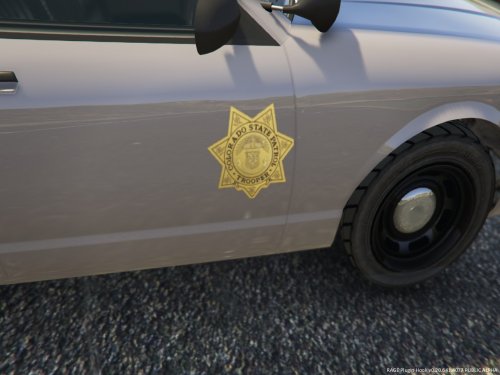 A texture I made based on the newer Colorado State Patrol paint scheme. I primarily made it to experiment with the (terrible) Rockstar mapping of the Sheriff's car... Additional preview pics are included in the file. Please don't edit, copy, or redistribute the texture. As always, any suggestions, feel free to let me know! Thanks, I hope you enjoy!
 -
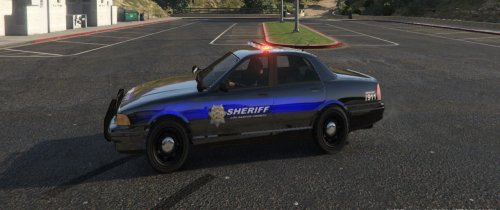 My second attempt at a Thin Blue Line-based Sheriff's Cruiser. This is the most pronounced and consistent I could make the line. \I"m not a fan of Rockstar's "mapping," (if you want to call it that), since they use the same pieces in multiple areas of the vehicle (which is why you'll notice the blue behind Sheriff on the back of the car). Additional preview pics are included in the file. Please don't edit, copy, or redistribute the texture. Any suggestions, feel free to let me know! Thanks, I hope you enjoy!
 -
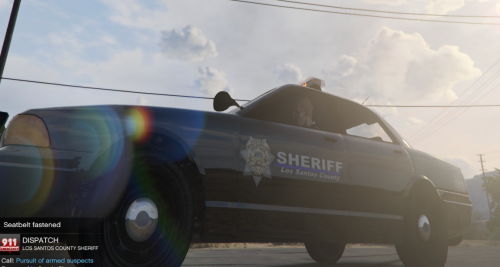 Yeah. Unfortunately, that's really the only place I could have it without it looking out of place. I originally intended for it to go all the way across the front door, under the badge, but it didn't look too great.
 -
My first file release. I made this quick Sheriff's Cruiser texture. Original idea was based on the Thin Blue Line, which you may Google if you are unfamiliar. The skin is white text on black background, with a new badge. Additional preview pics are included in the file. Please don't edit, copy, or redistribute the texture. Any suggestions, feel free to let me know! Thanks, I hope you enjoy!
-
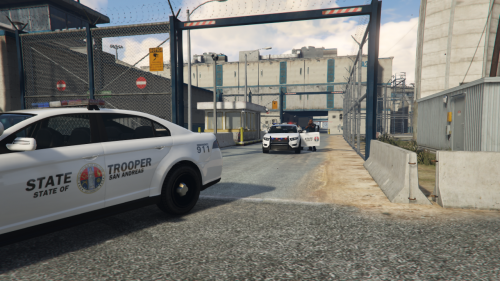 A very simple scheme, but looks fantastic! The Interceptor definitely looks sharper with this texture.
- 16 comments
- 5 reviews
-
-

- 1
-

